Conductivity
It indicates the concentration of fertilisers in the water: the fertiliser is dosed up to the set value.
In fertigation, fertilisers are dissolved in the irrigation water: the fertiliser concentration is proportional to the conductivity of the water, while pH adjustment prevents water hardness from staining the foliage. The systems measure the two parameters and dose fertiliser and acid up to the set values.
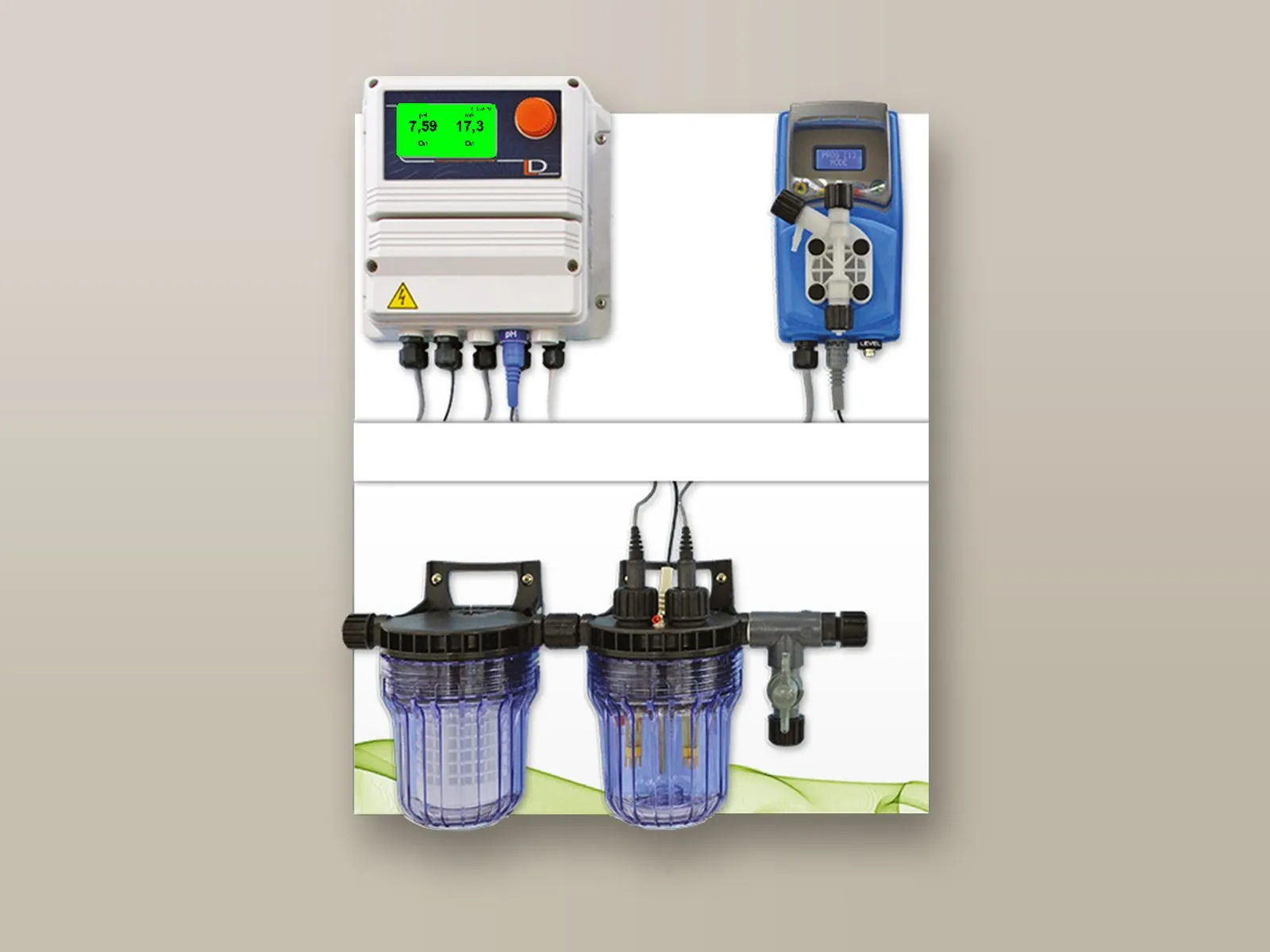
It indicates the concentration of fertilisers in the water: the fertiliser is dosed up to the set value.
A lower pH prevents the calcium hardness in the water from precipitating, staining the leaves and clogging the drippers; between 5.5 and 6.5 it also promotes the uptake of phosphorus and micronutrients. It is corrected by dosing acid.
With irrigation water of constant quality, dosing can be proportional to the volume measured by the water meter.
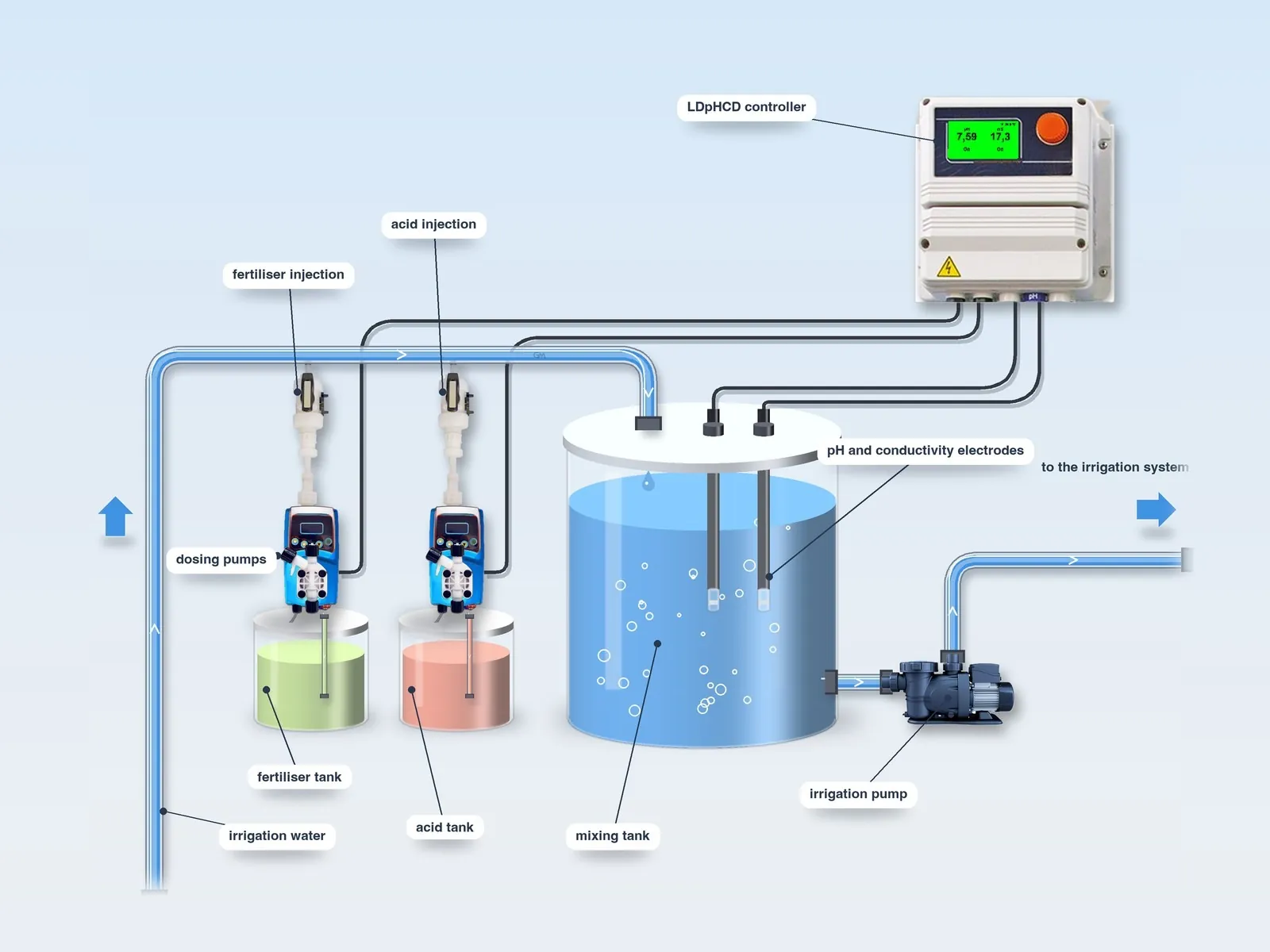
Each system has its own page with the diagram, the components and the operation.
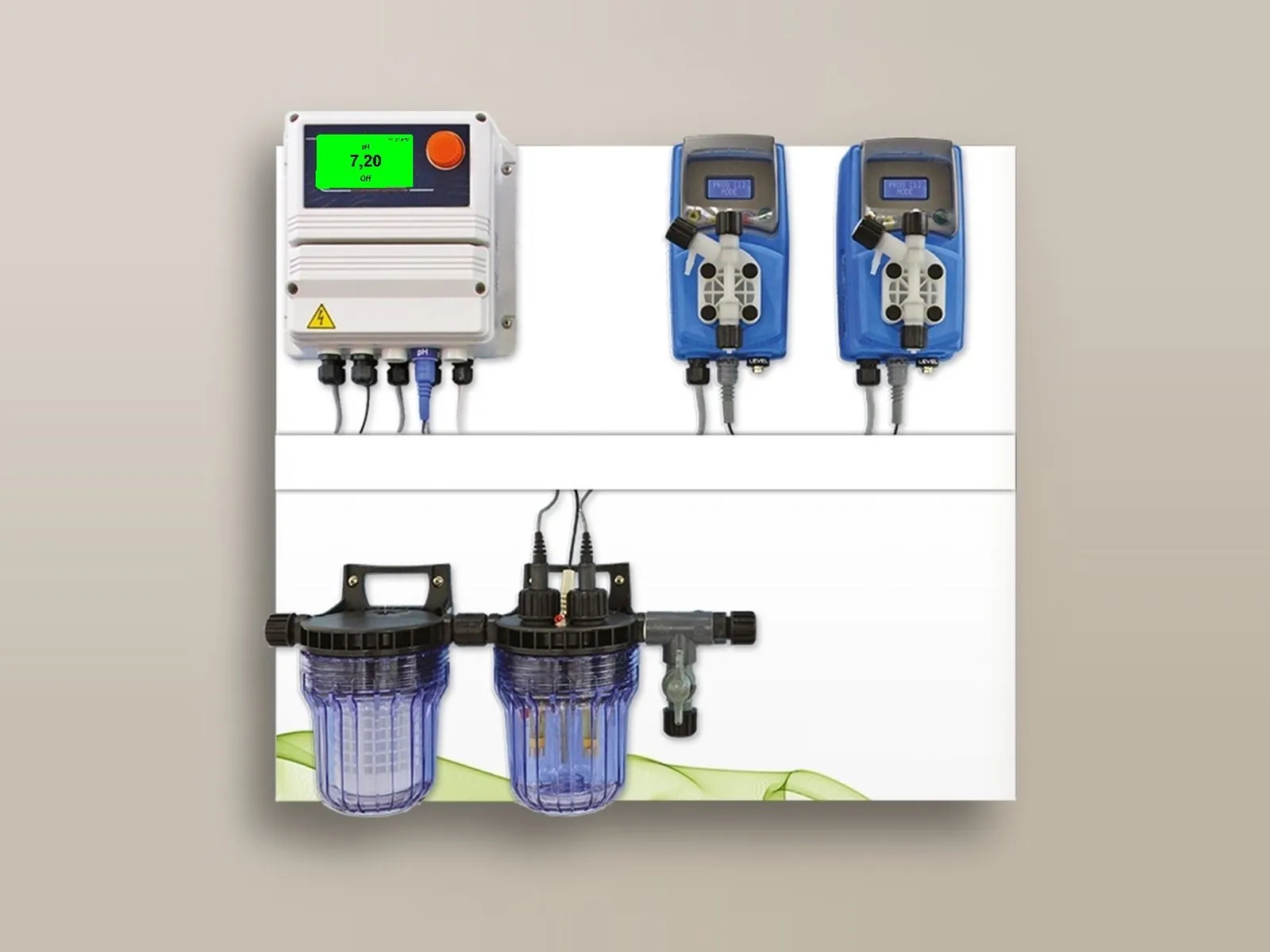
The LDspH controller measures the pH of the solution and controls the acid pump, which brings it to the set value in proportion to the deviation from the set point.
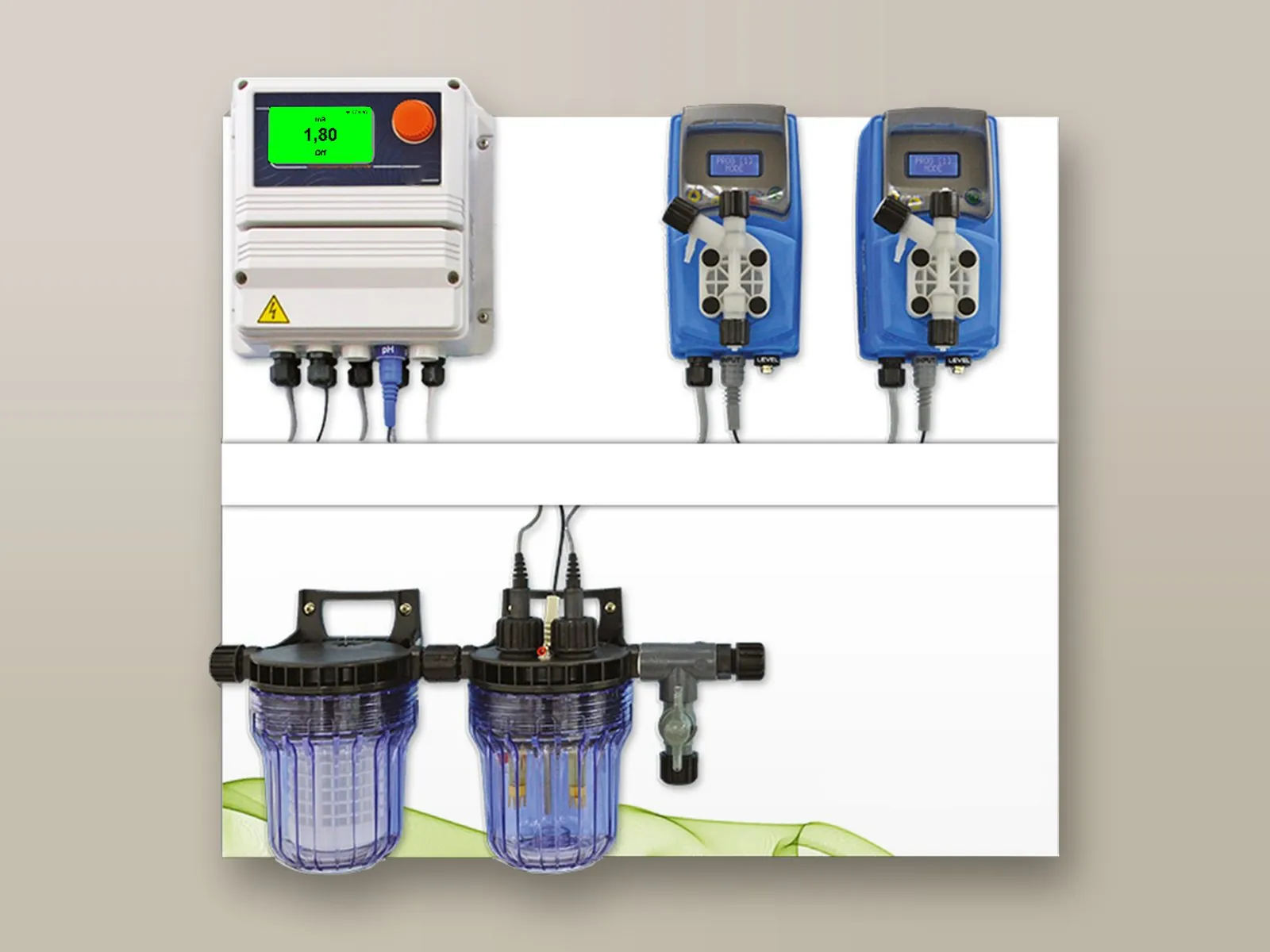
Conductivity indicates the concentration of fertilisers in the water: the LDsCD controller measures it and activates the fertiliser dosing up to the set value.
A single controller for the two fertigation parameters: the LDpHCD adjusts the pH proportionally with acid and the conductivity with fertiliser.
The pulse-output water meter on the irrigation water pipe controls the fertiliser and acid dosing pumps, which dose in proportion to the volume of water.
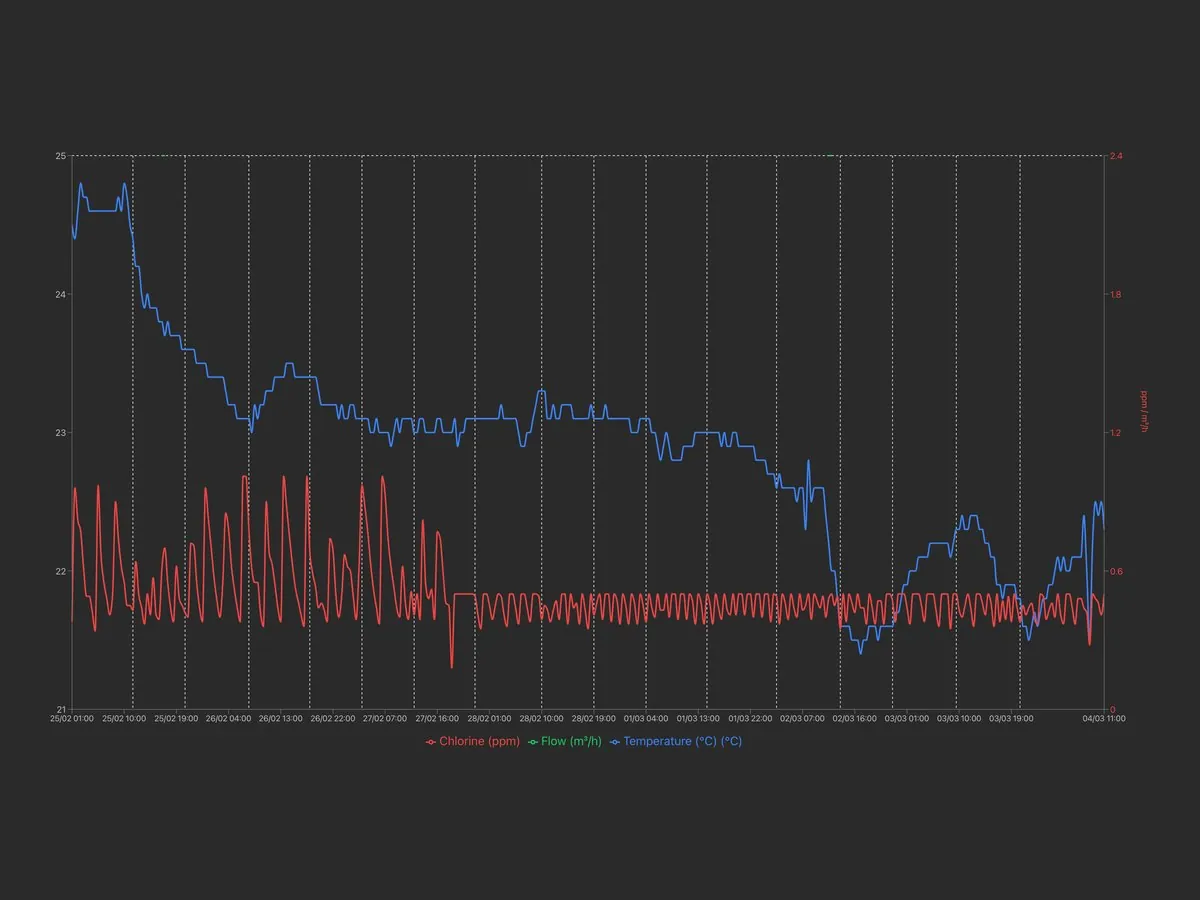
The controllers can be remotely controlled bidirectionally (read and write) from the web portal, from PC, tablet and smartphone: viewing of measurements, modification of set points, dosing and alarms, receipt of alarms and download of logs. Alternatively, integration into your PLC via Modbus is possible.
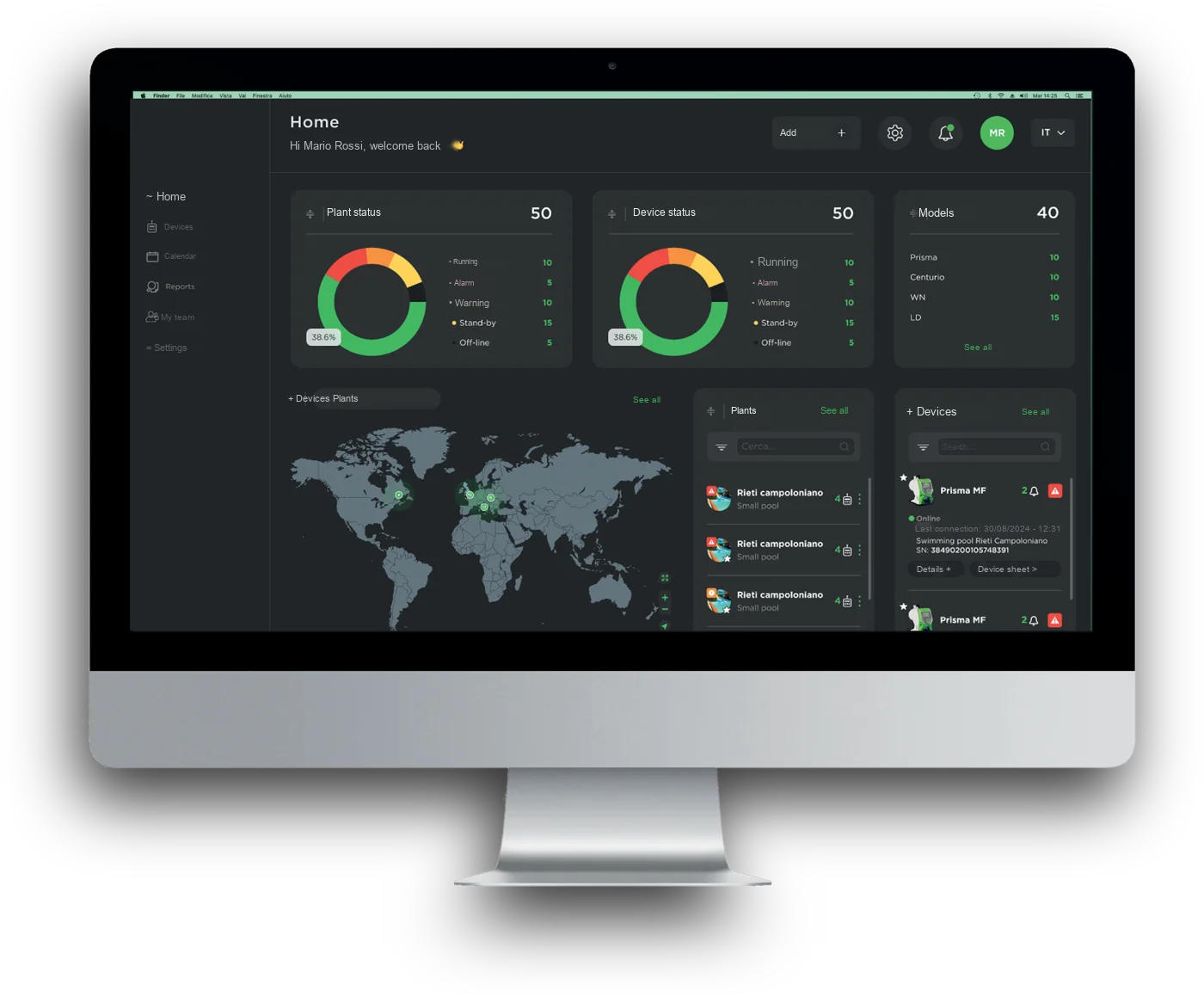
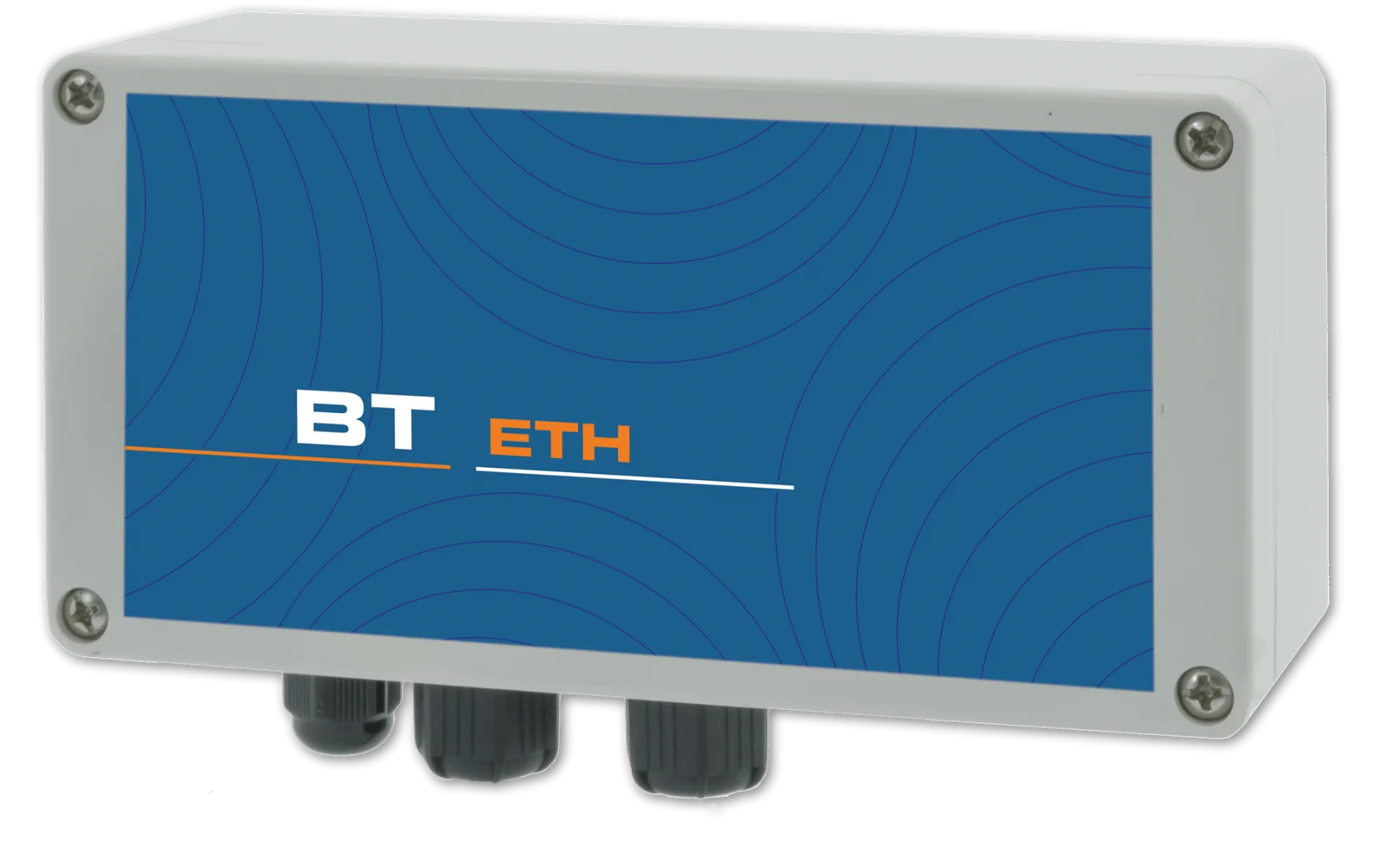
Connection to the web portal via network cable: measurements, set points, dosing and alarms accessible from PC, tablet and smartphone.
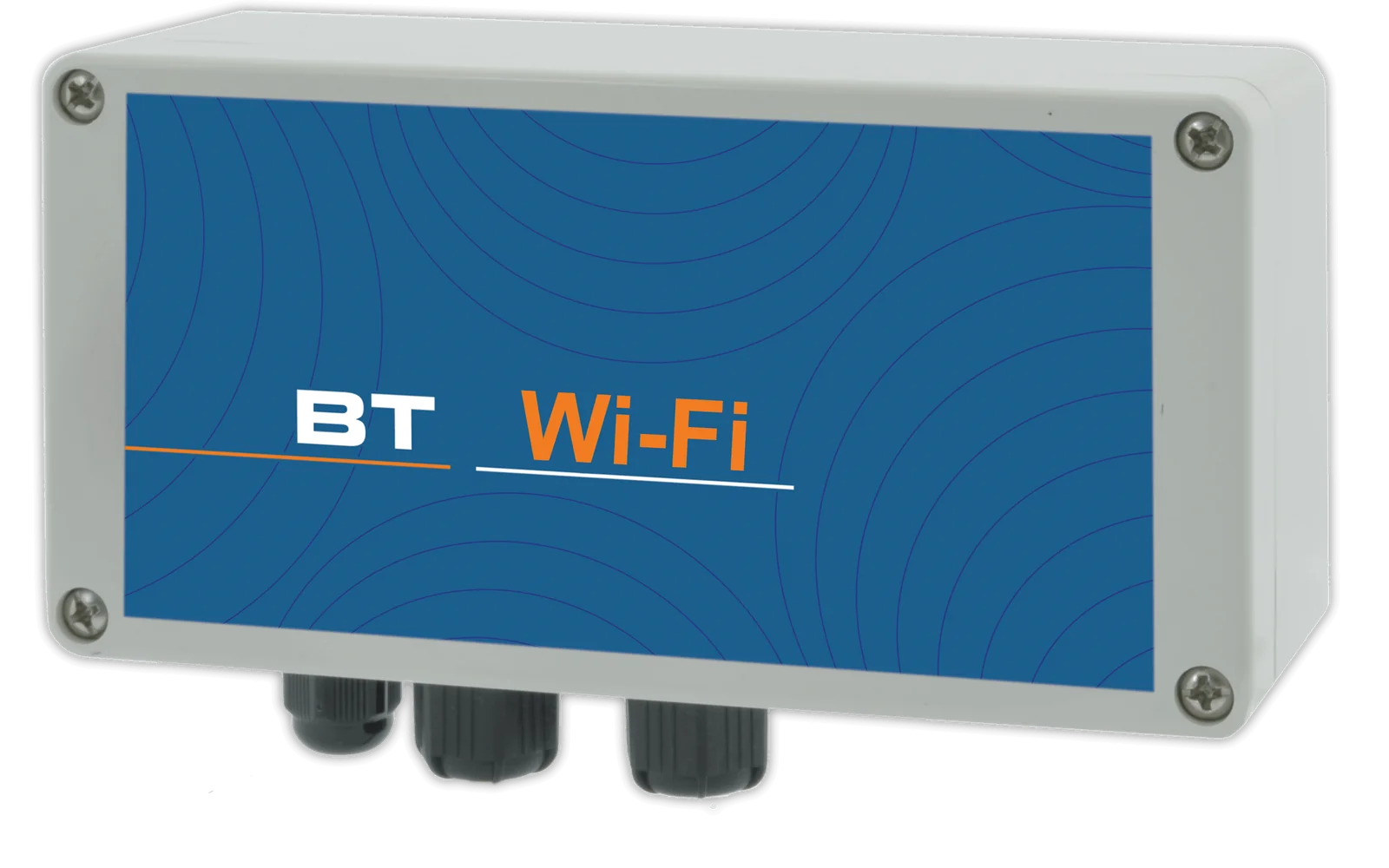
Wireless connection to the web portal, with the same functions as the cable connection.
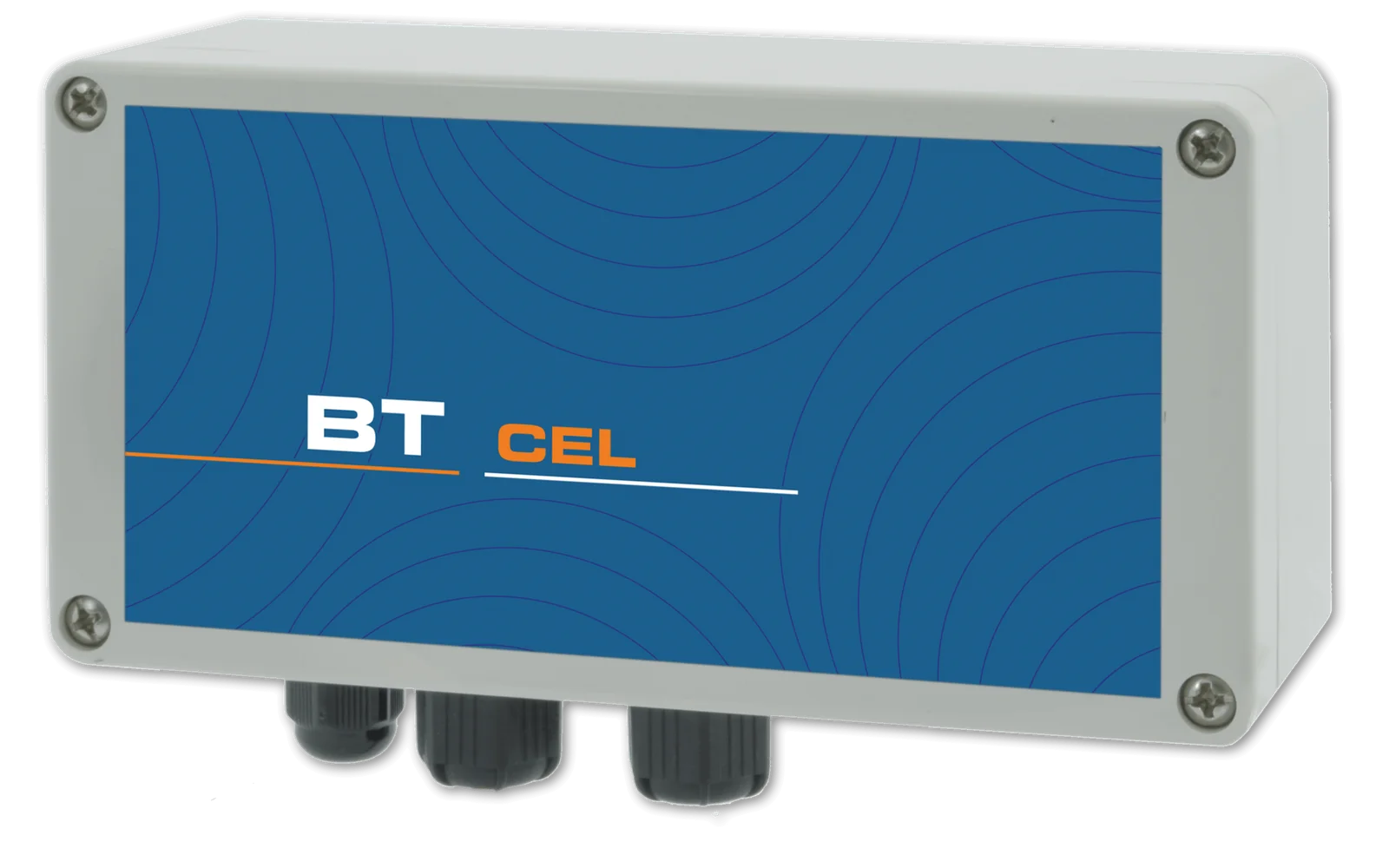
Connection via the cellular network for installations without a local network, with alarm notification by SMS or e-mail.
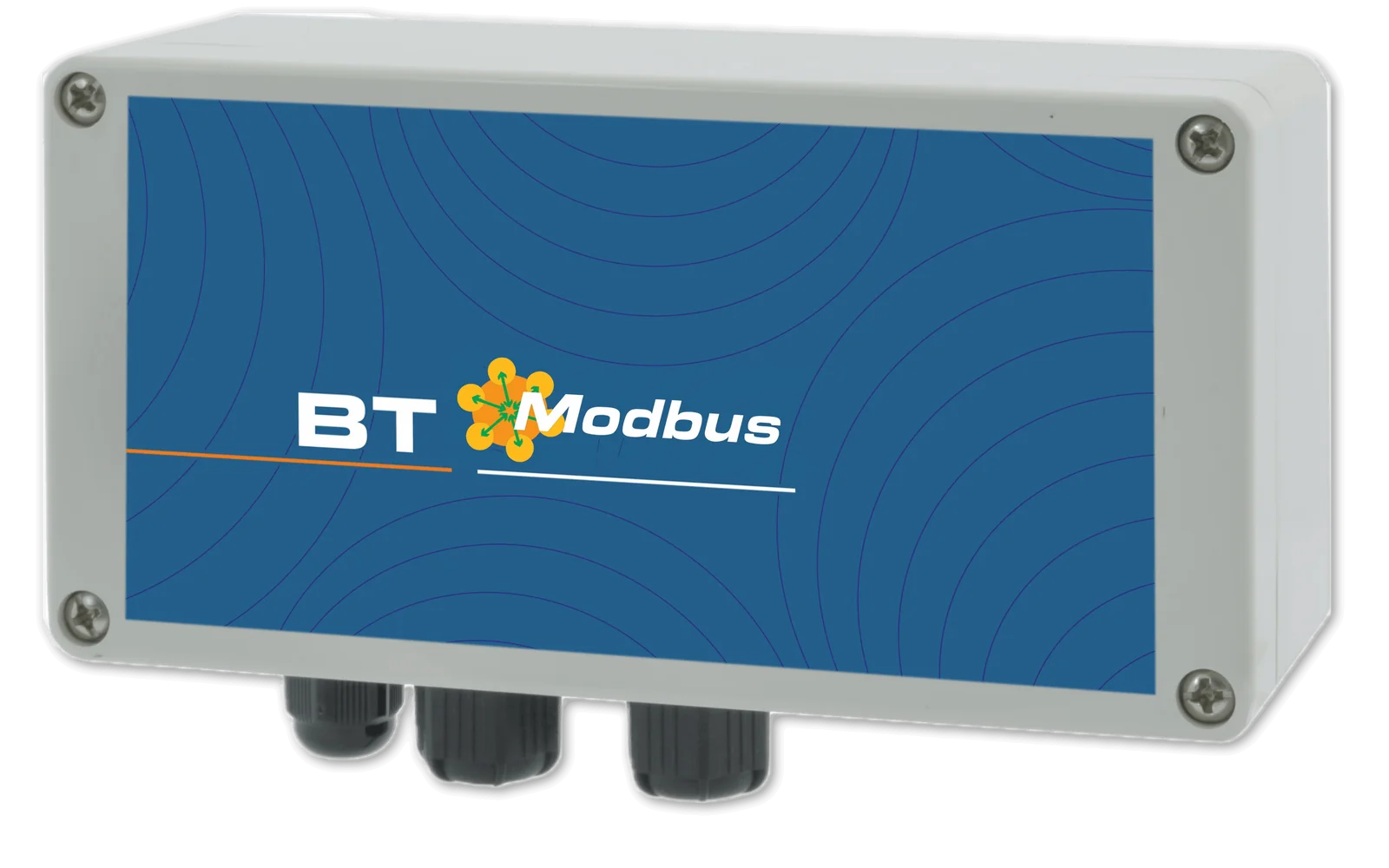
Integration into your PLC via serial port.
Integration into your PLC or SCADA via Ethernet network.

Current signal proportional to the measured value, for remote monitoring or for controlling pumps and other instrumentation.
A single account brings together all registered installations, each with its own devices: the web portal, free of charge and with no subscription, can be accessed from PC, Mac, tablet and smartphone and allows every parameter to be both viewed and changed, with an encrypted connection and protected access.
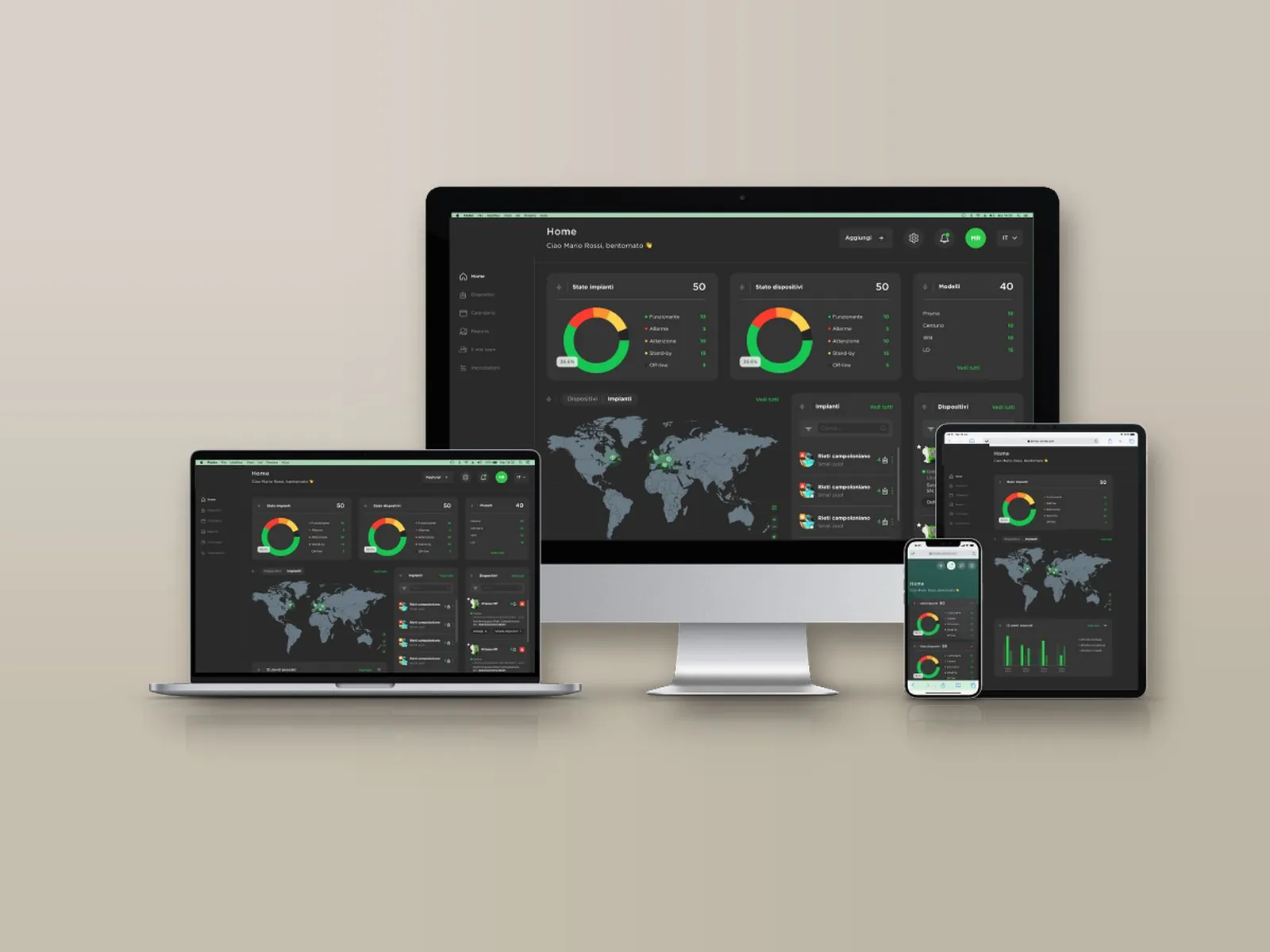
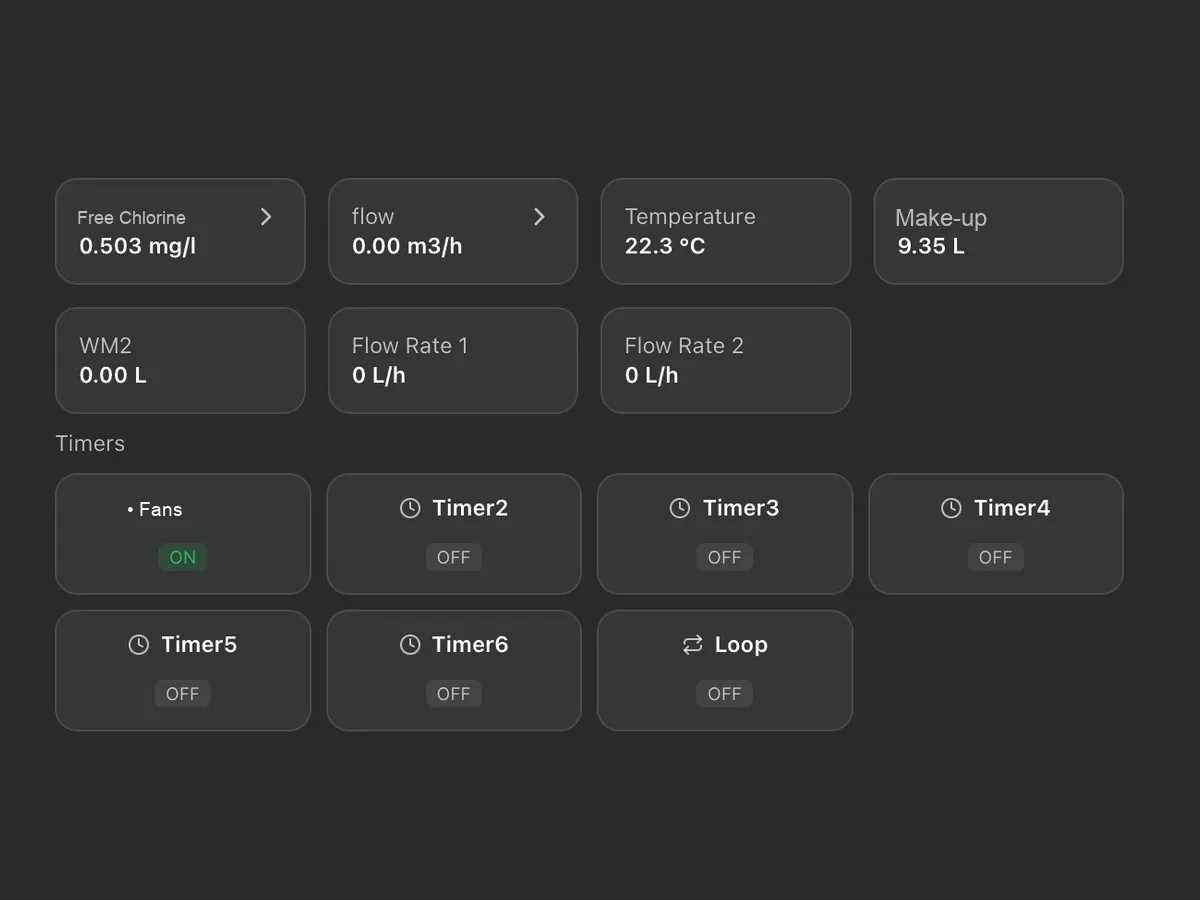
On a single screen: probe readings, chemical levels, pump activation thresholds and active alarms, with the status of installations and devices (normal, warning, alarm, standby, not connected).
Installations appear on an interactive map with their status and open with a click; for each one, the local weather conditions and temperature are also shown.
Archive of measurements and alarms, available for consultation at any time with charts and numerical reports exportable in Excel format.
Alarm thresholds for readings, dosing, faulty probe and out-of-range readings, with notification by e-mail or SMS depending on the communication system; a warning is also issued when an installation remains disconnected beyond the set time.
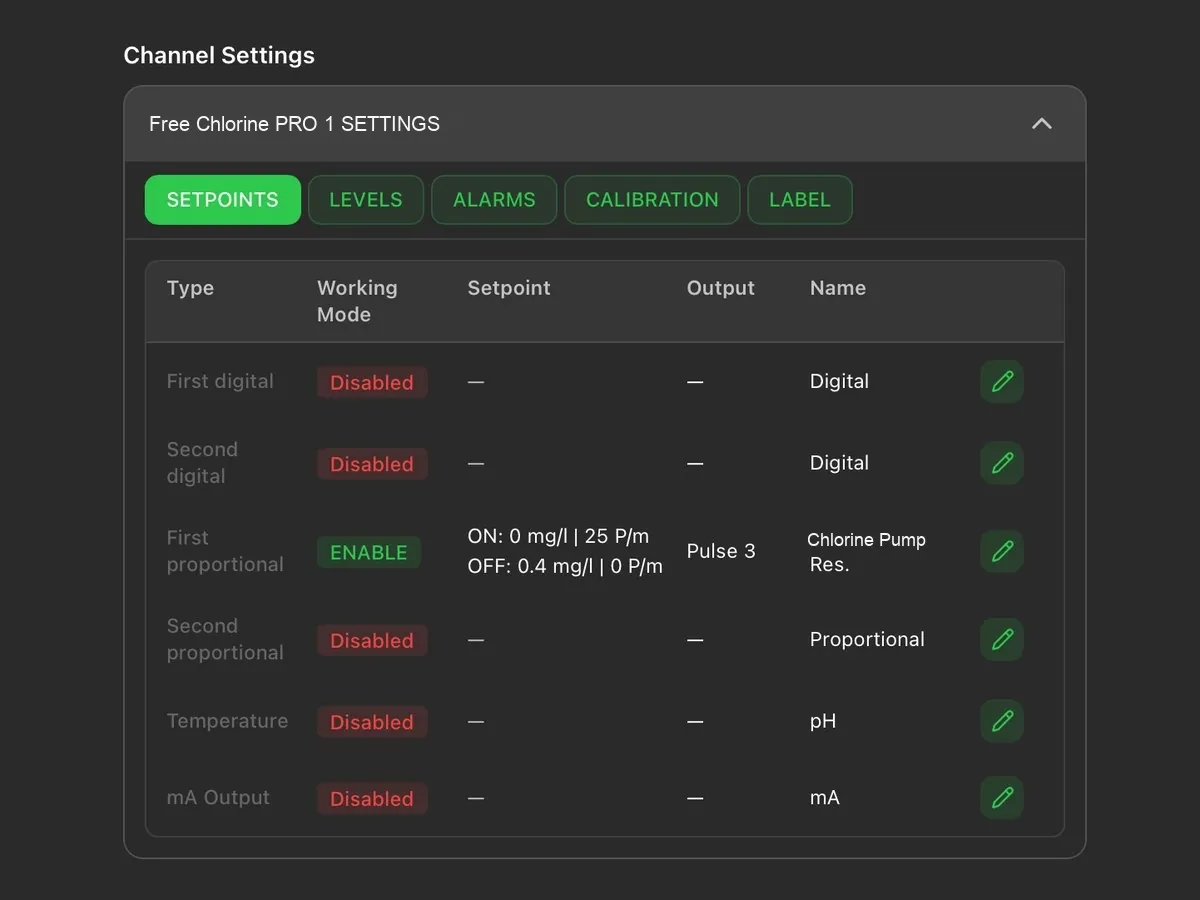
Remote modification of the set points, of the dosing pump activation thresholds and of the corresponding hourly flow rate.
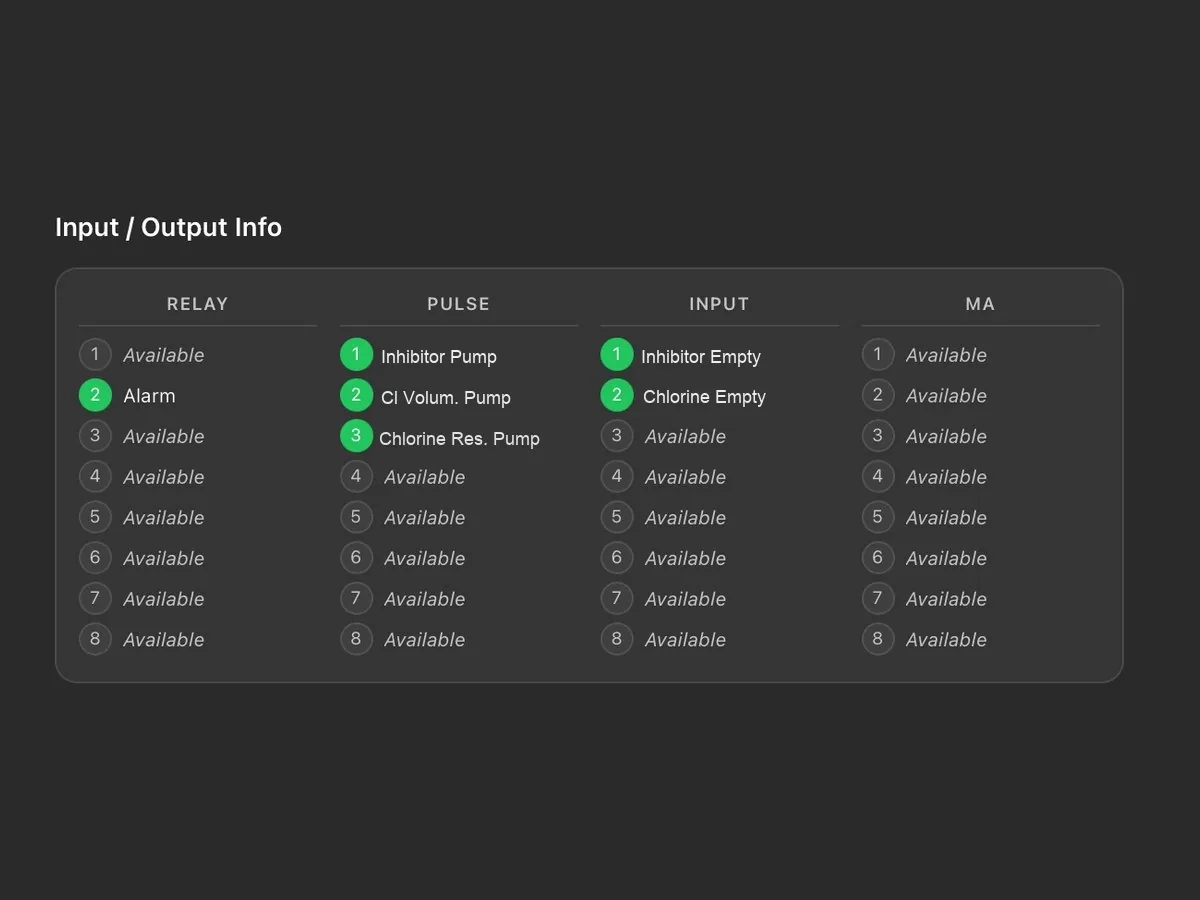
Status of relays, pulse outputs, digital inputs and current outputs, with the name assigned to each connection.
Tasks are scheduled by installation or by device and assigned to technicians; a reminder is sent by e-mail two days before the due date. Each task is shown as scheduled, due, overdue or completed.
The main account has full access and creates the technicians’ accounts, each enabled only for the assigned installations and devices; the last login and activity of each technician are visible.
Reports on devices, tasks and technicians, downloadable in PDF or CSV with the customer’s logo; the log keeps the history of operations and disconnections.
Logo, main colour and light or dark theme; the tiles on the main screen can be rearranged by dragging them. Two installations can be displayed side by side for comparison.
Each device is added through a guided procedure: the model is recognised automatically and associated with the installation, together with the technician to be contacted.
As an alternative to the portal, the Modbus RTU or TCP/IP port allows integration into the plant supervision system.
Systems are supplied pre-assembled and tested, in the form best suited to the plant room: on a panel, in a cabinet or on a skid (with cover, in a box or on a frame), also tailor-made. Some examples.
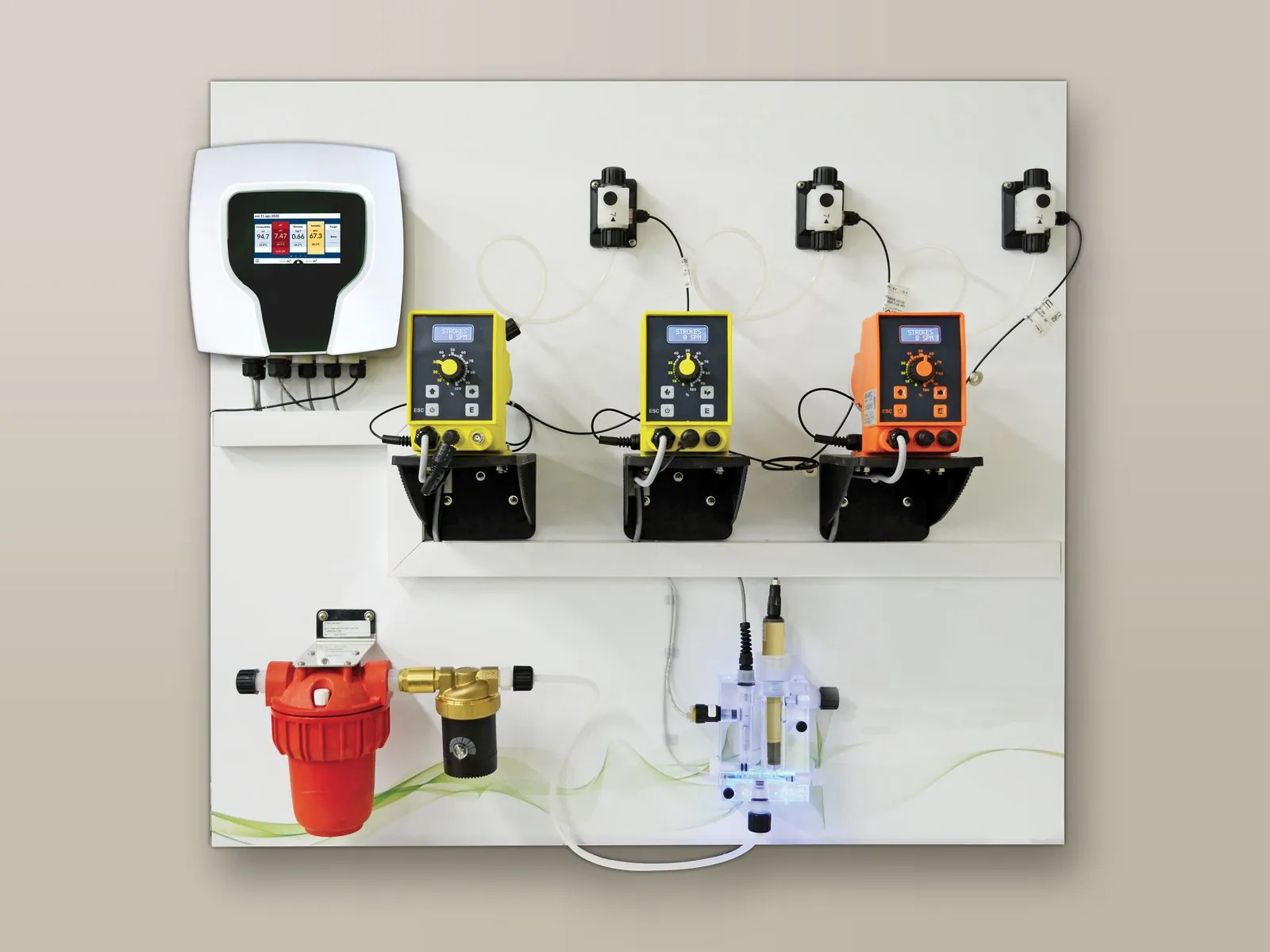
Controller, pumps, probe holder and accessories mounted and wired on a wall panel.
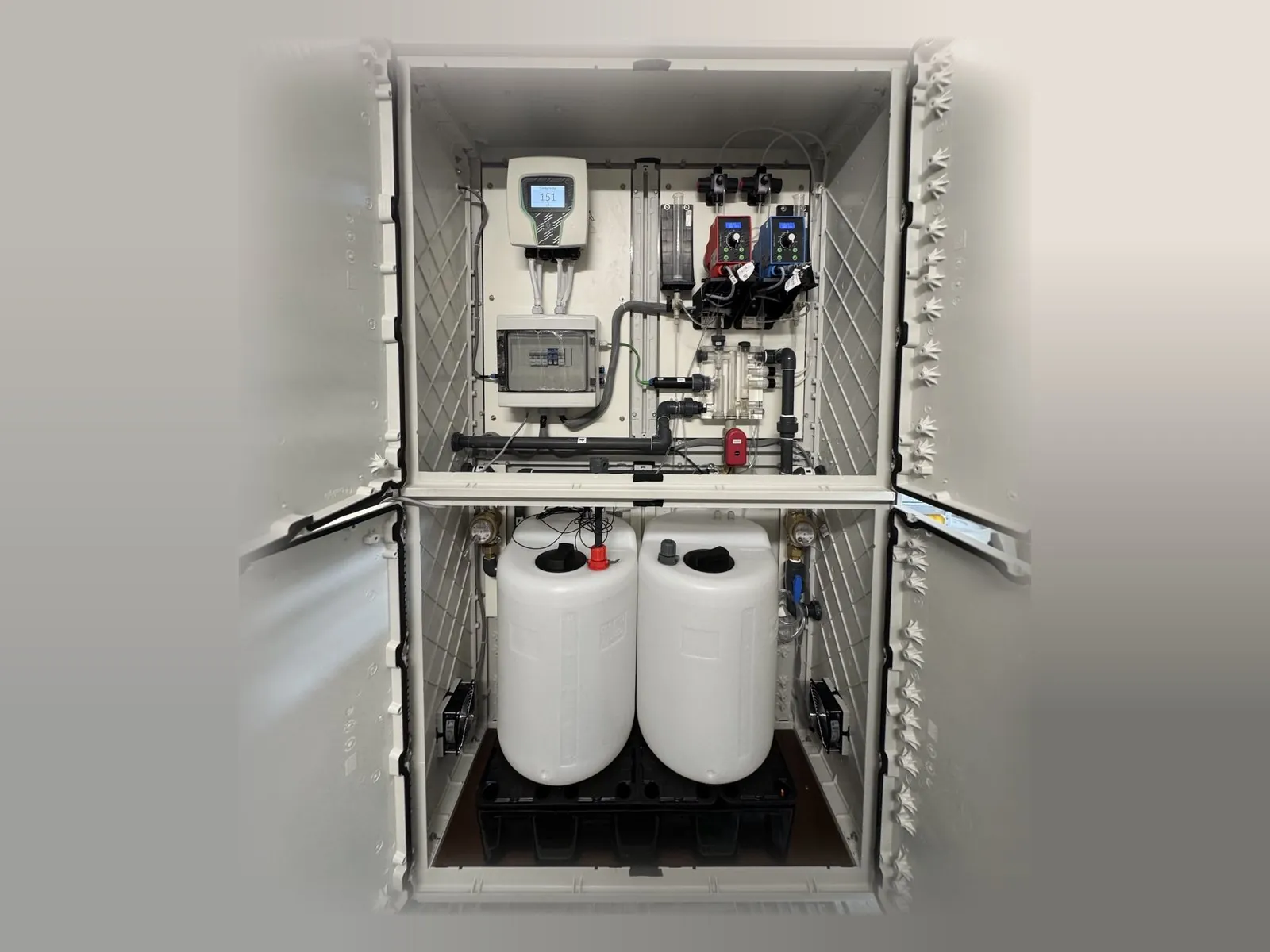
System panel and chemical tanks housed in a single cabinet.
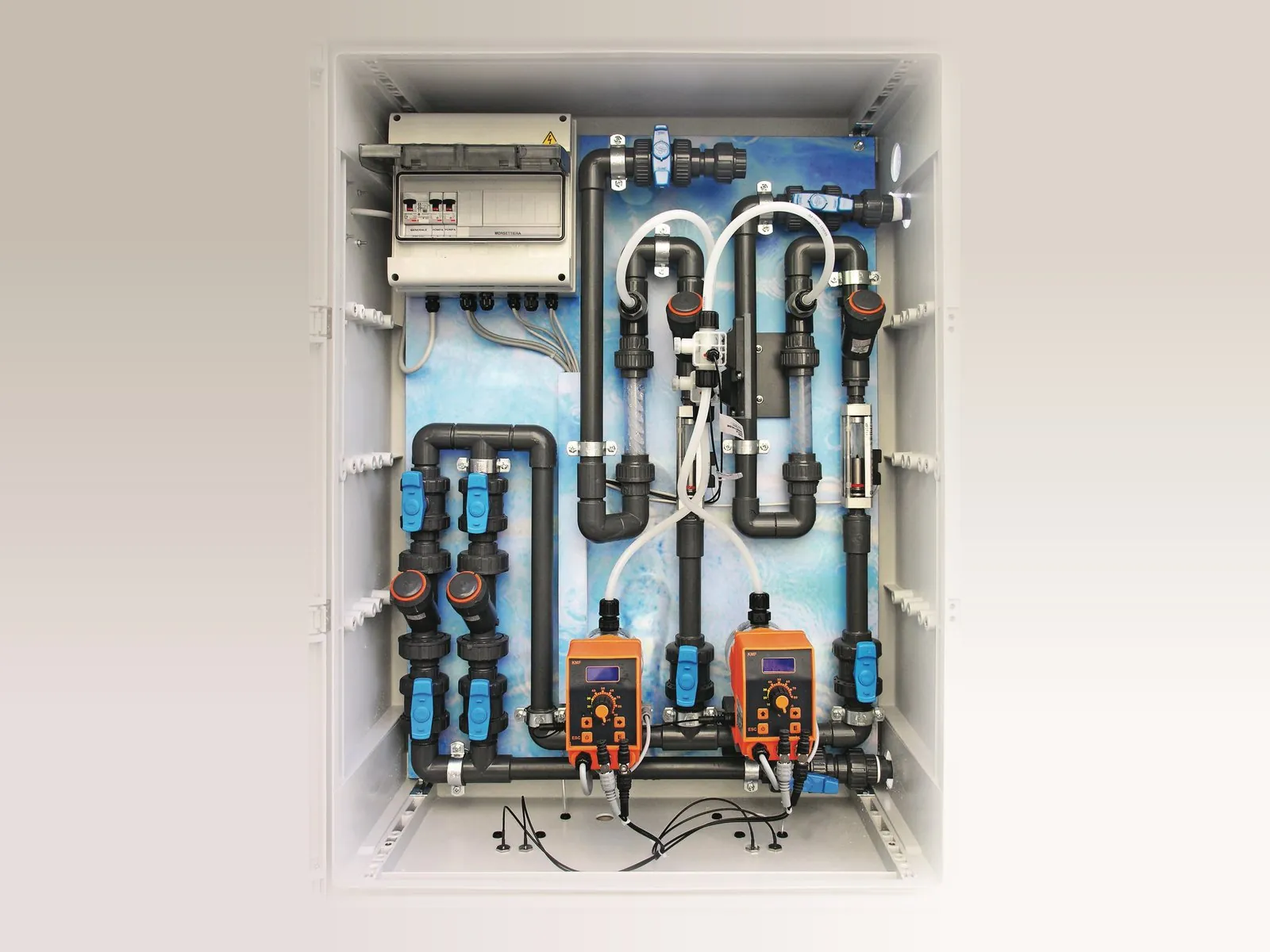
Pipework, pumps and electrical panel in a wall cabinet with door.
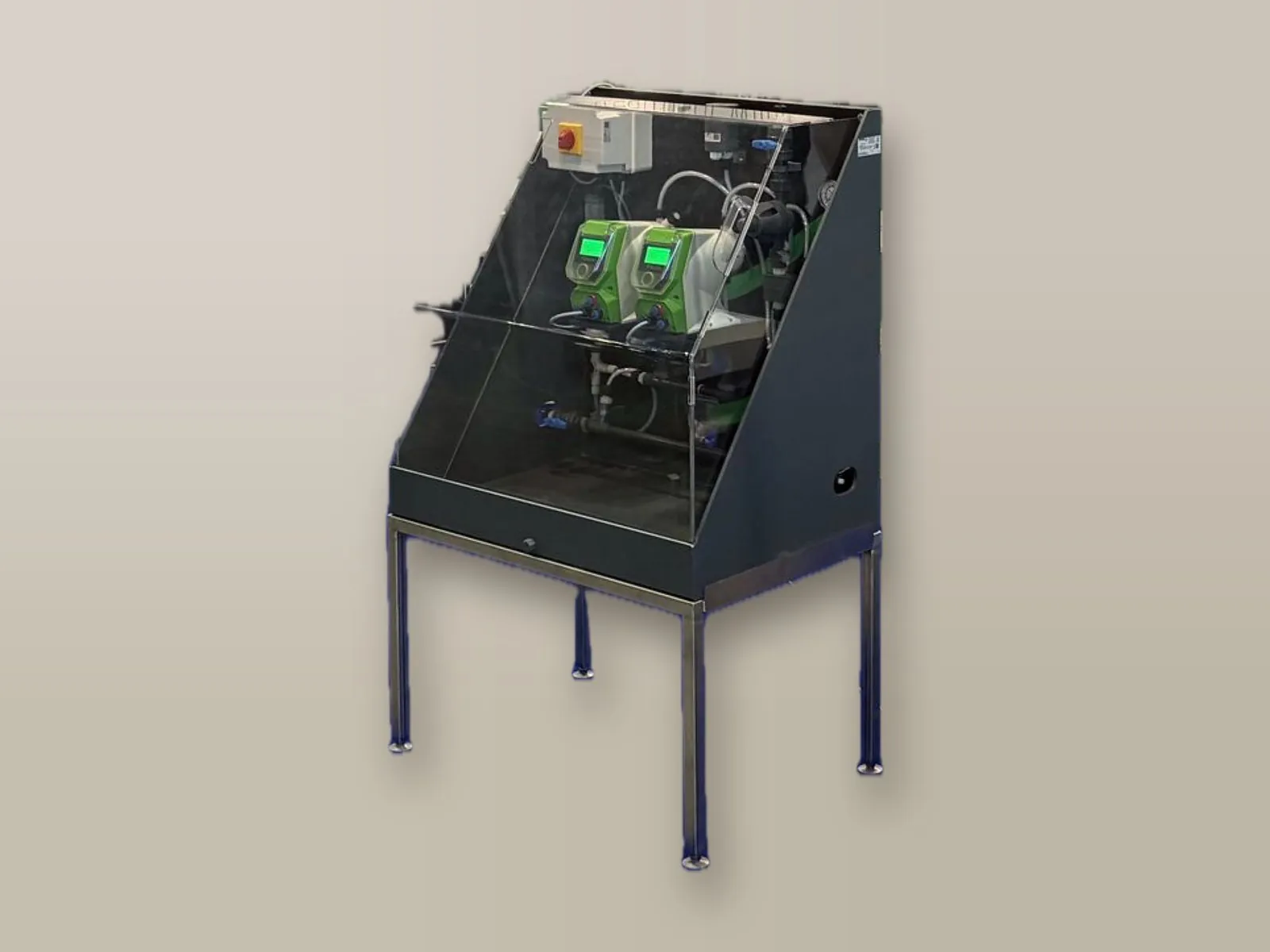
Skid with raised stainless steel frame and protective PMMA cover.
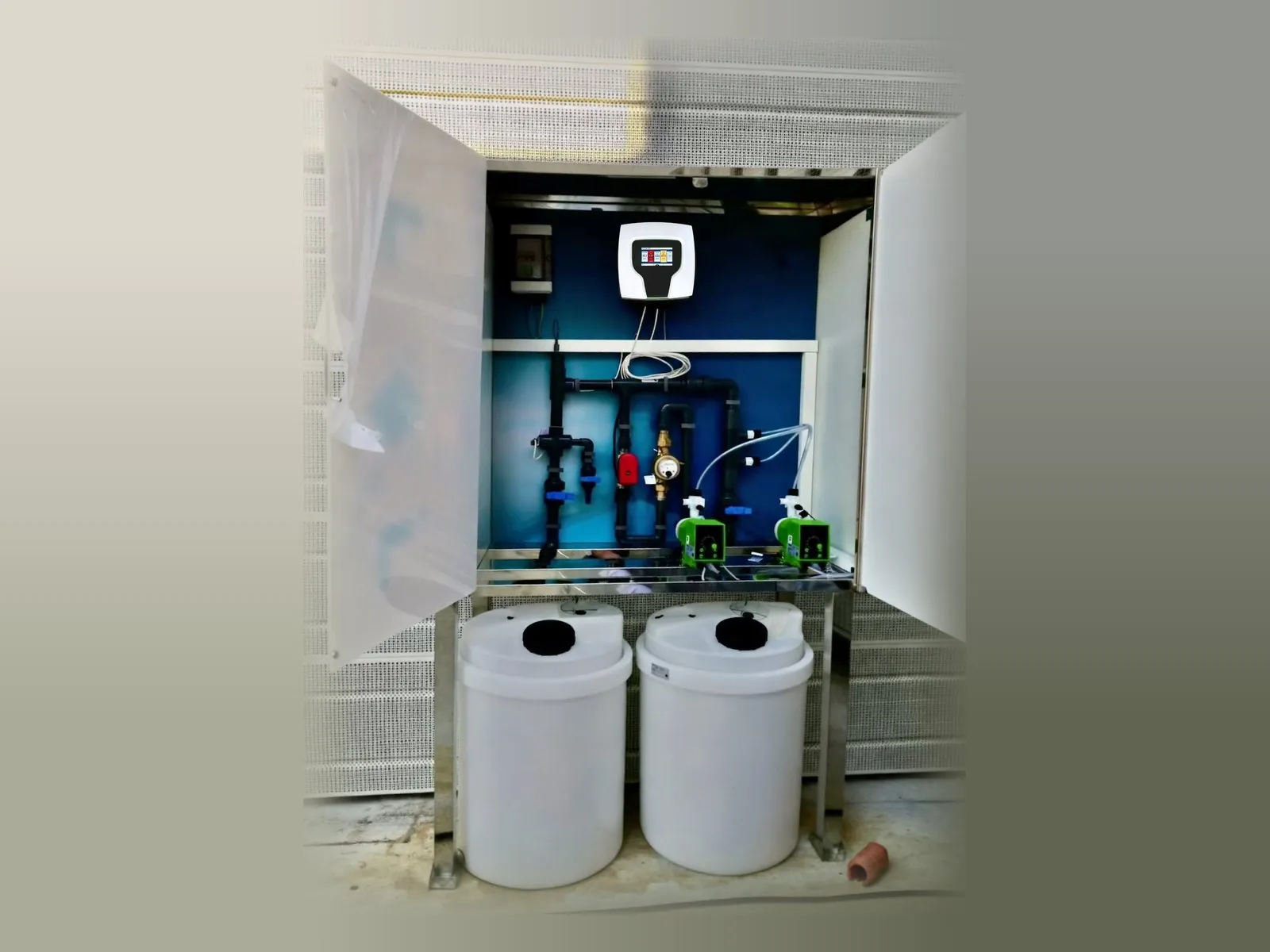
Skid enclosed in a box with door, with the chemical tanks at the base.
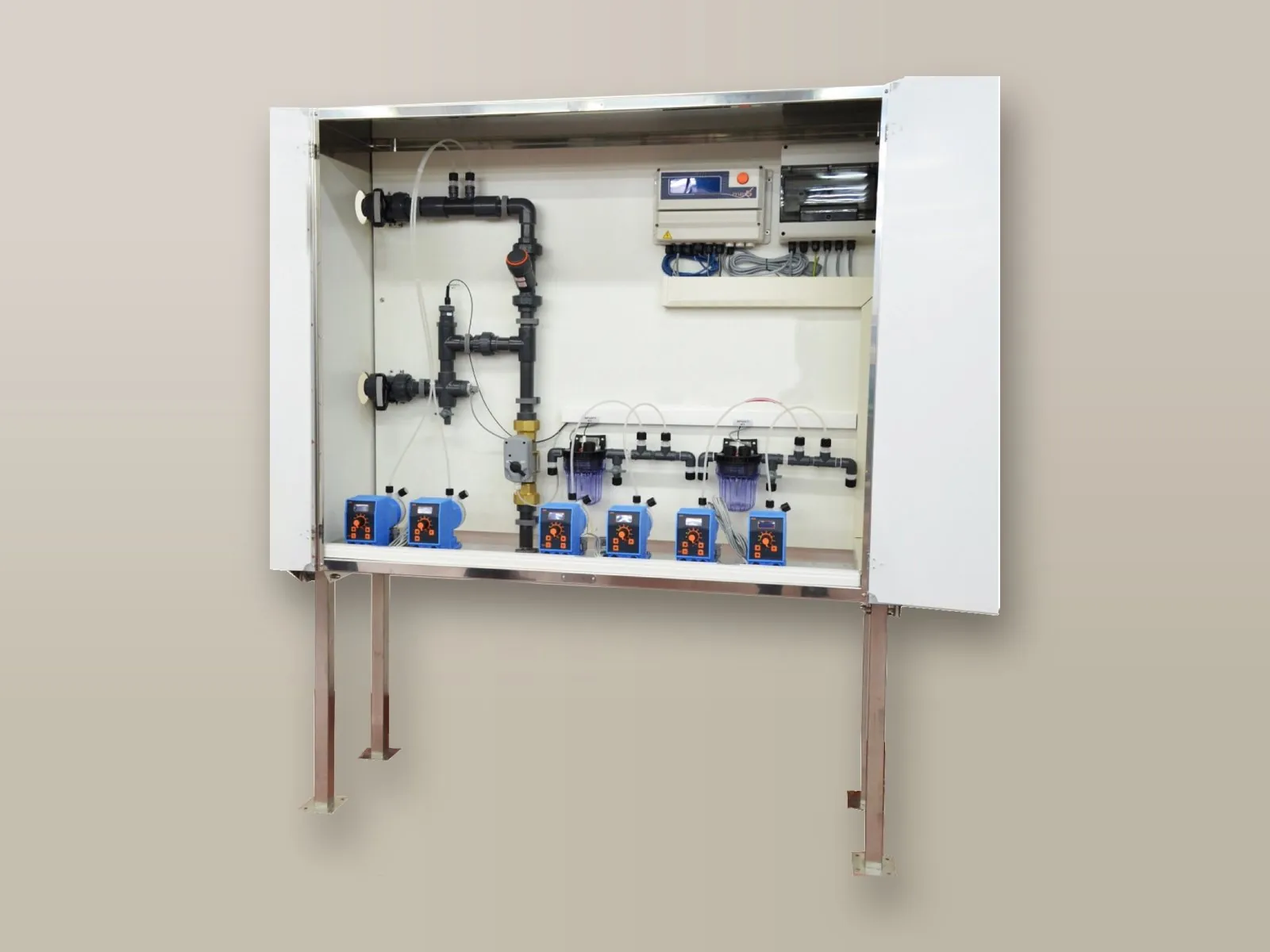
Skid on a frame with doors, pre-assembled and ready for connection.
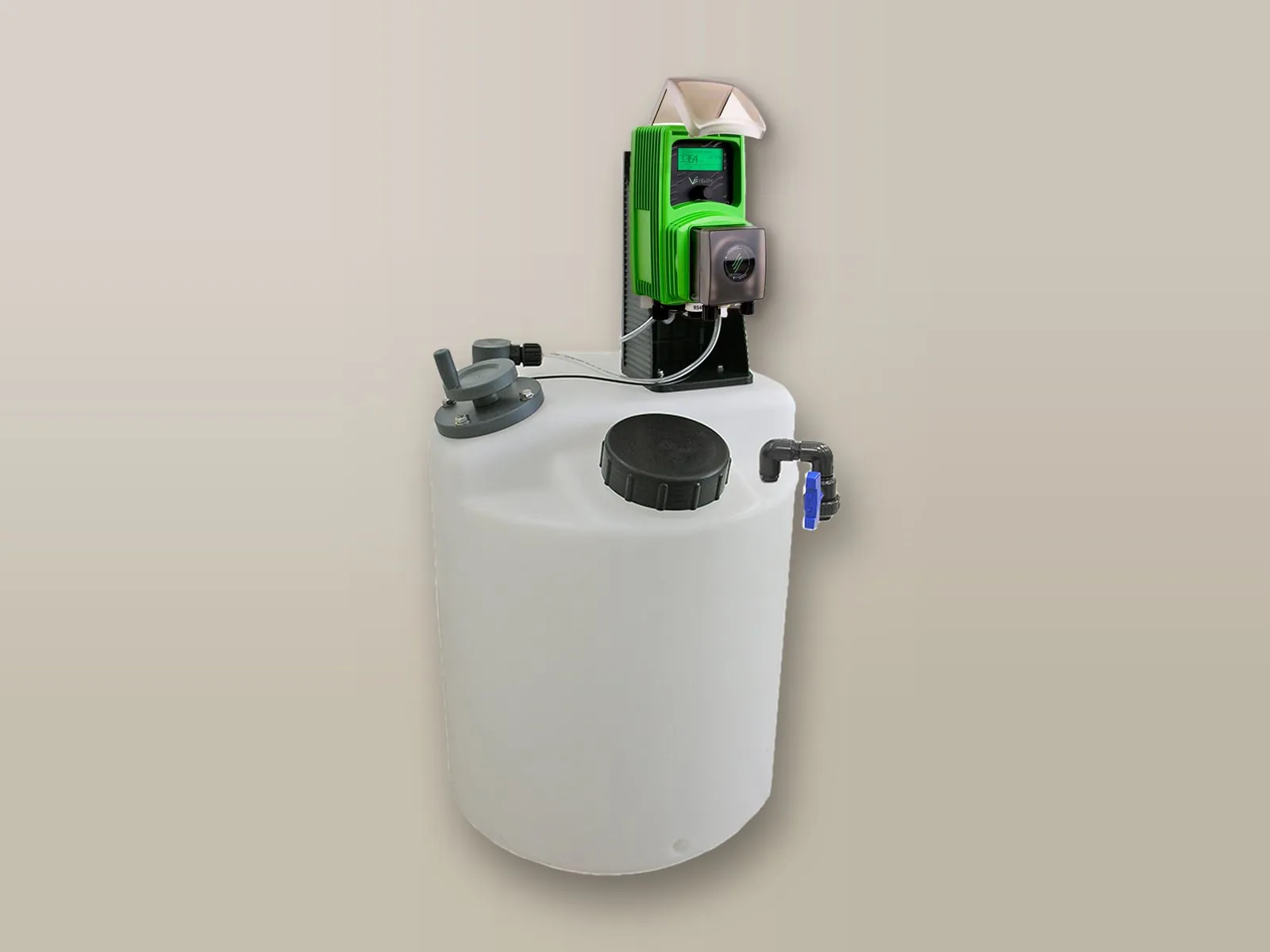
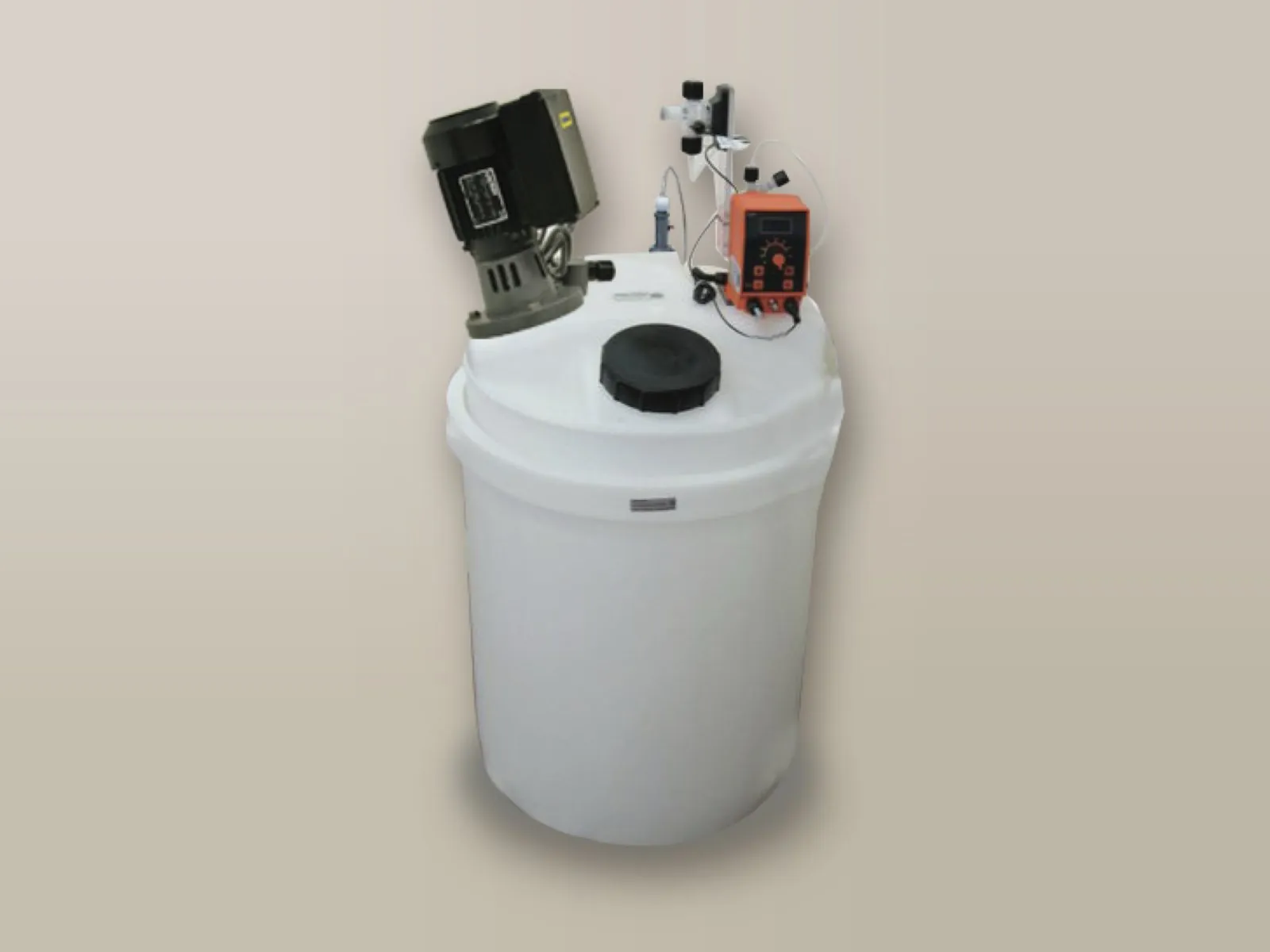
Dosing pump mounted directly on the tank: the most compact solution.
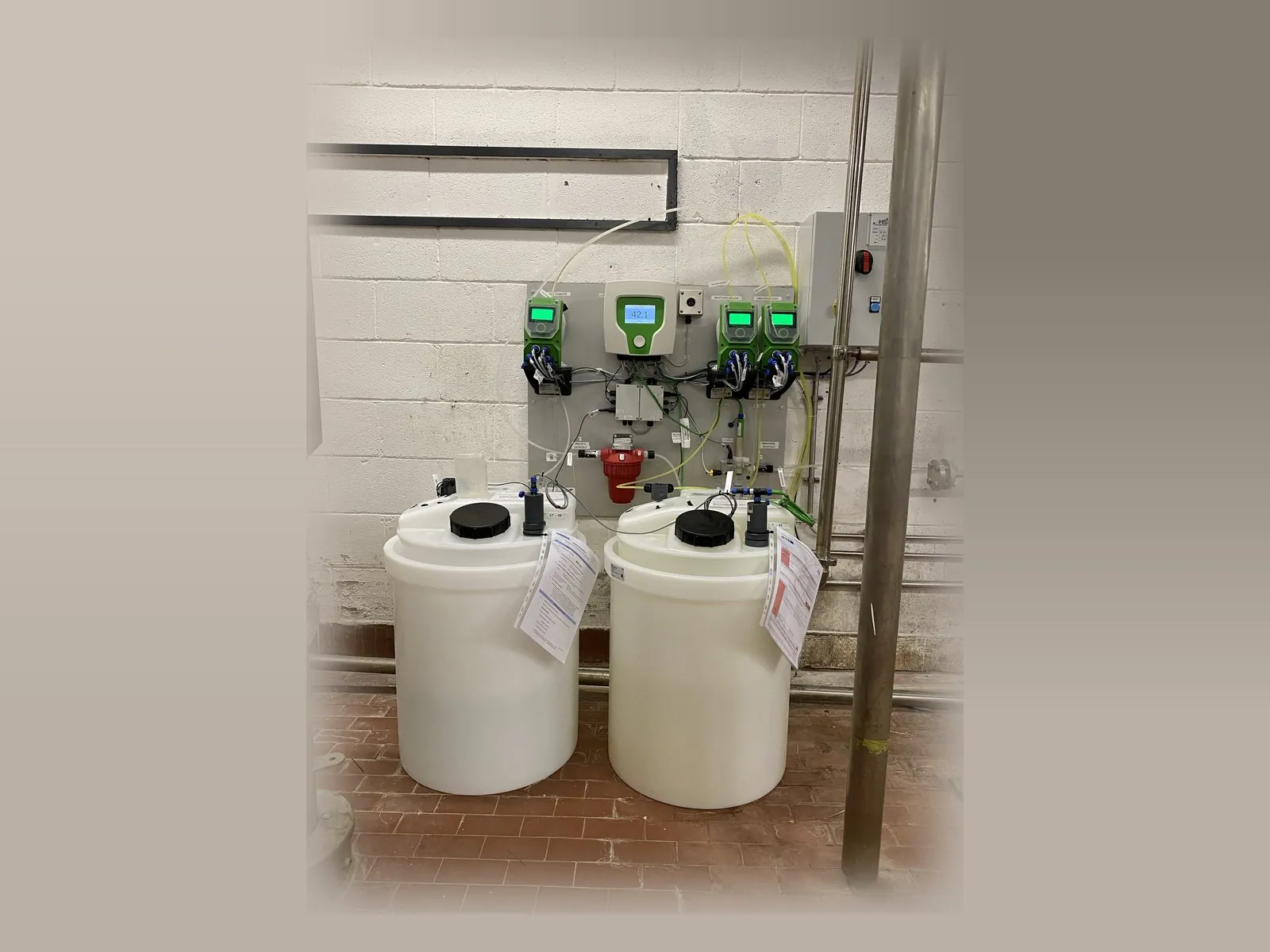
Wall installation in the plant room, with the chemical tanks on the floor.
Pumps, controllers or components supplied by the customer can also be fitted, with custom dimensions, back panel and electrical panel. Dosing stations and skids →
For pH control the basic solution is the dosing station; when dosing has to be controlled by the measured value, measuring controllers are used.
The simplest solution: the pump doses at a constant rate or in proportion to the volume of water measured by the pulse-output water meter.
Details → pH measurement and dosing of acid or alkali up to the set value.
Details →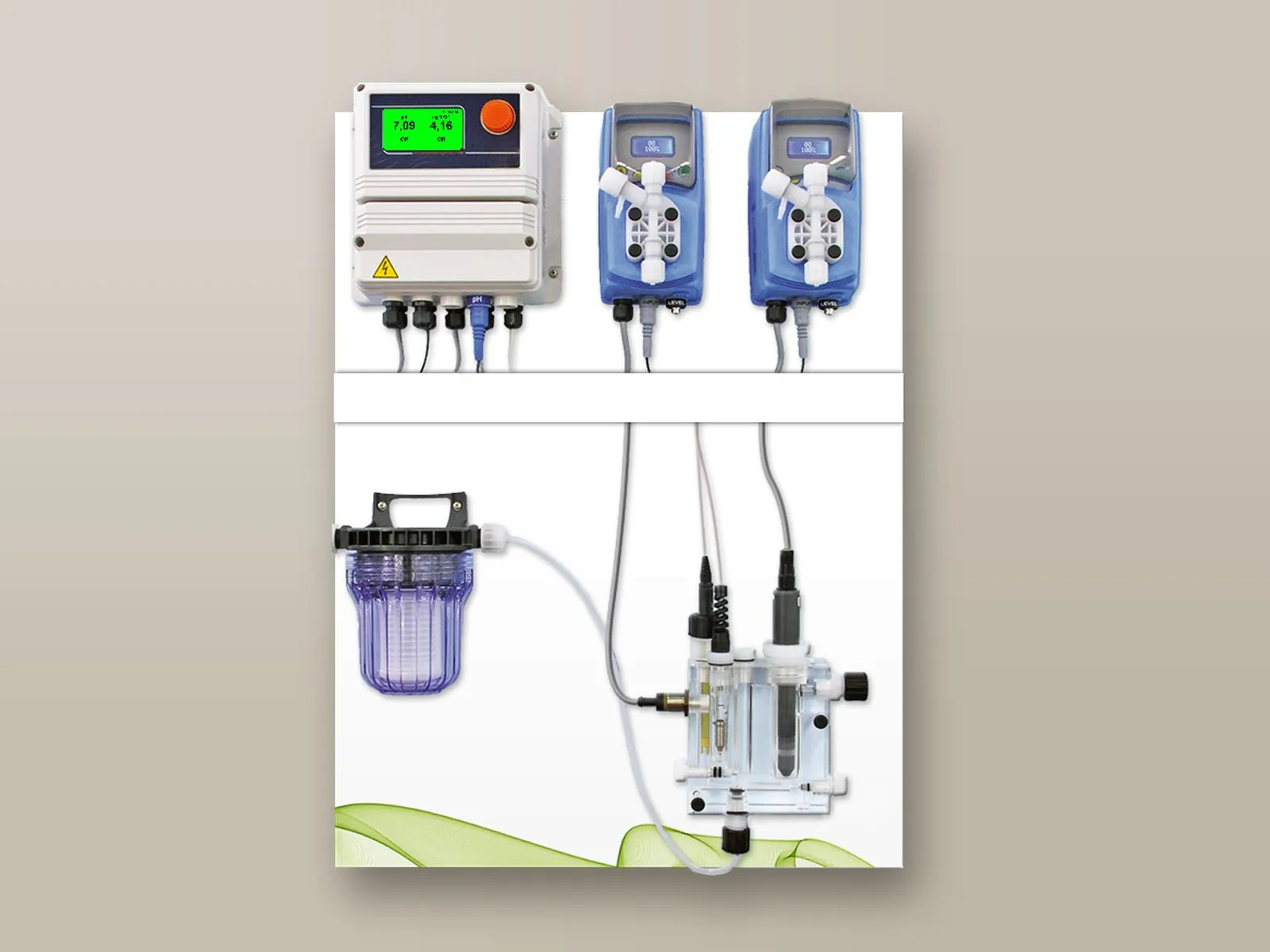
Simultaneous management of two parameters, for example pH and chlorine, with a single controller.
Details → Management of up to 10 parameters and of all the pumps in the installation, with touch screen and remote control as standard.
Details →Describe your plant and the flow rate of water to be treated: we will propose the most suitable system.
Call or write to us: a technician will reply with a tailored proposal of controllers, pumps, probes and accessories.