Skip to content
Dosing pumps · Cooling towers

WT Series

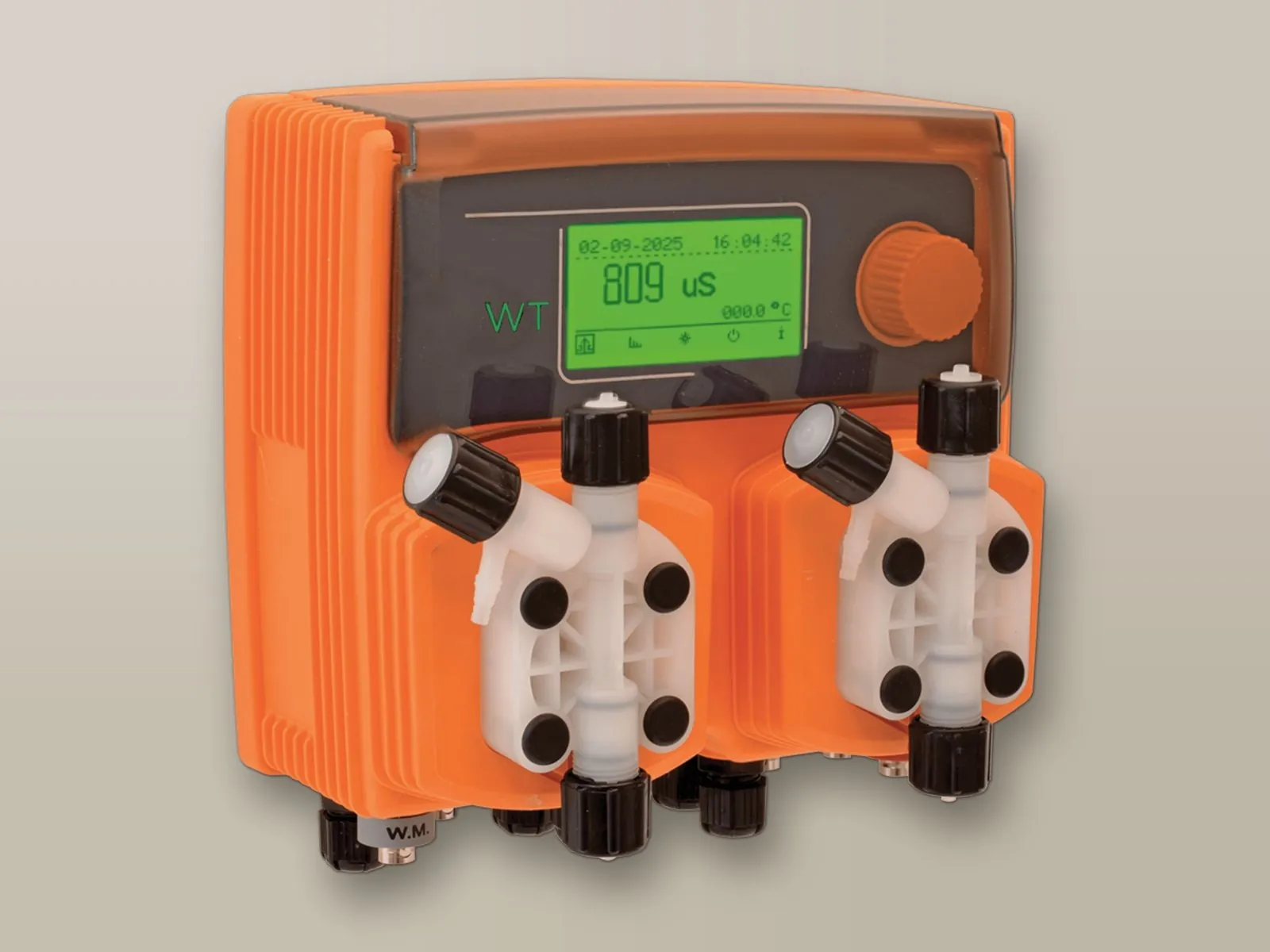
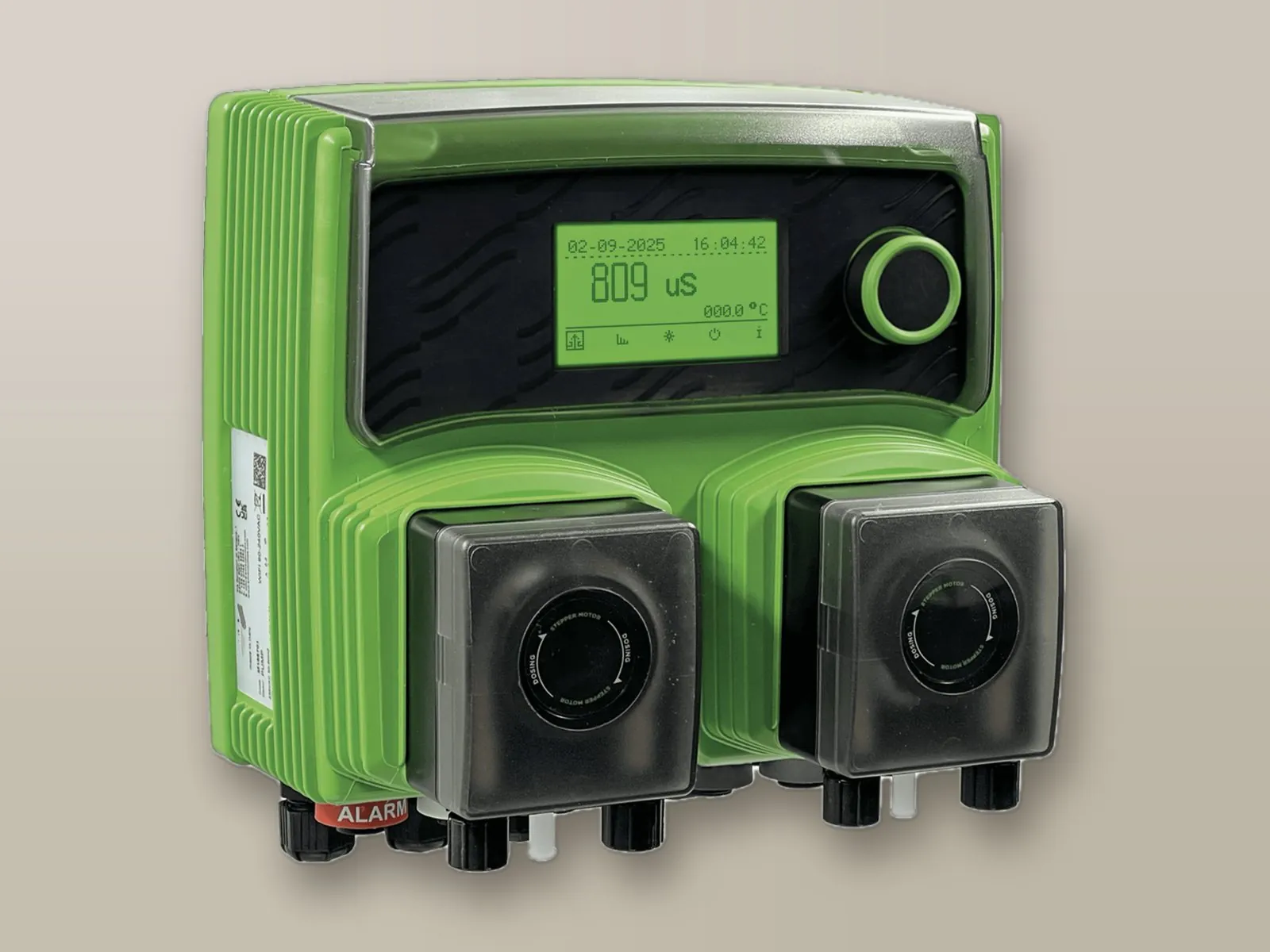
A single controller for managing cooling tower water: conductivity measurement, bleed-off control and dosing of antiscalant and biocide by means of two integrated pumps.

  • Antiscalant and biocide dosing
  • Integrated conductivity measurement
  • Cooling tower bleed-off control
  • Monitoring of make-up water
WT PER peristaltic dosing pump for cooling towers
WT PERperistaltic
WT EM solenoid diaphragm dosing pump for cooling towers
WT EMsolenoid
3l/hMaximum flow rate (PER)
2barMaximum pressure
2Integrated pumps
230VACPower supply
2 models

Peristaltic or solenoid

The two versions offer the same cooling tower control functions with two different dosing technologies; the choice depends on the chemical and on the performance required.

WT PER peristaltic dosing pump
Stepper motor · peristaltic

WT PER

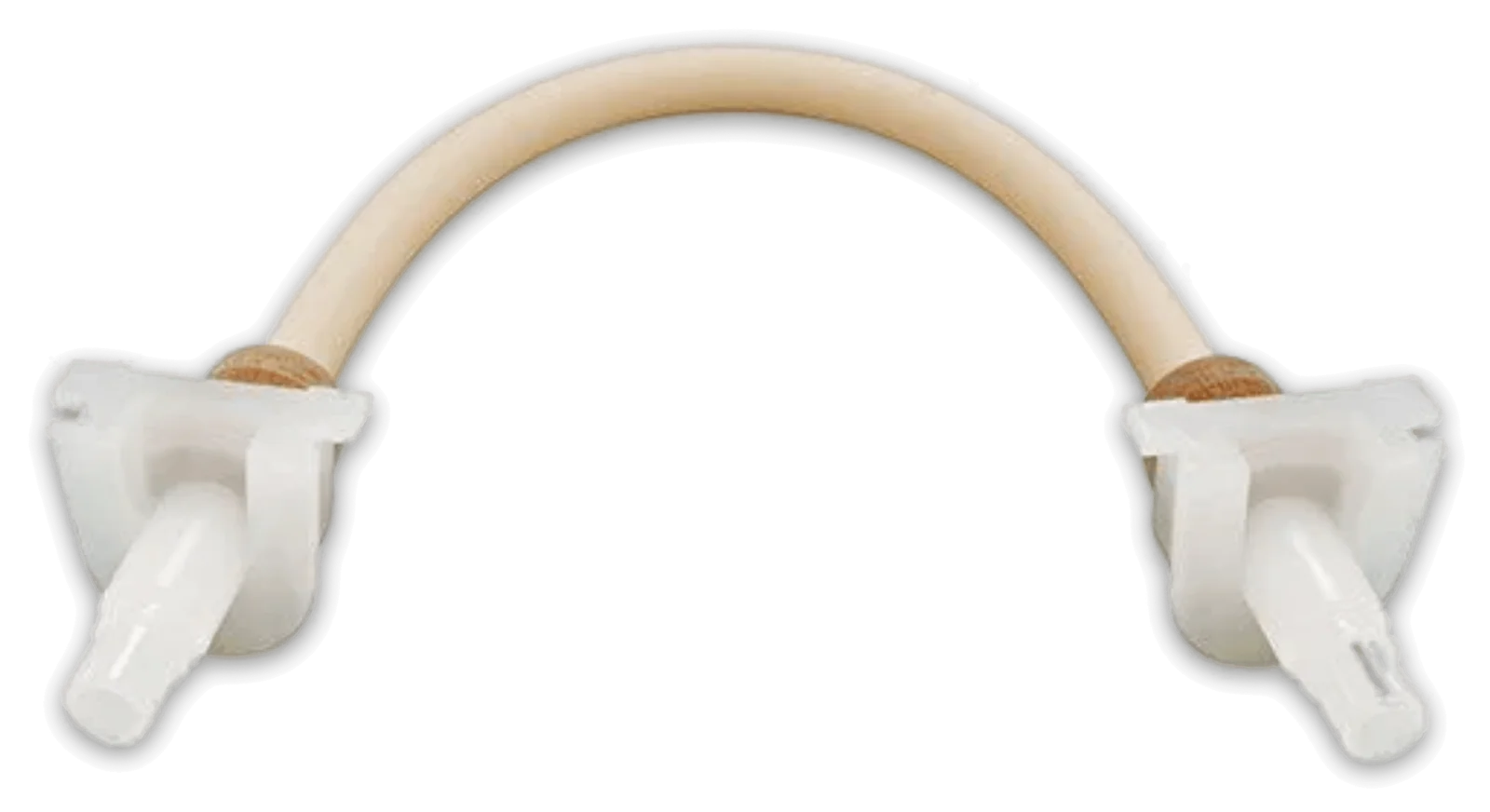
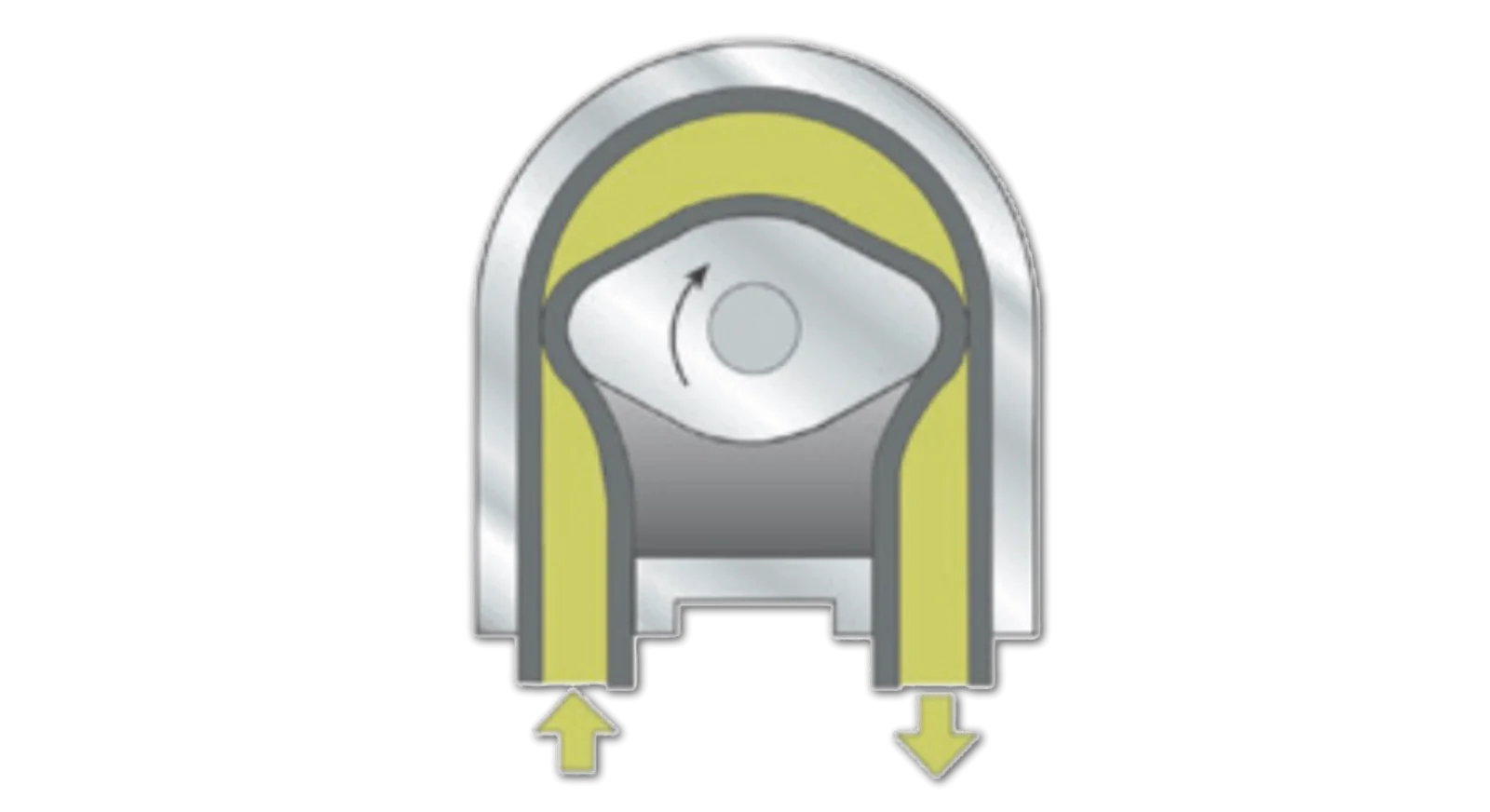
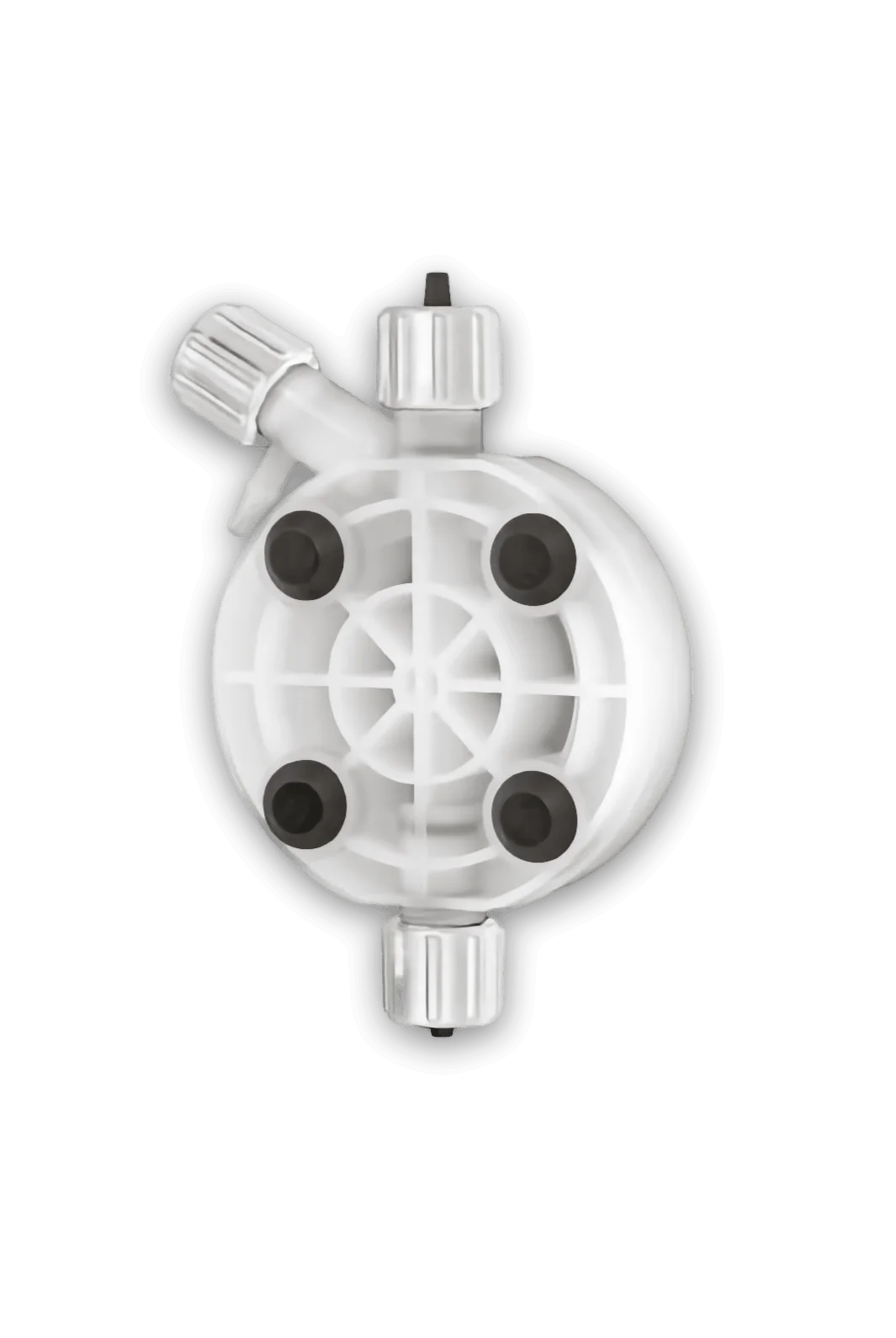
The flow rate is adjusted electronically by varying the number of revolutions per minute of the peristaltic motor (1 – 25 RPM). The stepper motor ensures optimal delivery of the product and completely silent operation. The peristaltic drive also allows dosing of substances that release gas. TPV peristaltic tube.

Compatible components
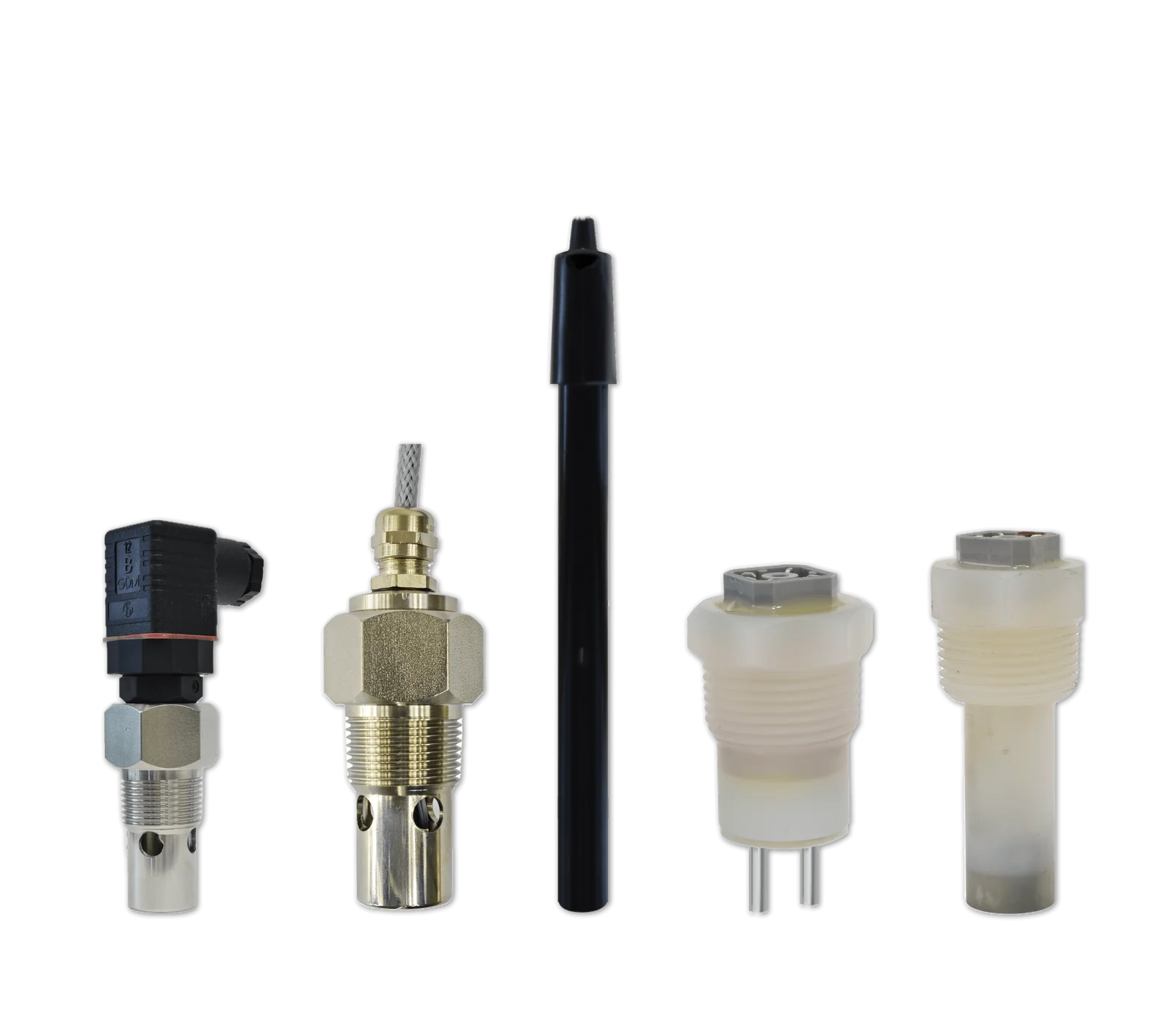
Conductive probe Conductive probeConductivity, various measuring ranges
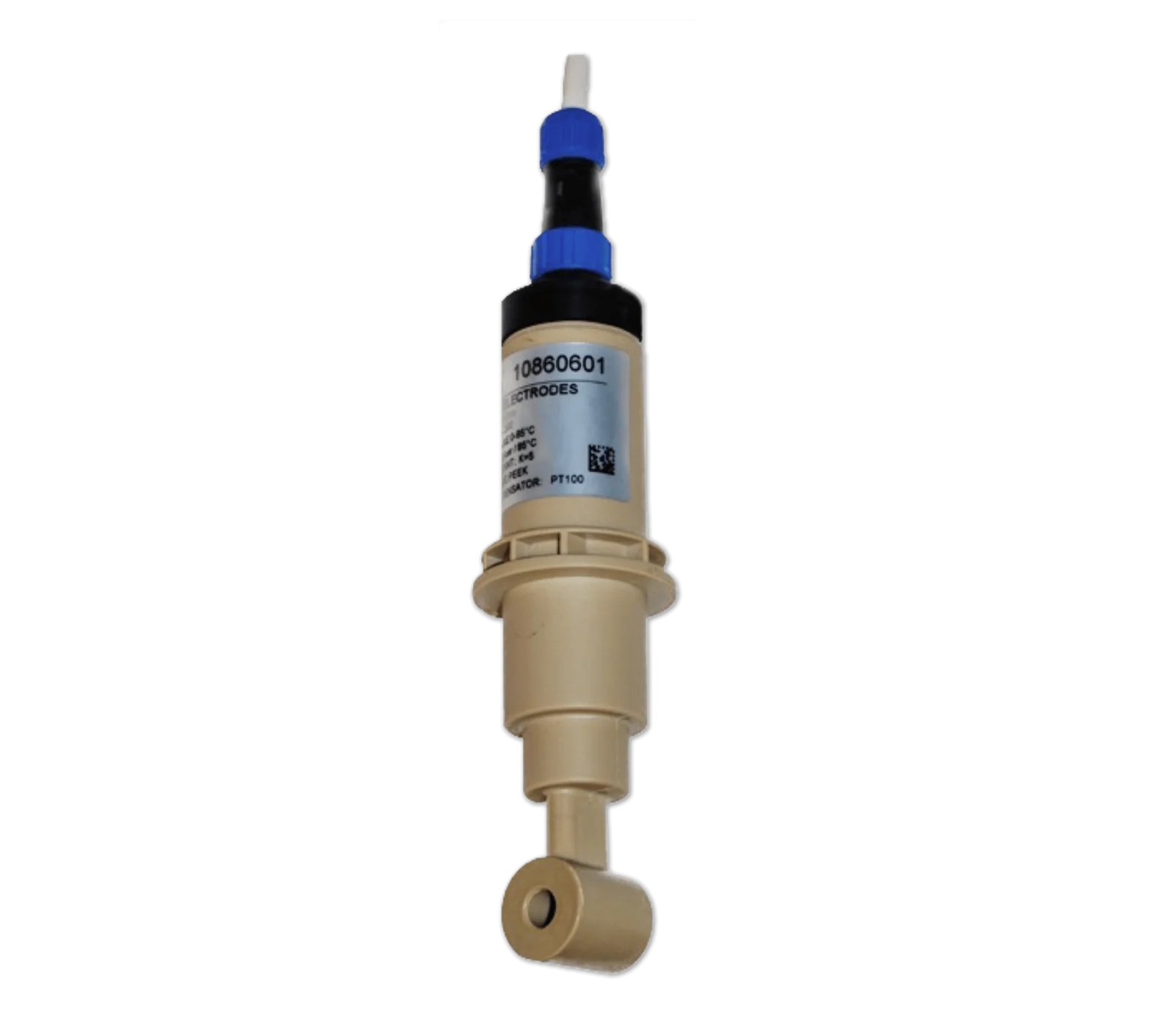
Inductive probe Inductive probeConductivity, unaffected by polarisation and fouling
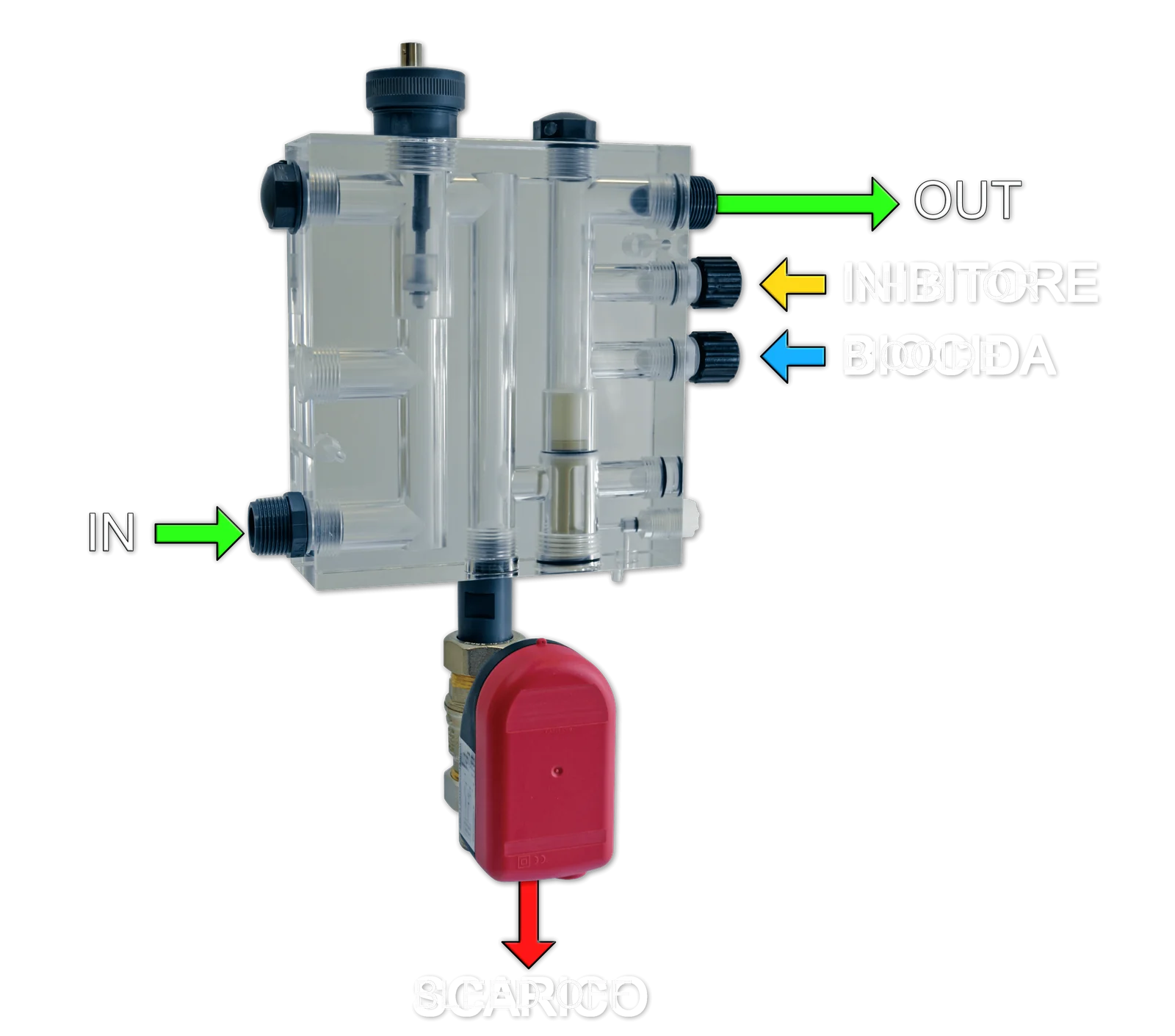
Manifold ManifoldSampling, dosing and bleed-off with motorised valve
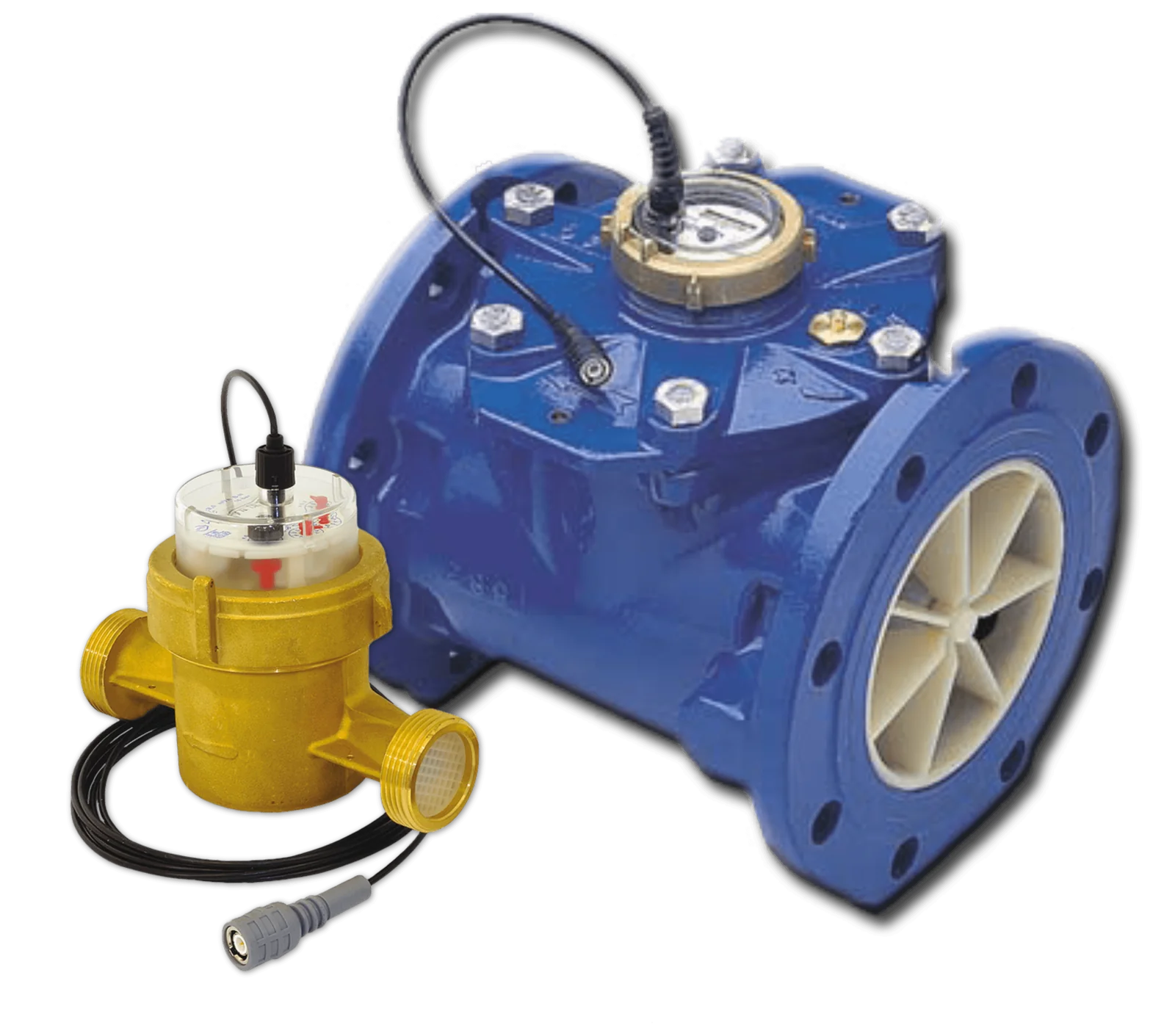
Water meter Water meterPulse-output, on the make-up water
WT EM solenoid dosing pump
Solenoid · diaphragm

WT EM

The flow rate is adjusted by varying the number of strokes per minute of the solenoid. A single flow rate and back-pressure configuration, suitable for dosing antiscalant and biocides.

Compatible components
Conductive probe Conductive probeConductivity, various measuring ranges
Inductive probe Inductive probeConductivity, unaffected by polarisation and fouling
Manifold ManifoldSampling, dosing and bleed-off with motorised valve
Water meter Water meterPulse-output, on the make-up water

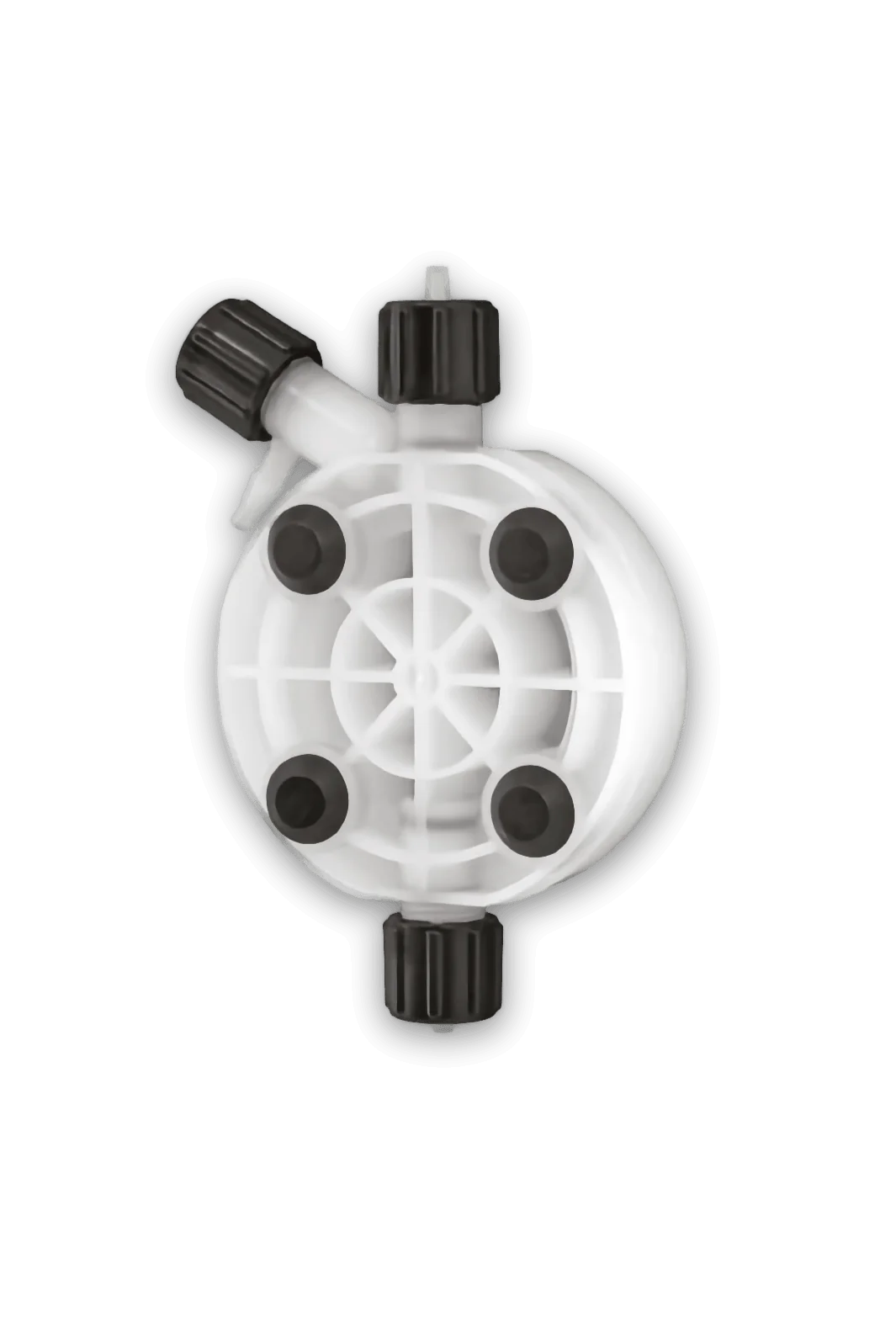
Pump head: PVDF or PP

Operation

Three integrated control functions

The WT manages the cooling tower bleed-off and the dosing of the two chemicals, antiscalant and biocide, with separate set points and independent control for each pump.

1

Cooling tower bleed-off

The WT continuously monitors the salt concentration in the water by means of a conductive or inductive conductivity probe. When the conductivity reaches the set value (set point), it opens the drain: the water with high salt concentration is discharged and replaced with make-up water. The drain remains open for a preset time or until the conductivity falls below the value that triggered it.

2

Antiscalant dosing

The first integrated pump doses the antiscalant: with a pulse-output water meter installed on the make-up pipe, the quantity of antiscalant dosed (mg/l) is proportional to the litres of make-up water.

Water meters →
3

Biocide dosing

The second integrated pump doses the biocide, with timed activations or in proportion to the litres of make-up water. To preserve its effectiveness, the drain can be set to open before dosing, so as to reduce the salt concentration (pre-bleed) and increase the effectiveness of the treatment, and the drain can be inhibited for a set time after dosing, to give the biocide the necessary contact time (lockout).

Technology

Peristaltic technology of the WT PER

The stepper motor and the control software deliver the product optimally, with completely silent operation.

Turndown ratio of the stepper motor

Stepper motor

The flow rate is adjusted electronically by frequency, by varying the number of revolutions per minute of the motor.

TPV peristaltic tube

TPV tube

An elastomer compatible with most chemicals, which retains its elastic properties even after millions of compression cycles by the rollers.

Peristaltic pump rotor

Rotor

Two tubes available, 1.6 × 1.6 mm and 4.8 × 1.6 mm, covering flow rates from 0.018 to 3 l/h.

Colour display

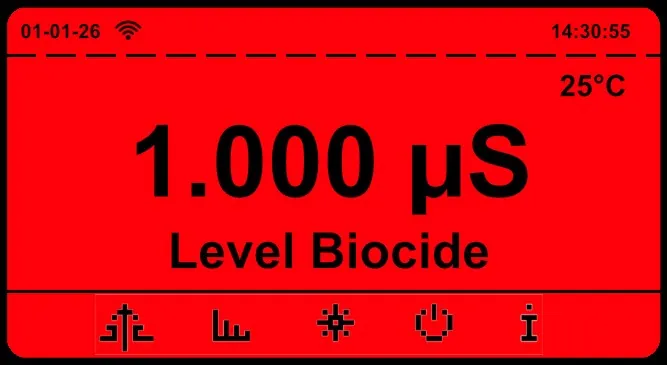
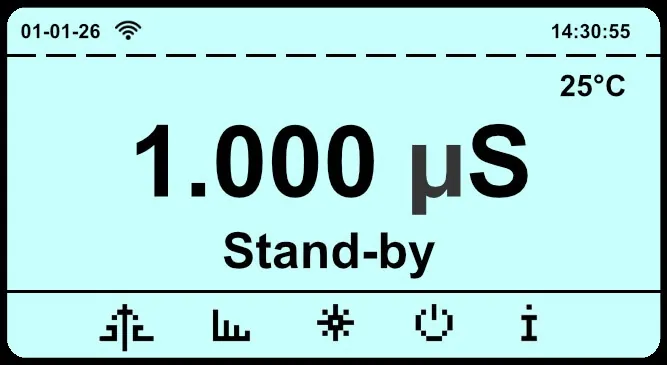
Colour-coded status indication

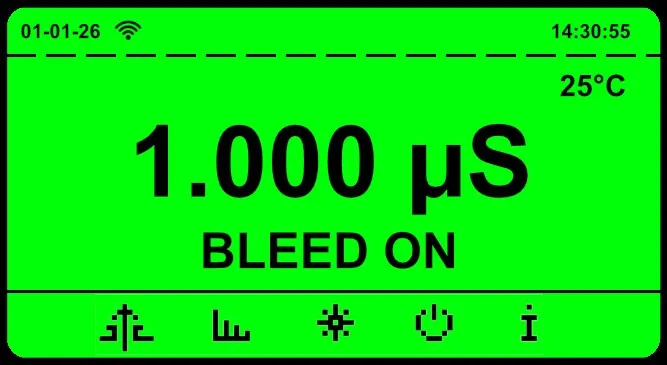
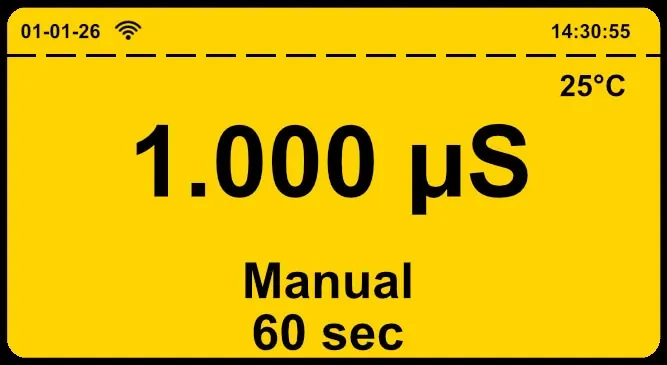
The display colour changes according to the operating status of the WT, so that an alarm can be recognised even from a distance.

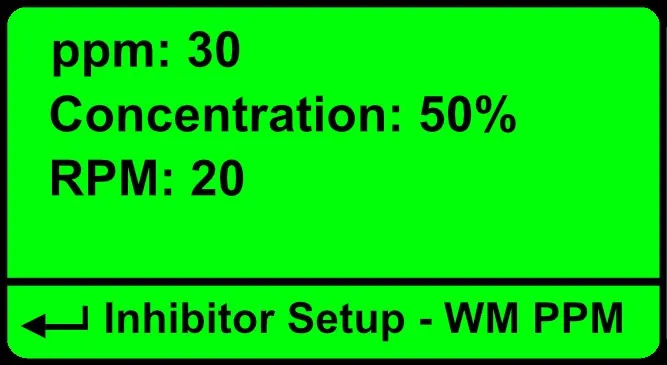
Display Green

Green

Normal operation according to the set parameters, no active alarms.

Display Yellow

Yellow

Non-blocking alarm, for example waiting for an external signal.

Display Red

Red

Blocking alarm, for example the chemical in the tank running out.

Display White

White

Pump stopped by an external control signal (stand-by).

Settings from the display

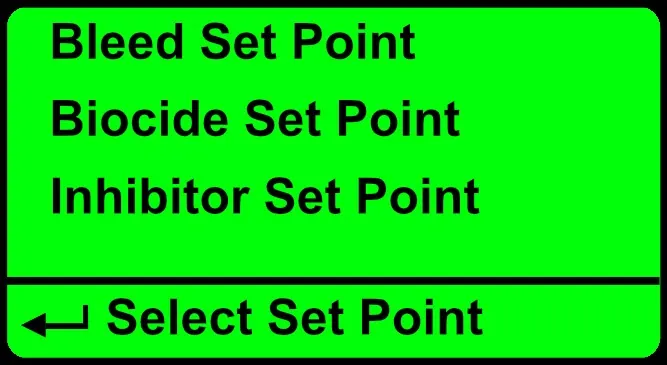
WT: set points for bleed-off, biocide dosing and antiscalant dosing
Separate set points for bleed-off, biocide and antiscalant
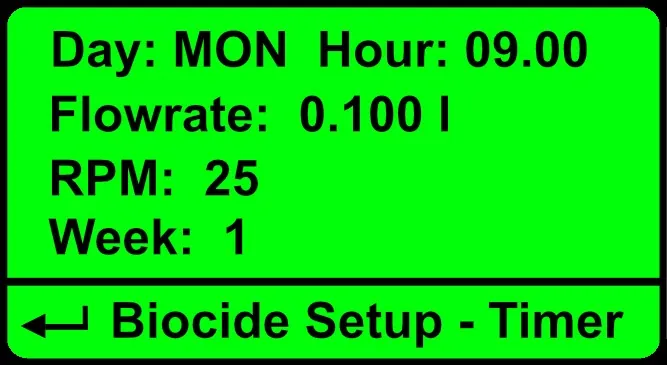
WT: timer for biocide dosing
Biocide timed or proportional to make-up water
WT: antiscalant dosing in ppm from water meter
Antiscalant proportional to make-up water (ppm)
Remote control

Two-way remote control

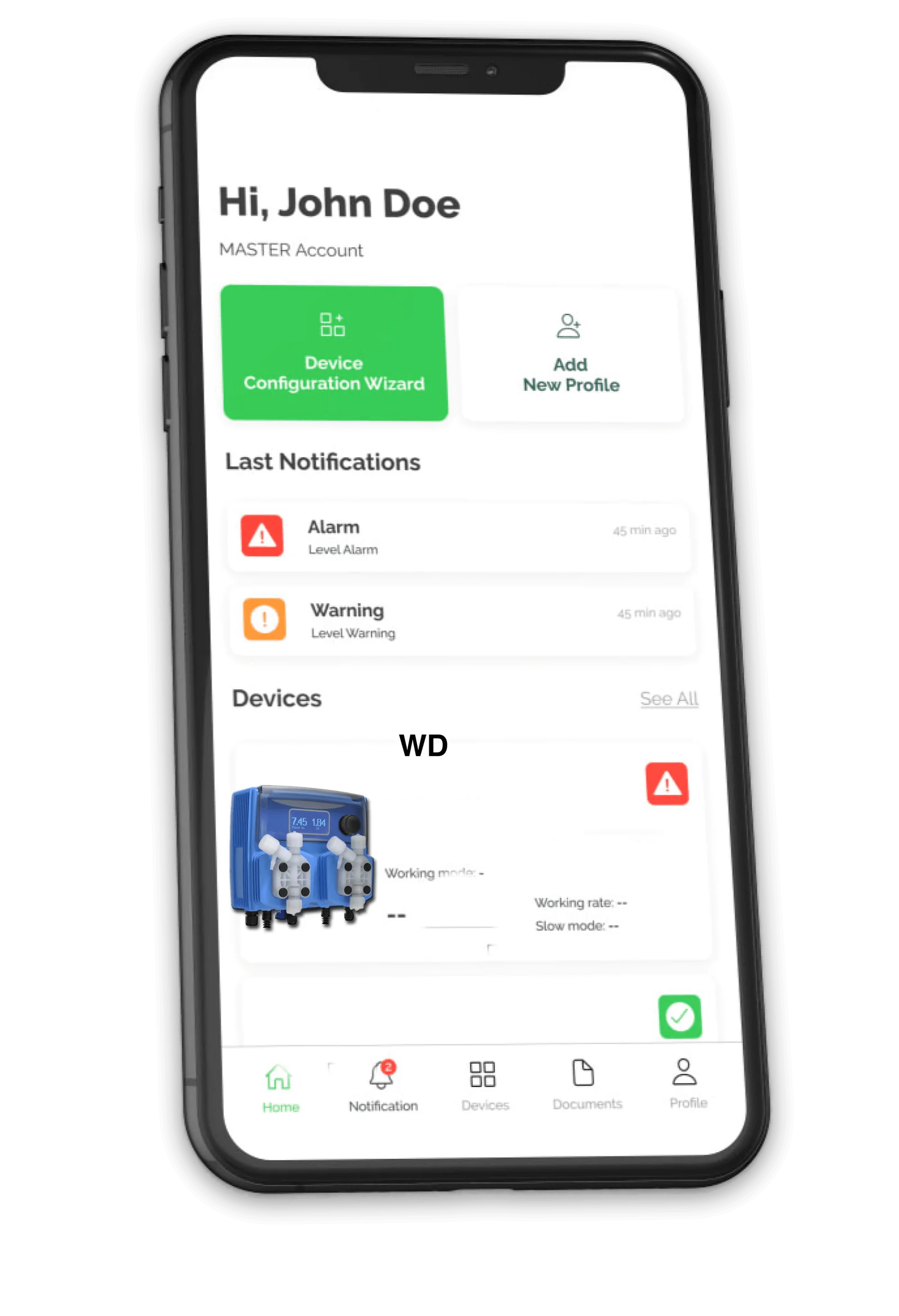
The WT system supports two-way remote control: from the cloud portal, settings can be changed, operation can be checked and alarms can be received, such as product depletion; alternatively, the system can be integrated into a PLC via Modbus RTU.

Remote control of the WT via the cloud portal

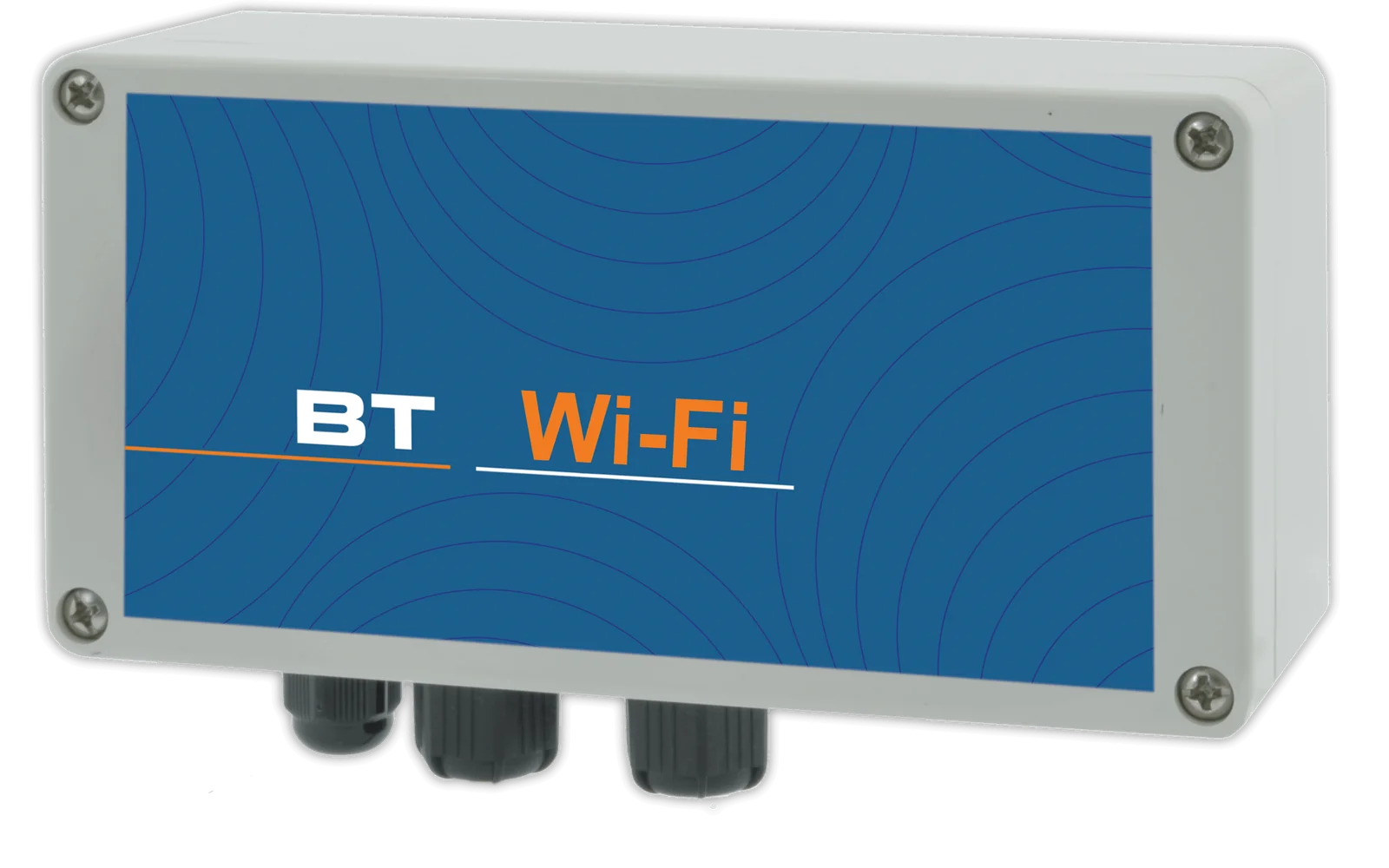
Wi-Fi Standard

Allows connection to the Nimbus cloud portal to change settings, check operation and receive alarms, such as the chemical running out.

Bluetooth Standard

Pump programming directly from a smartphone.

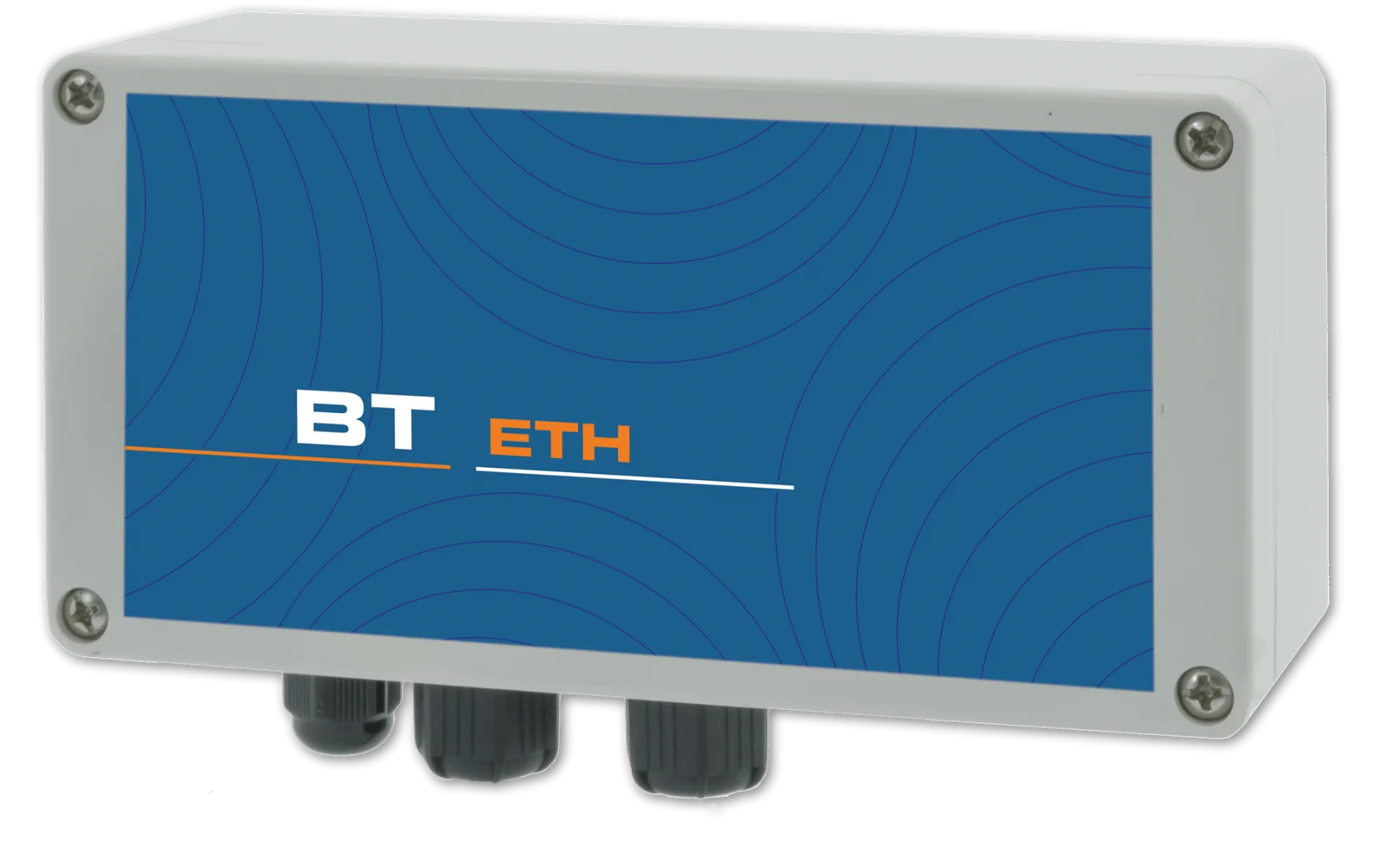
Ethernet Optional

Allows connection to the Nimbus cloud portal via network cable to change settings, check operation and receive alarms.

Cellular network Optional

Allows connection to the Nimbus cloud portal via the cellular network to change settings, check operation and receive alarms.

Modbus RTU Standard

Integration into your PLC: all pump parameters can be managed from your control interface.

The NIMBUS portal

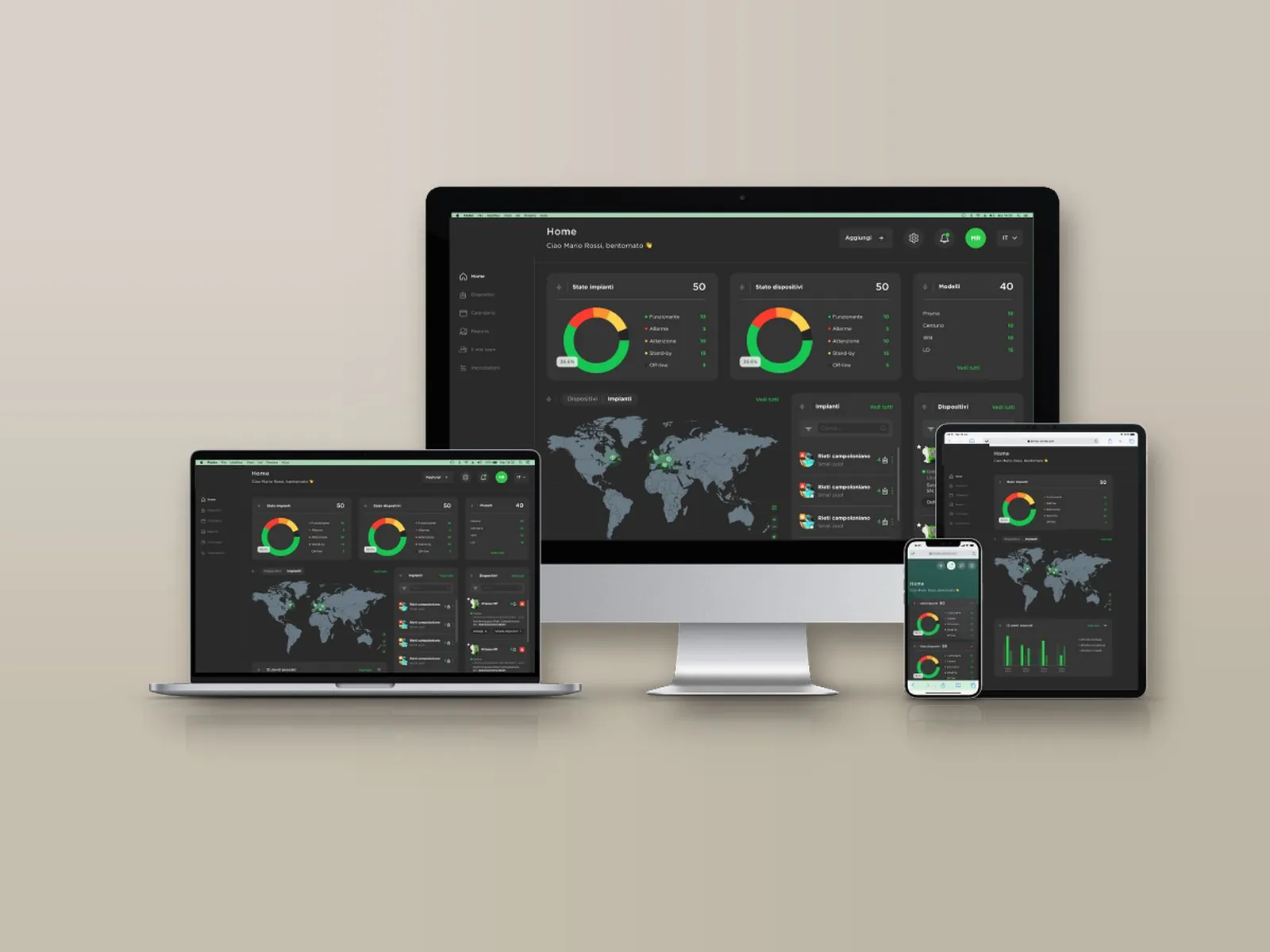
A single account brings together all registered installations, each with its own devices: the web portal, free of charge and with no subscription, can be accessed from PC, Mac, tablet and smartphone and allows every parameter to be both viewed and changed, with an encrypted connection and protected access.

The NIMBUS portal on monitor, laptop, tablet and smartphone

Overview

On a single screen: probe readings, chemical levels, pump activation thresholds and active alarms, with the status of installations and devices (normal, warning, alarm, standby, not connected).

Installation map

Installations appear on an interactive map with their status and open with a click; for each one, the local weather conditions and temperature are also shown.

History and charts

Archive of measurements and alarms, available for consultation at any time with charts and numerical reports exportable in Excel format.

Alarms and notifications

Alarm thresholds for readings, dosing, faulty probe and out-of-range readings, with notification by e-mail or SMS depending on the communication system; a warning is also issued when an installation remains disconnected beyond the set time.

Set points and dosing

Remote modification of the set points, of the dosing pump activation thresholds and of the corresponding hourly flow rate.

Inputs and outputs

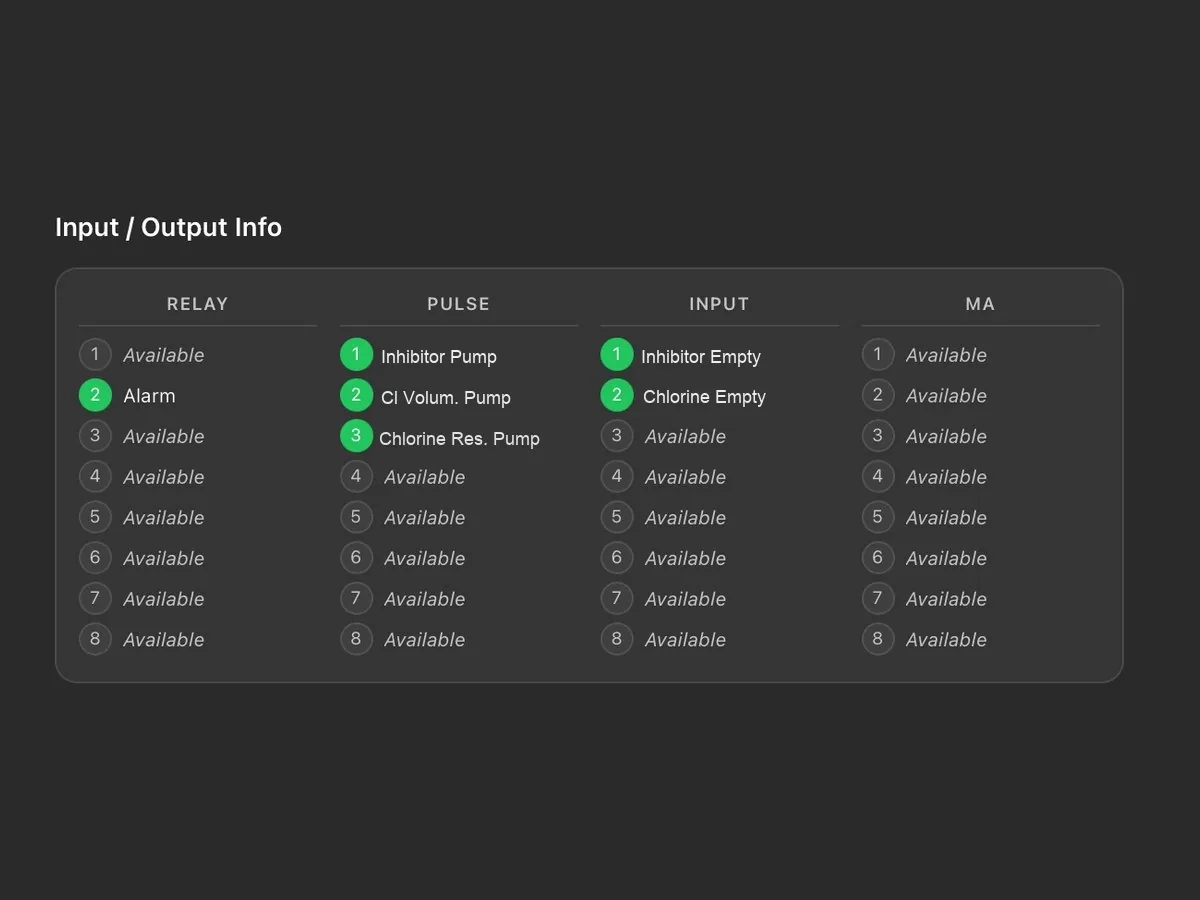
Status of relays, pulse outputs, digital inputs and current outputs, with the name assigned to each connection.

Maintenance calendar

Tasks are scheduled by installation or by device and assigned to technicians; a reminder is sent by e-mail two days before the due date. Each task is shown as scheduled, due, overdue or completed.

Team and permissions

The main account has full access and creates the technicians’ accounts, each enabled only for the assigned installations and devices; the last login and activity of each technician are visible.

Reports and activity log

Reports on devices, tasks and technicians, downloadable in PDF or CSV with the customer’s logo; the log keeps the history of operations and disconnections.

Customisation

Logo, main colour and light or dark theme; the tiles on the main screen can be rearranged by dragging them. Two installations can be displayed side by side for comparison.

Guided registration

Each device is added through a guided procedure: the model is recognised automatically and associated with the installation, together with the technician to be contacted.

PLC integration

As an alternative to the portal, the Modbus RTU or TCP/IP port allows integration into the plant supervision system.
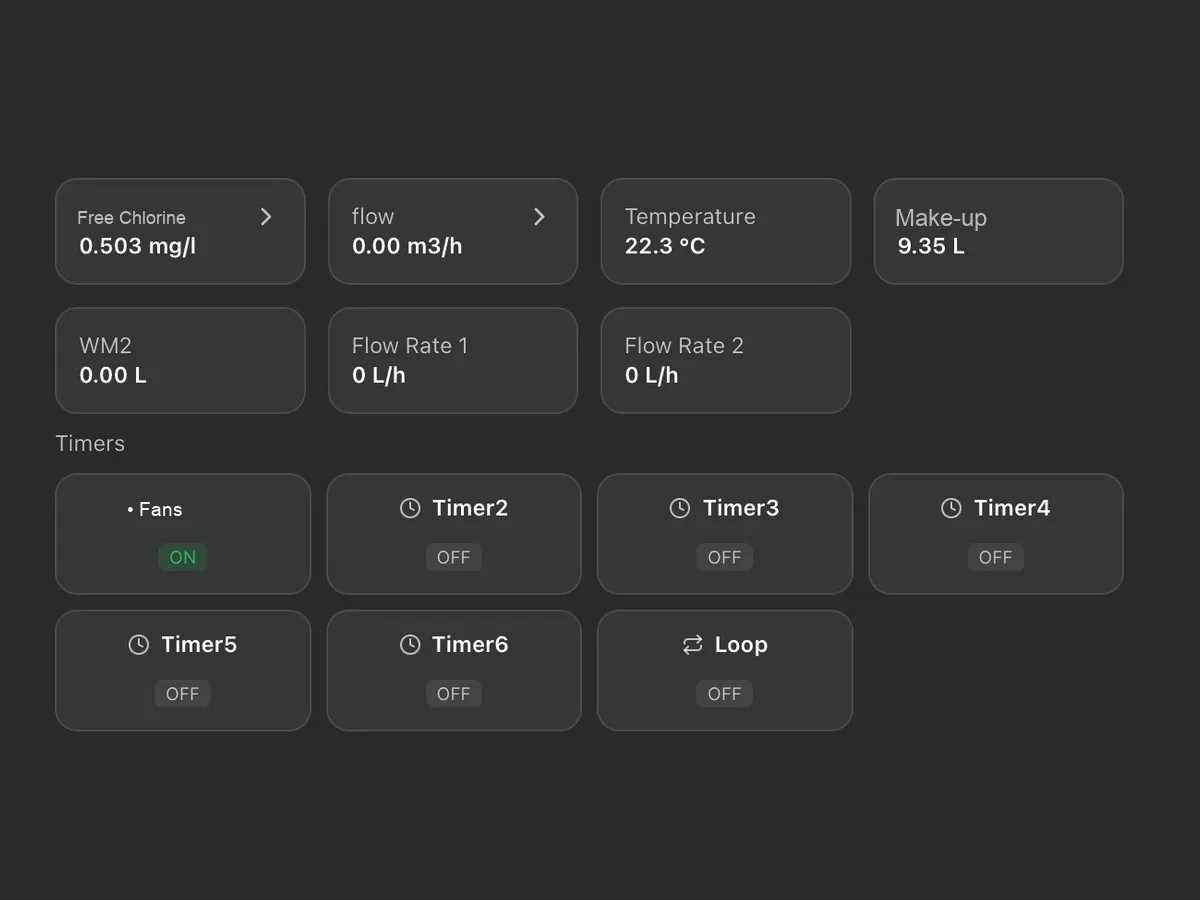
NIMBUS portal: Real-time readings, counters and timers
Real-time readings, counters and timers
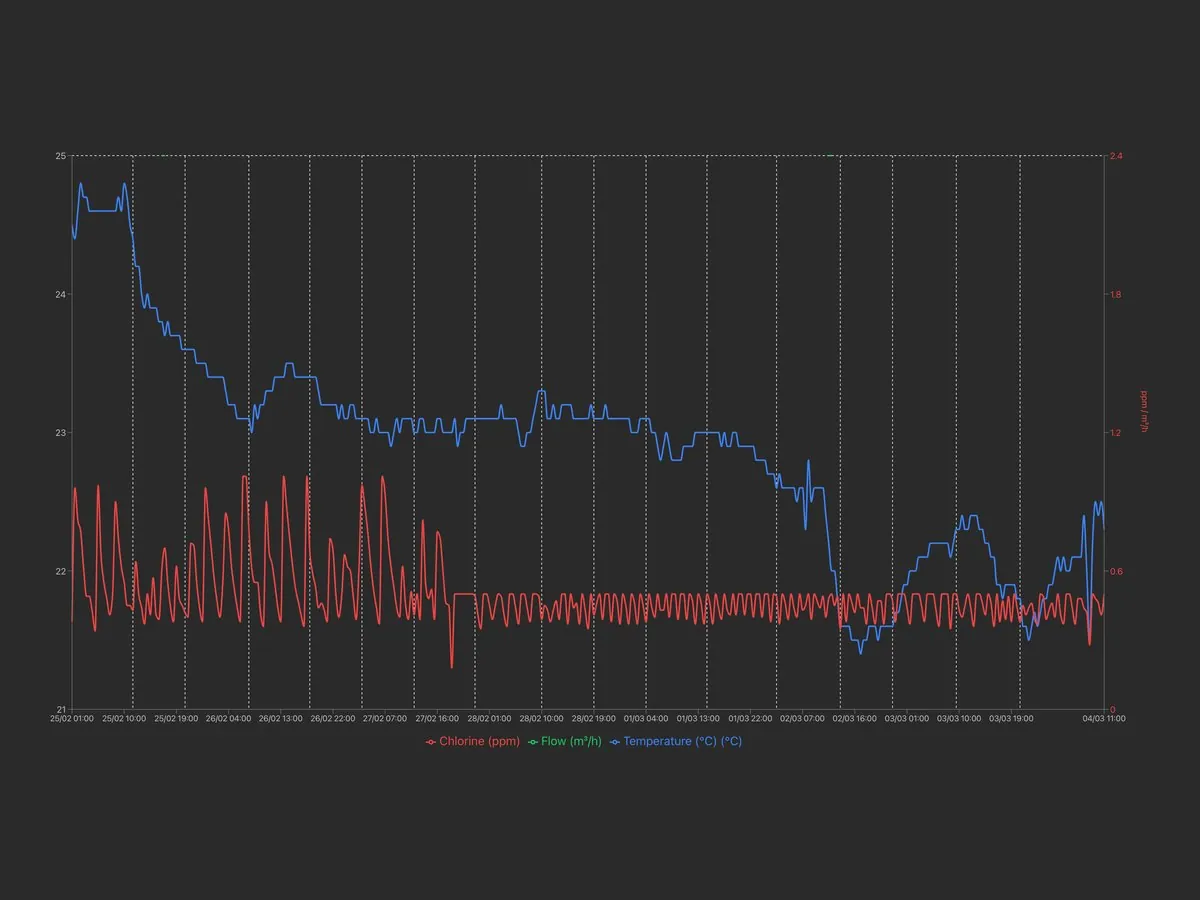
NIMBUS portal: Free chlorine and temperature trends
Free chlorine and temperature trends
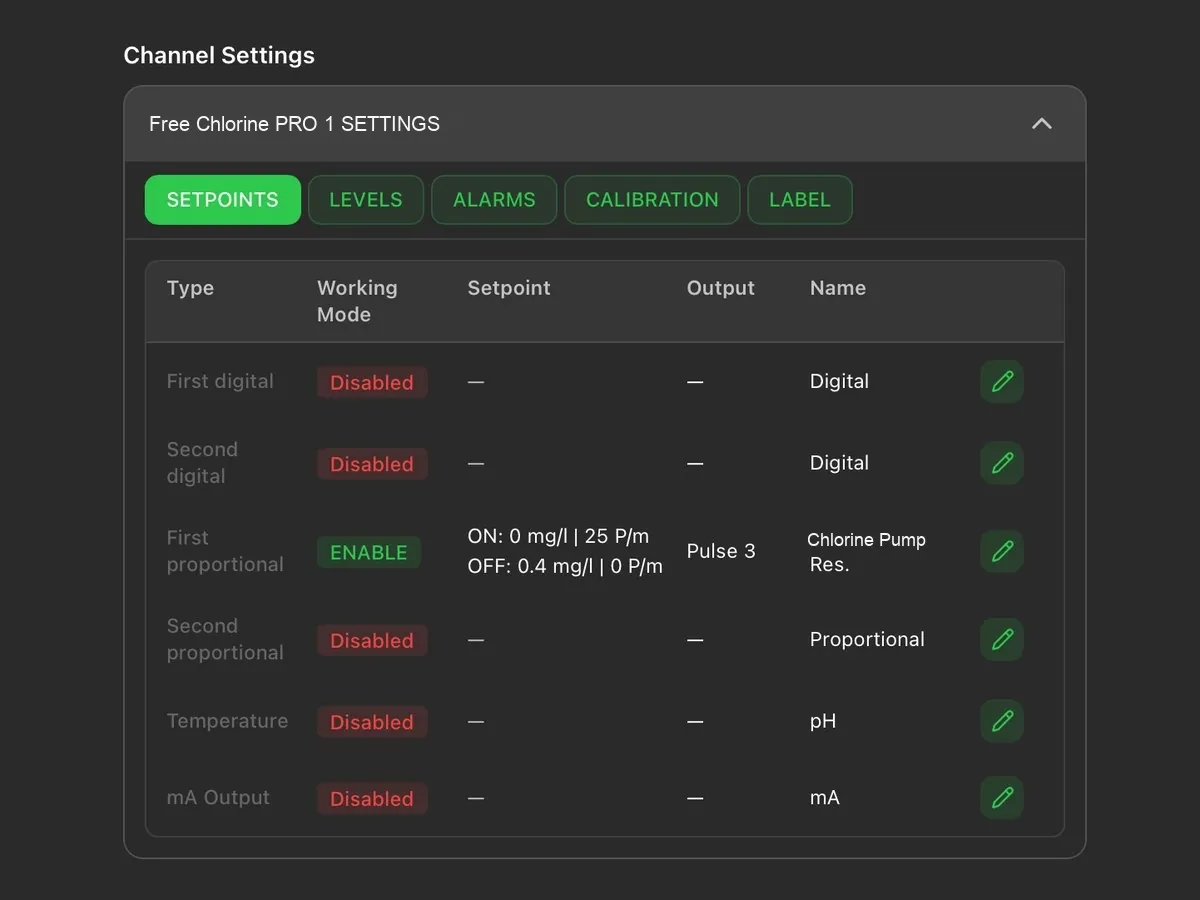
NIMBUS portal: Set point and operating mode of each channel
Set point and operating mode of each channel
NIMBUS portal: Status of relays, pulses, inputs and mA outputs
Status of relays, pulses, inputs and mA outputs
Technical data

Performance and configurations

In the peristaltic version, performance varies with the tube diameter.

WT PER – peristaltic

Stepper motor, 1 – 25 RPM.

Tube (mm)Max pressure (bar)Flow rate (l/h)RPM
1.6 × 1.620.018 – 0.451 – 25
4.8 × 1.620.12 – 31 – 25

WT EM – solenoid

PVDF or PP pump head.

CodeMax pressure (bar)Max flow rate (l/h)
WT EM 020323

Power supply options

  • 230 VAC

Pump head materials (WT EM)

Pump head in PVDF

PVDF

Suitable for most acids, for peroxides and for sodium hypochlorite (chlorine).

Pump head in PP

PP

Suitable for sodium hydroxide (caustic soda).

Insight: chemical compatibility of materials →

Diagrams

Installation diagrams

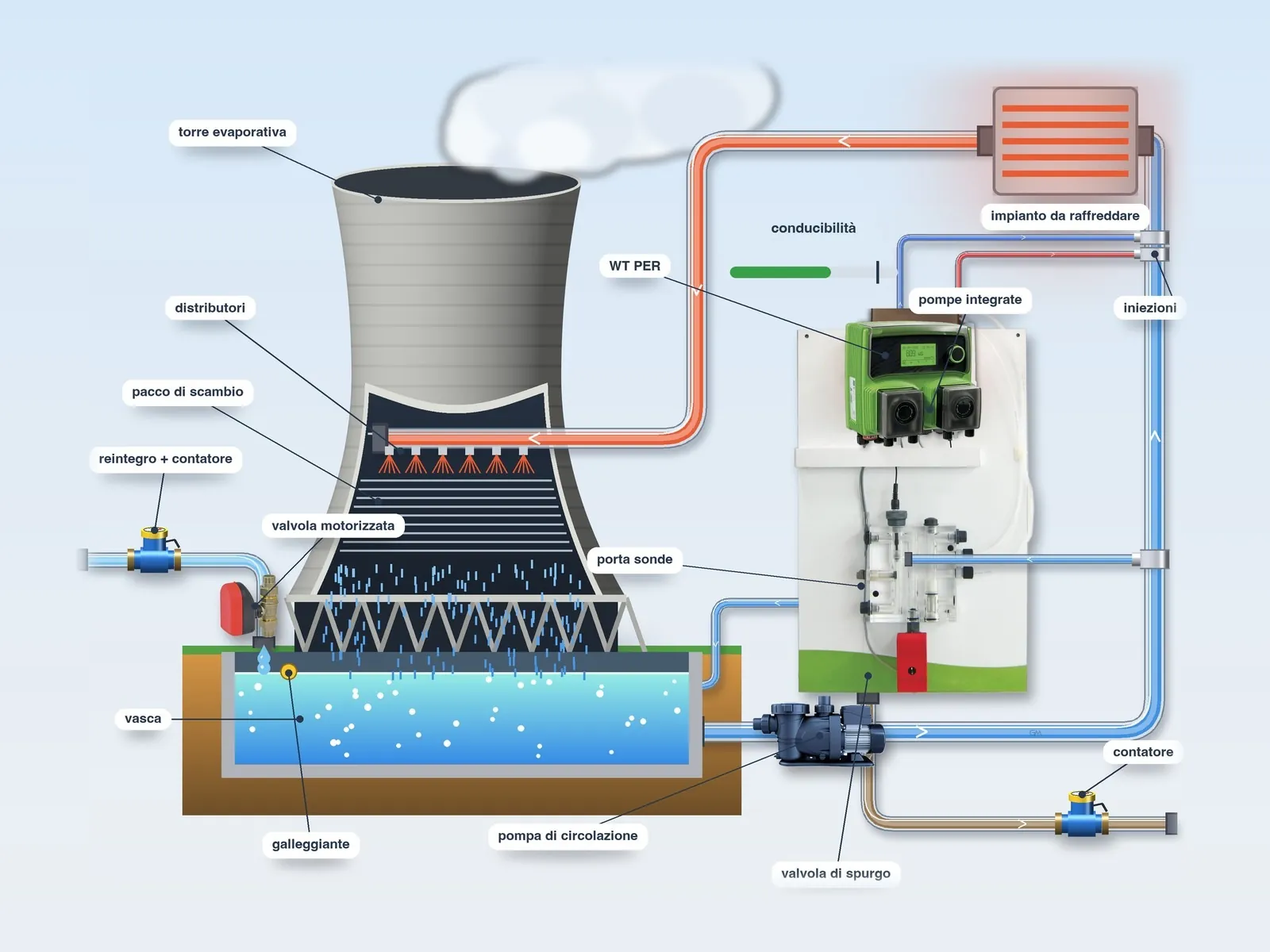
Installation diagram of a cooling tower with WT PER pump

Cooling tower with WT PER

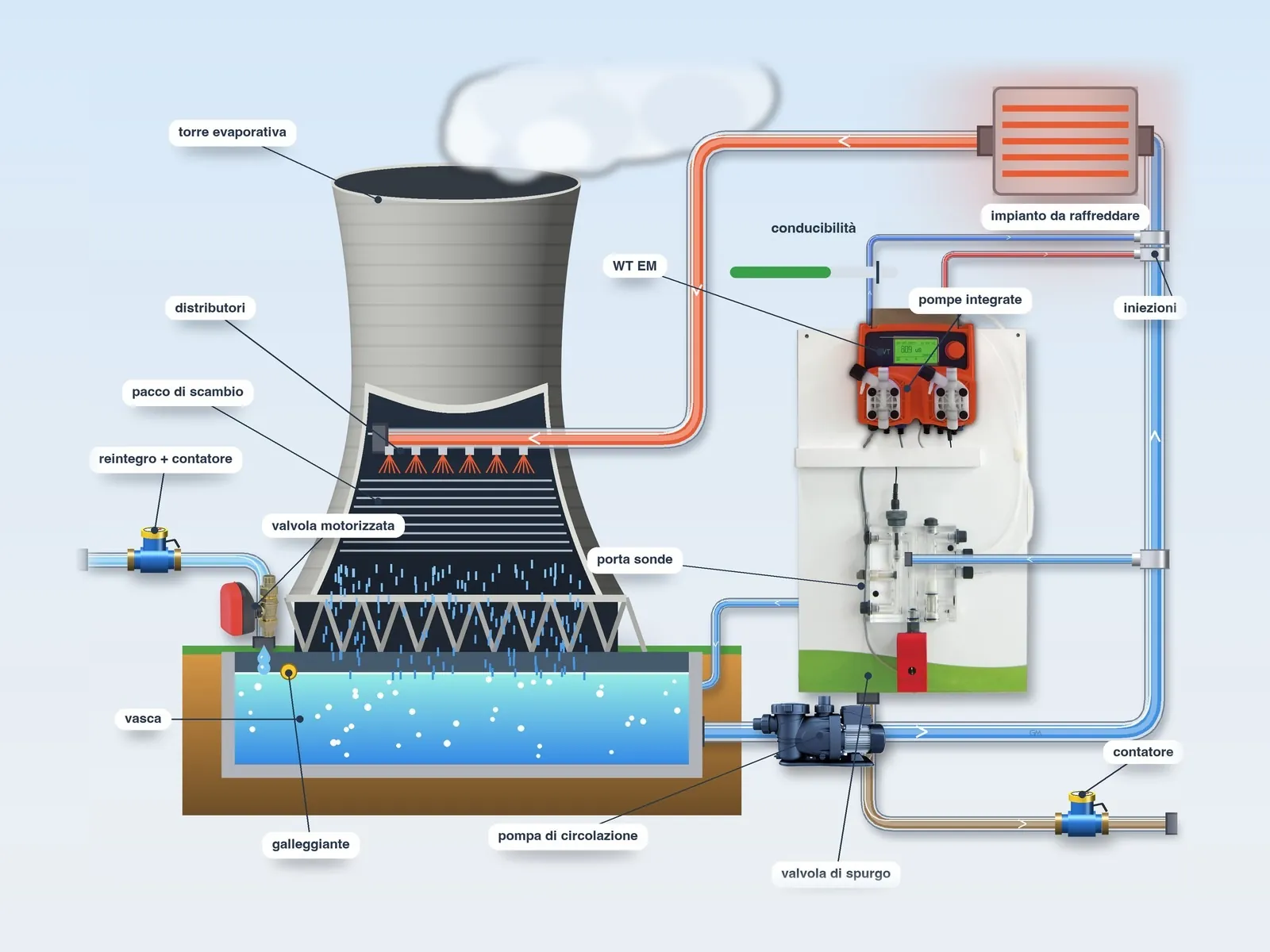
Installation diagram of a cooling tower with WT EM pump

Cooling tower with WT EM

For the complete cooling tower installation (panels, probes, corrosion and remote control) see the Cooling tower systems page.

Technical support

Troubleshooting and error messages

The WT shows the function in progress and every alarm on the display; the display colour indicates immediately whether operation is normal.

Insight: the pump does not prime and does not dose →

Display messages

MessageMeaningAction
ALARMAn alarm is active.From the main screen, turn the knob to the alarm status; once the cause has been removed, the WT automatically resumes the interrupted activities.
BLEED TIMEOUTThe bleed-off lasted longer than the maximum time set and the conductivity has not returned to the set point.Check the bleed-off valve and the maximum bleed-off time set.
INHIBITORAntiscalant dosing in progress.No action required.
BLEEDBleed-off in progress to bring the conductivity back to the set point.No action required.
PRE BLEEDBleed-off before biocide dosing.No action required.
PRE BIOCIDE 1 · 2Dosing of the biocide activator in progress.No action required.
BIOCIDE 1 · 2Biocide dosing in progress.No action required.
LOCKOUT 1 · 2Bleed-off inhibited after biocide dosing, to prevent the biocide from being discharged.No action required.

Green display: normal operation; yellow: warning, for example an active delay; red: alarm; white: stand-by or OFF.

Alarms or warnings

Biocide and antiscalant level, flow, high or low conductivity (at a fixed threshold or linked to the set point), bleed-off time and water meter can be set as an alarm, which stops the functions, or as a warning, which only signals the condition.

Tube setting

In the peristaltic version the installed tube must be set: 4.8 × 1.6 mm for 0.12 – 3 l/h, 1.6 × 1.6 mm for 0.018 – 0.45 l/h. A setting that differs from the installed tube distorts the dosing.

Manual bleed-off

Manual bleed-off is intended exclusively for testing and maintenance: while it is active, the automatic logic is suspended. The minimum and maximum alarms must always remain active, to avoid the risk of dangerous overdosing.

If the problem persists, contact us. Before sending the pump for servicing, empty the pump head of chemical and dry it.

Summary

Main features

Level control (two tanks)

The pump is supplied with low-level probes for the tanks: when a chemical runs out, it shows the alarm on the display and activates the corresponding output.

Conductivity-based bleed-off

When the conductivity set point is reached, the controller opens the drain valve, with opening delay, dead band and safety timer (timeout): beyond the set time the drain closes and the alarm is triggered.

Antiscalant proportional to make-up

The antiscalant is dosed in proportion to the make-up water (via a water meter or at constant ppm), together with the bleed-off or for a percentage of its duration.

Pre-bleed

Before biocide dosing the controller opens the drain, on a timed basis or down to a lower conductivity value; with conductivity-based pre-bleed, the bleed-off timeout applies.

Drain lock-out

After biocide dosing the drain remains inhibited for the set time, so as to ensure the necessary contact time and prevent loss of chemical through the drain.

Two integrated pumps

Controller and two dosing pumps (antiscalant and biocide) combined in a single unit, in peristaltic or solenoid version.

Separate set points

Separate values to control drain opening, biocide dosing and antiscalant dosing.

Independent pump adjustment

Electronic flow rate adjustment, independent for each pump, for dosing the correct quantity of biocide and antiscalant.

Scheduled or proportional biocide

The biocide is dosed with scheduled daily or weekly activations, or in proportion to the litres of make-up water measured by the pulse-output water meter.

Flow control

In the absence of flow in the probe holder (circulation pump stopped), dosing is suspended and the alarm is triggered.

Complete solutions for cooling towers

Our technical department will help you select the version, probes and accessories best suited to your installation.

Contact

Tell us about your plant

Call or write to us: a technician will reply with a tailored proposal of controllers, pumps, probes and accessories.

What do you need?
Please enter your name.
Please enter a valid email address.
Please enter your message.

Describe your plant: type, water volume or flow rate, parameters to be controlled.

You must accept the privacy notice to continue.