Remote control
Remote control and connectivity
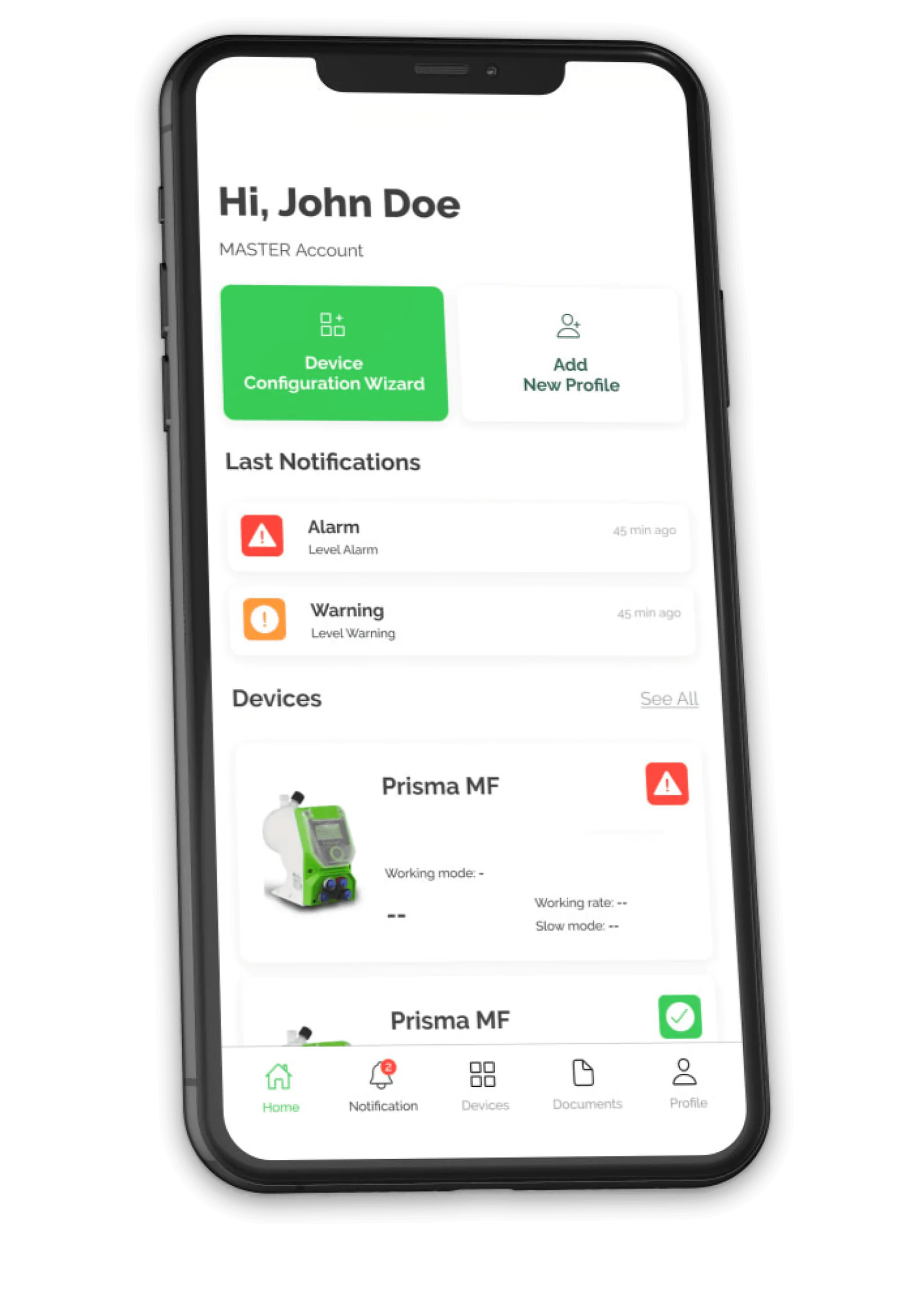
The Prisma pump supports two-way remote control: from the cloud portal, via Wi-Fi, settings can be changed, operation can be checked and alarms can be received; alternatively, the pump can be integrated into a PLC via Modbus RTU, or it can send a read-only 4/20 mA signal.
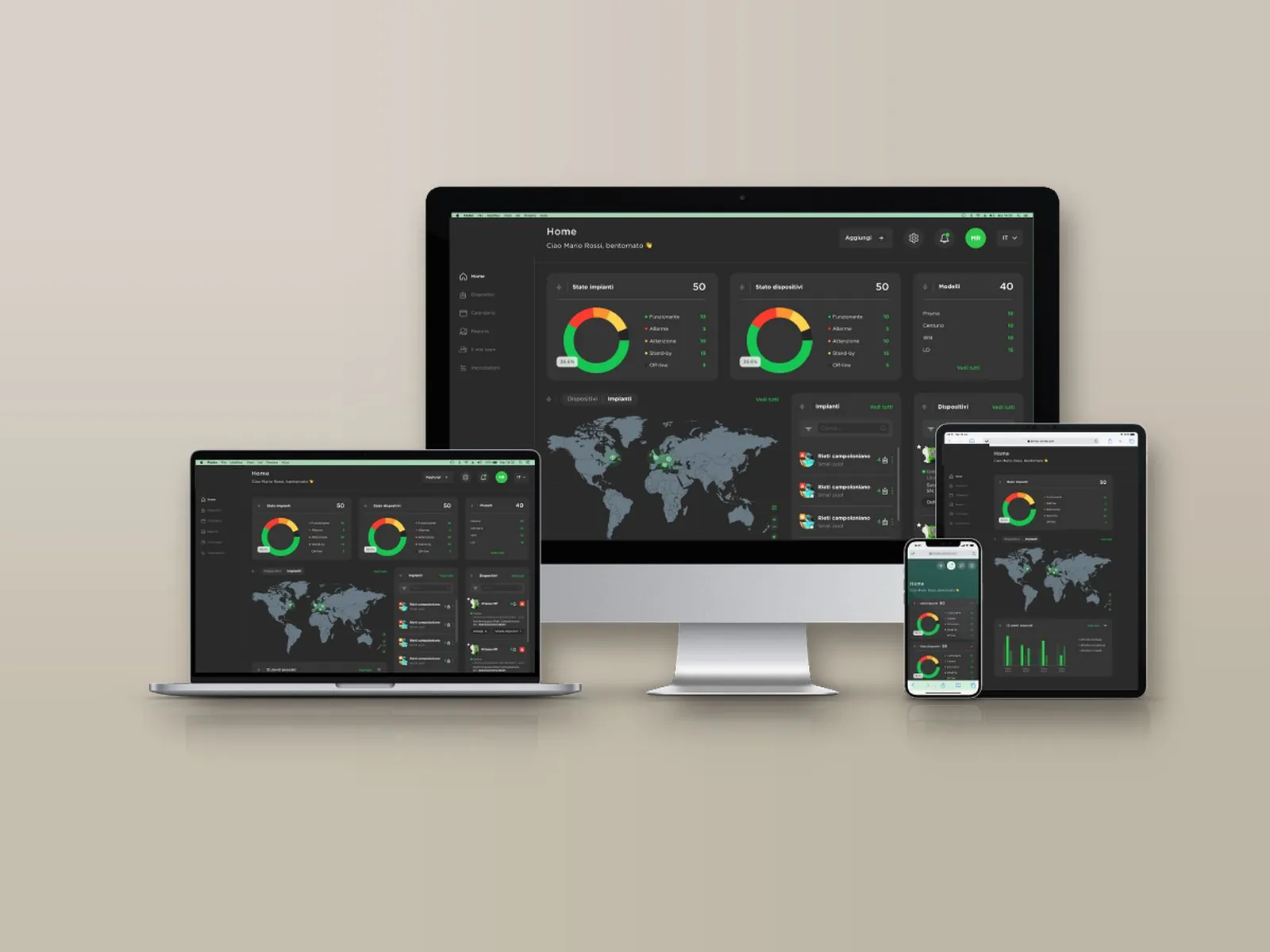
A single account brings together all registered installations, each with its own devices: the web portal, free of charge and with no subscription, can be accessed from PC, Mac, tablet and smartphone and allows every parameter to be both viewed and changed, with an encrypted connection and protected access.
Overview
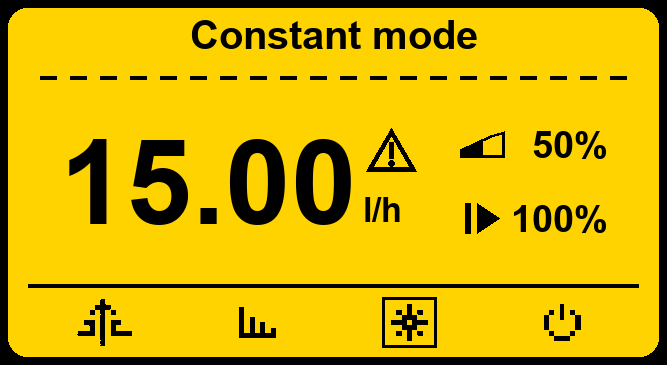
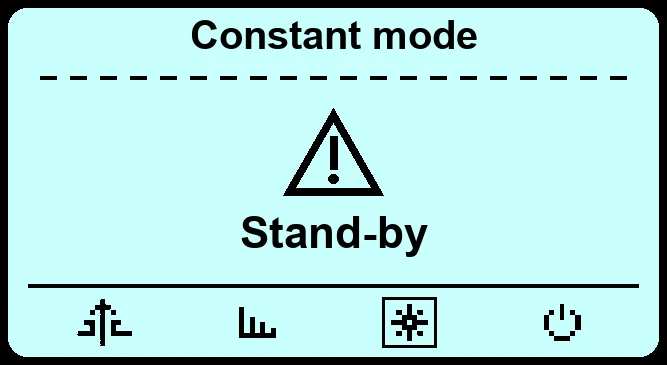
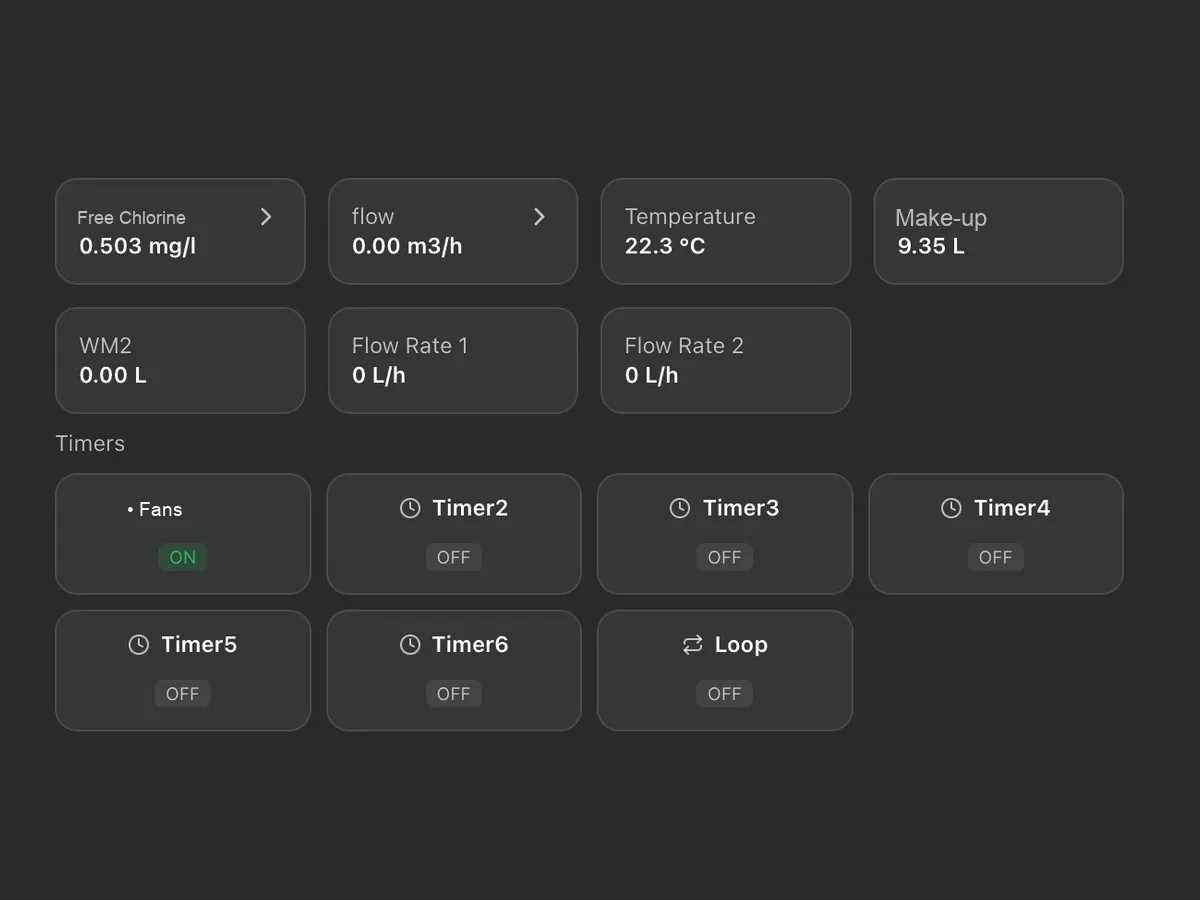
On a single screen: probe readings, chemical levels, pump activation thresholds and active alarms, with the status of installations and devices (normal, warning, alarm, standby, not connected).
Installation map
Installations appear on an interactive map with their status and open with a click; for each one, the local weather conditions and temperature are also shown.
History and charts
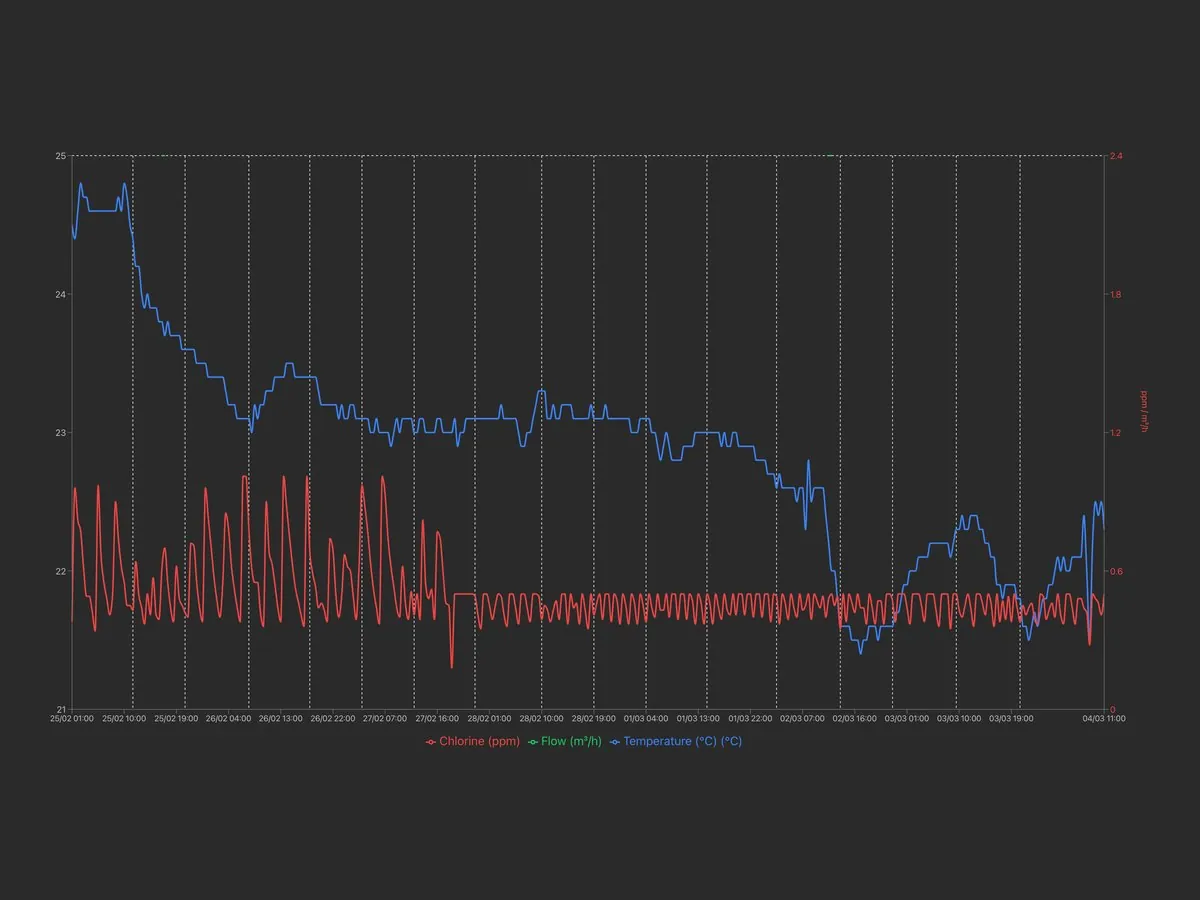
Archive of measurements and alarms, available for consultation at any time with charts and numerical reports exportable in Excel format.
Alarms and notifications
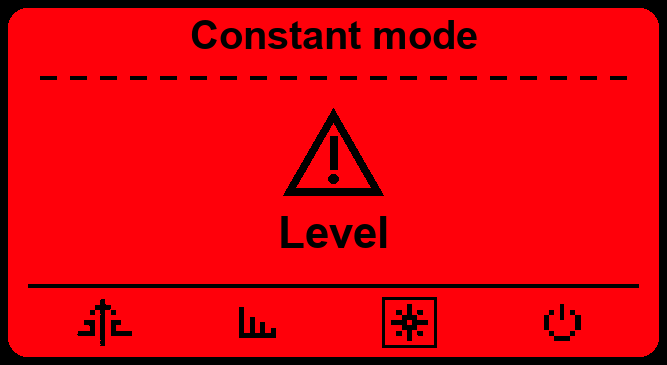
Alarm thresholds for readings, dosing, faulty probe and out-of-range readings, with notification by e-mail or SMS depending on the communication system; a warning is also issued when an installation remains disconnected beyond the set time.
Set points and dosing
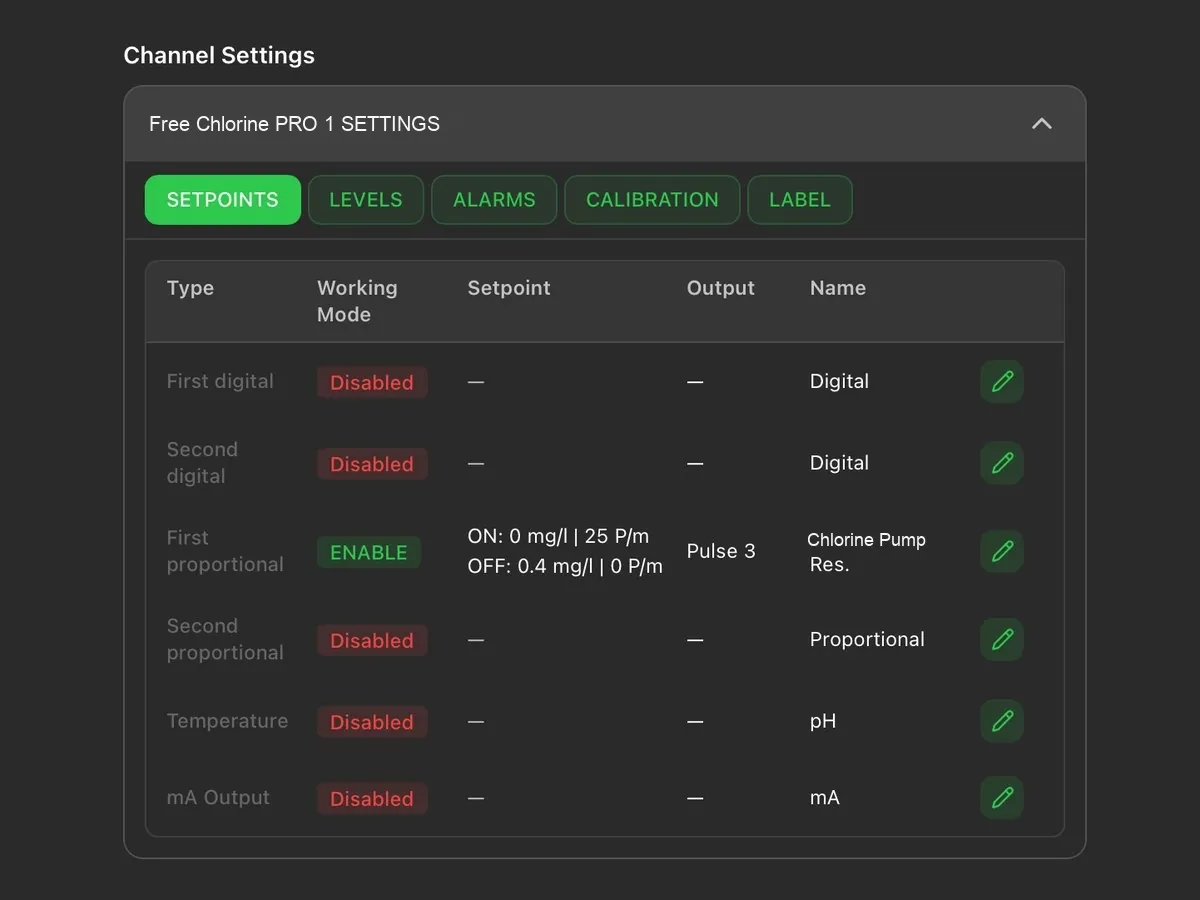
Remote modification of the set points, of the dosing pump activation thresholds and of the corresponding hourly flow rate.
Inputs and outputs
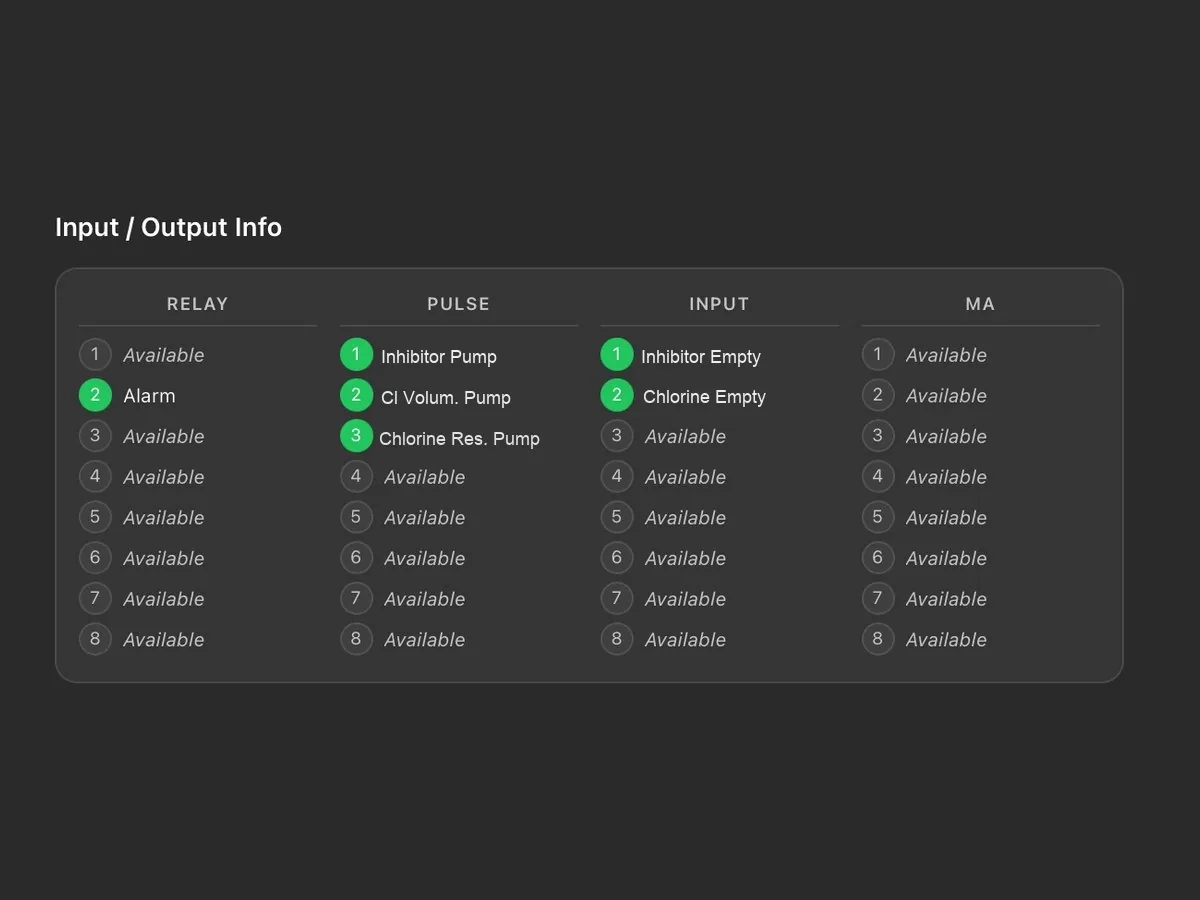
Status of relays, pulse outputs, digital inputs and current outputs, with the name assigned to each connection.
Maintenance calendar
Tasks are scheduled by installation or by device and assigned to technicians; a reminder is sent by e-mail two days before the due date. Each task is shown as scheduled, due, overdue or completed.
Team and permissions
The main account has full access and creates the technicians’ accounts, each enabled only for the assigned installations and devices; the last login and activity of each technician are visible.
Reports and activity log
Reports on devices, tasks and technicians, downloadable in PDF or CSV with the customer’s logo; the log keeps the history of operations and disconnections.
Customisation
Logo, main colour and light or dark theme; the tiles on the main screen can be rearranged by dragging them. Two installations can be displayed side by side for comparison.
Guided registration
Each device is added through a guided procedure: the model is recognised automatically and associated with the installation, together with the technician to be contacted.
PLC integration
As an alternative to the portal, the Modbus RTU or TCP/IP port allows integration into the plant supervision system.