Continuous measurement
The probe continuously detects the turbidity of the water in the tank or in the pipe.
Turbidity is a relevant parameter for drinking water, wastewater, process water and swimming pool water. The LDsETORB2 system measures it in NTU and, according to the set point, controls the motorised three-way valves that divert turbid water to the drain instead of sending it to the tank.
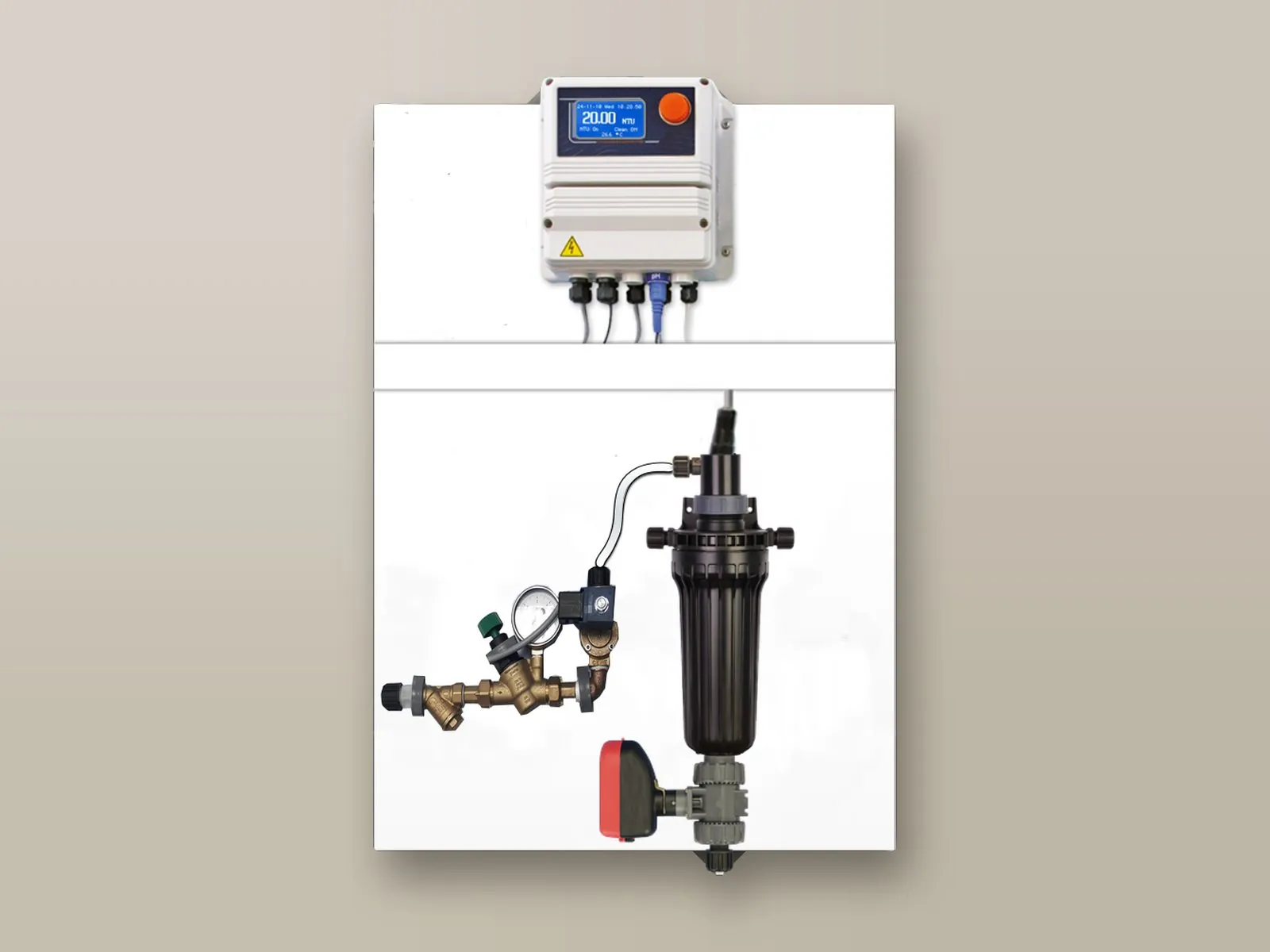
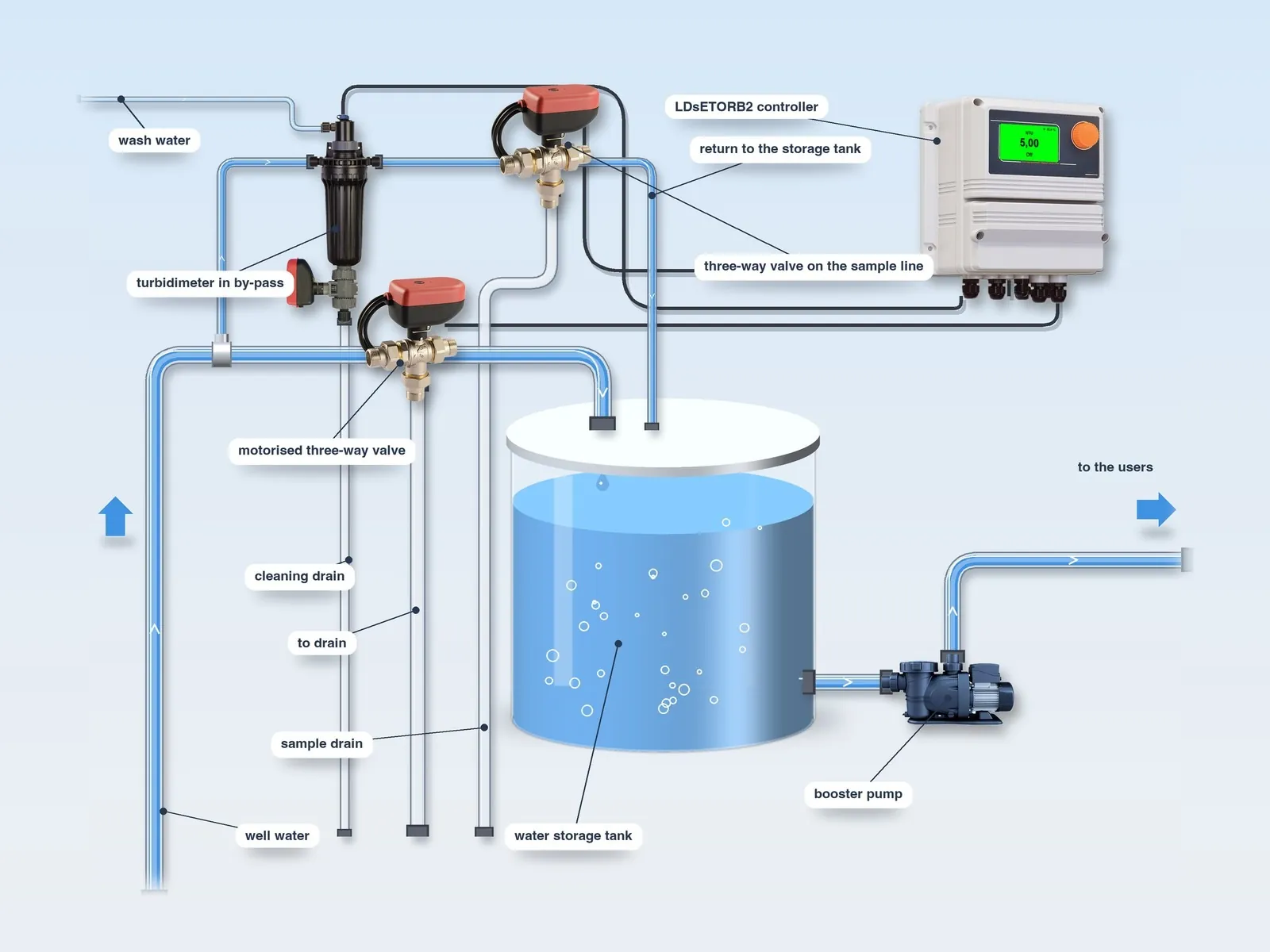
By-pass installation: the probe, in the flow-through probe holder on the supply pipe, analyses the incoming water. If the turbidity exceeds the set point, the motorised three-way valve on the supply diverts the water to the drain; a second three-way valve, on the sampling return, discharges the dirty sampled water instead of sending it back to the storage tank. The probe holder has a motorised drain valve for cleaning and, on its head, the connection for the probe wash water.
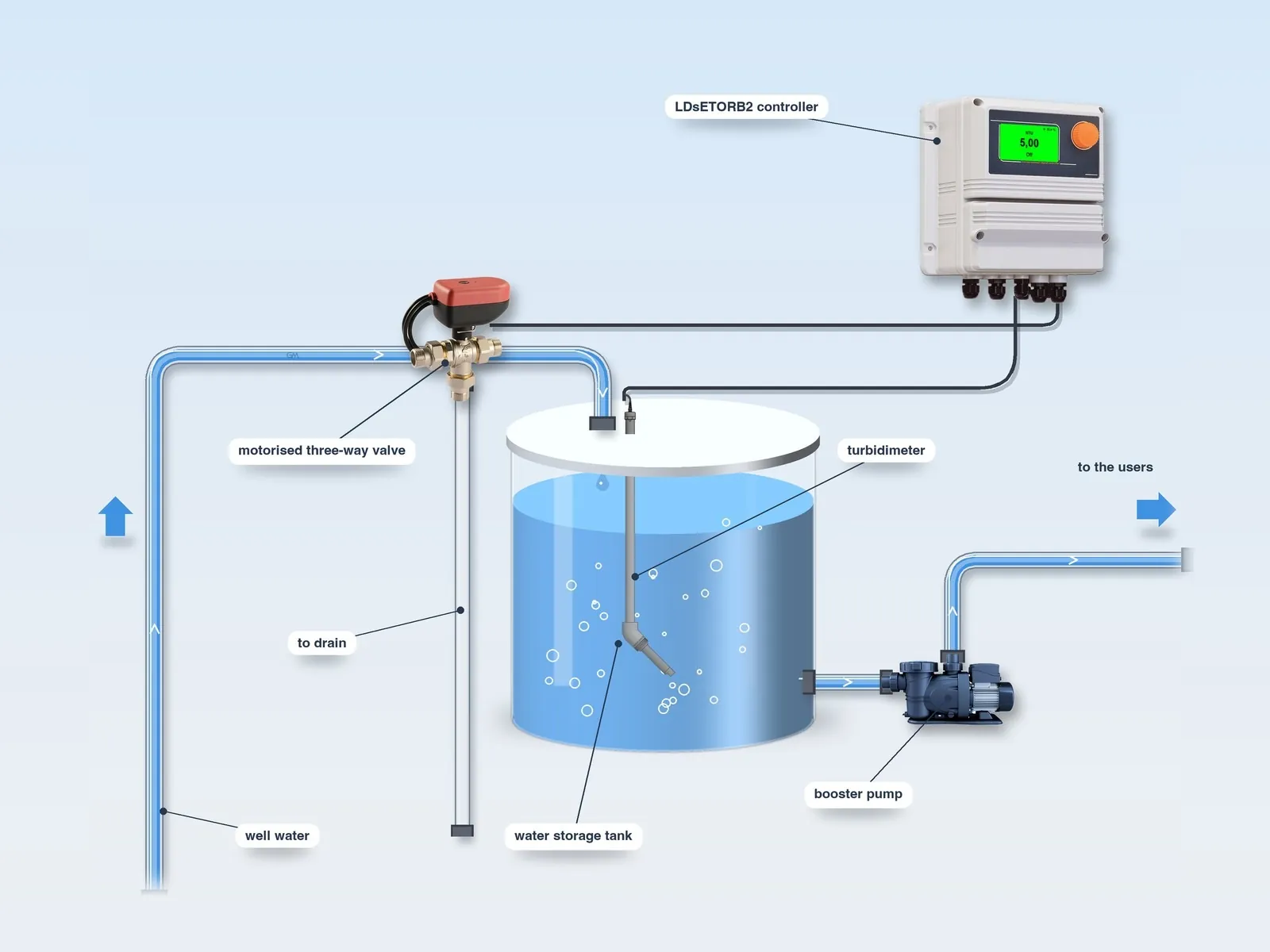
The probe continuously detects the turbidity of the water in the tank or in the pipe.
When the set point is exceeded, the controller switches the motorised three-way valve on the inlet line, which sends the turbid water to the drain instead of to the tank.
The valve stays in the drain position until the turbidity returns to the set value; the probe keeps analysing the incoming water.
Immersion installation is also possible: the probe is immersed directly in the storage tank and, when the set point is exceeded, the motorised three-way valve on the supply diverts the turbid water to the drain.
Raw water from wells and springs, private and from public water supply networks.
Insight: well water →Domestic water circuits.
Industrial process water.
Swimming pool water.
Municipal and industrial wastewater.
PVC body, sapphire glass optical window and integrated temperature sensor.
Nephelometric measurement with 90° NIR scattered light, compliant with the ISO 7027 and EN 27027 standards, with automatic temperature compensation.
Manually selectable range: 0/40, 0/400 or 0/4,000 NTU (resolution 0.01 – 0.1 – 1 NTU); maximum error ± 5%, repeatability within 2% of the reading.
A water jet (maximum 1 bar) cleans the optical window, with duration and frequency programmable from the controller.
The probe →| Value | |
|---|---|
| Range | 0/40 – 0/400 – 0/4,000 NTU, manually selectable |
| Resolution | According to the range |
| Maximum error | ± 5% |
| Repeatability | < 2% of the reading |
| Operating temperature | 0 – 40 °C (resolution 0.1 °C) |
| Maximum pressure | 2 bar |
| Cleaning pressure | Maximum 1 bar |
| Optics | Sapphire glass |
| Position | By-pass or immersion |
| ETORB2 | |
|---|---|
| Measuring range | 0/40 NTU – 0/400 NTU – 0/4,000 NTU |
| Measurement error | ± 5% of reading |
| Measuring system | NIR scattered light at 90°, nephelometric principle |
| Body | PVC |
| Optical window | Sapphire glass |
| Automatic compensation | Temperature |
| Self-cleaning | Yes (water jet, max 1 bar) |
| Operating temperature | 0 – 40 °C |
| Operating pressure | 2 bar |
In the flow-through probe holder, with motorised drain valve.
Probe holders →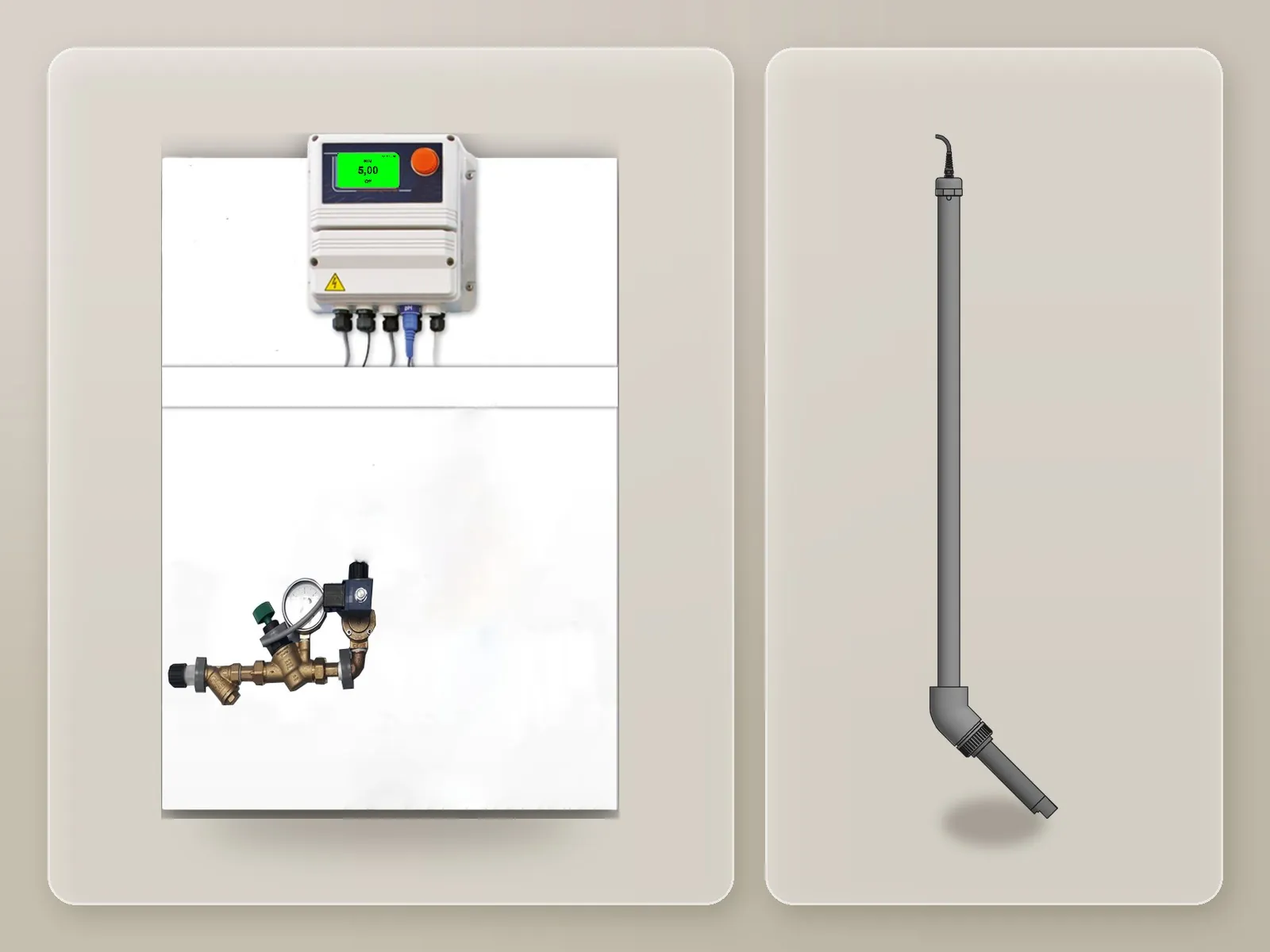
With the immersion probe holder, directly in the tank.
Probe holders →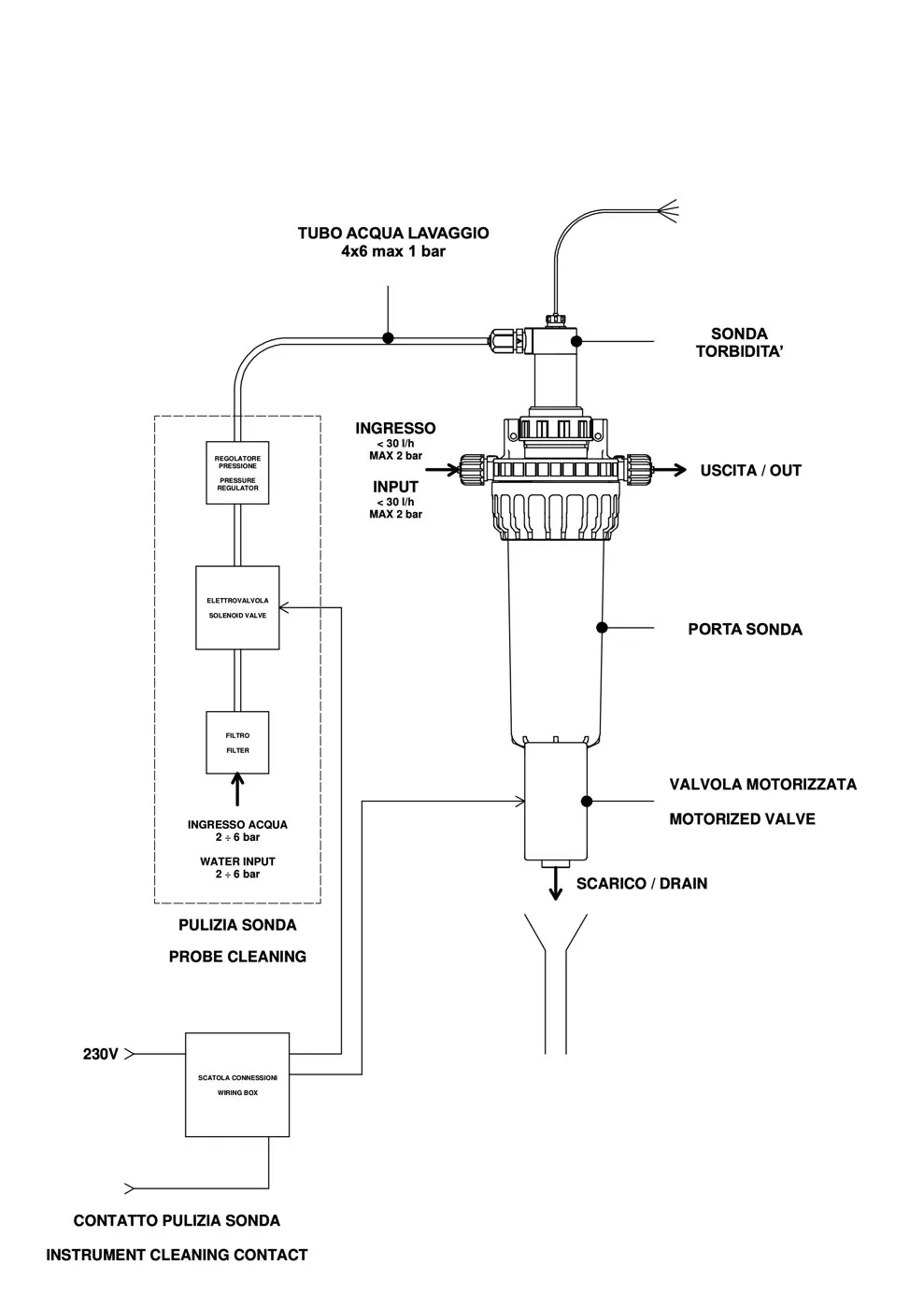
Water inlet and outlet, motorised drain valve and probe wash water (maximum 1 bar).
It acquires the measurement from the probe and drives the dosing pump in proportion to the value detected. It is supplied pre-assembled on a panel, ready for connection.
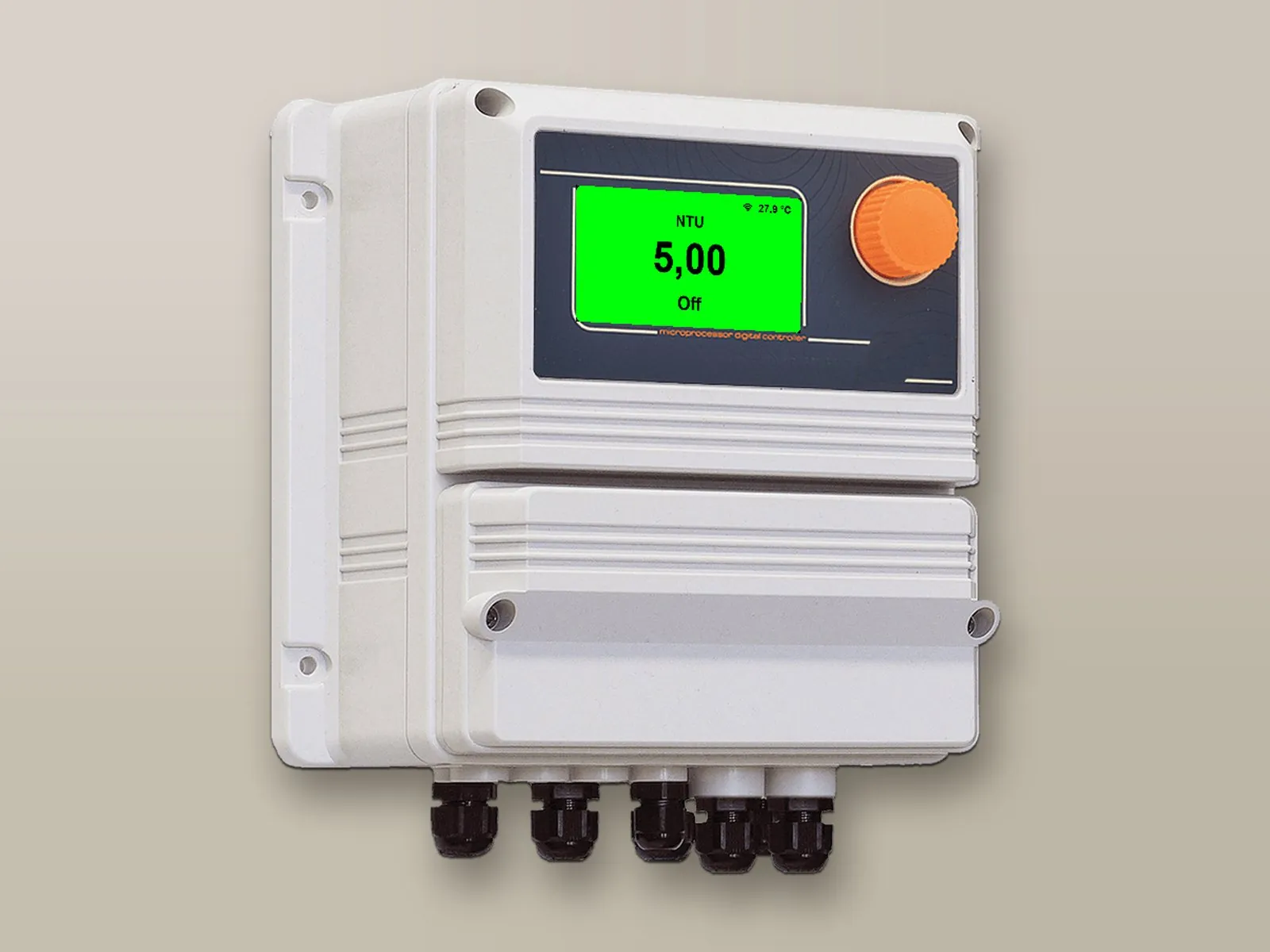
Multicolour backlit display that indicates the different operating states by changing colour. Programming via a single knob.
Proportional, ON/OFF, PWM and PID dosing, with delayed dosing start.
Permanent data storage and a system log viewable on the display; the internal log can be exported to a USB memory stick for processing with a spreadsheet.
Chemical level, no flow, maximum dosing time exceeded, probe failure, out-of-range reading; acoustic or visual signalling via the alarm output.
The dosing pump, with flow rate and back-pressure defined at the time of ordering, is connected to the pulse output (and/or 0-4/20 mA) and operates in proportional or ON/OFF mode. A pre-calibrated injection valve and a magnetic level probe with coaxial foot filter, which stops the pump when the chemical runs out, are supplied as standard.
By changing colour, the controller’s backlit display indicates the different operating states, which can be recognised even from a distance.

Measurement and dosing according to the set parameters.
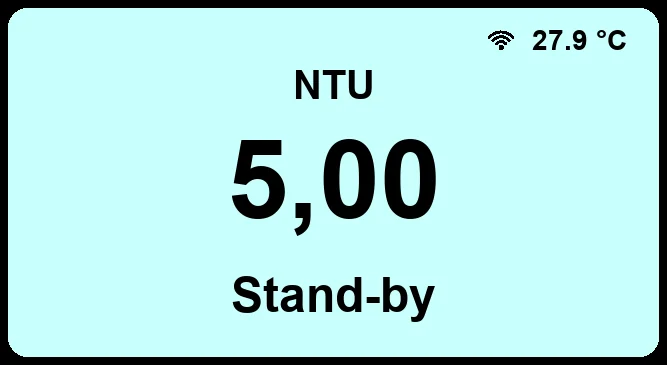
Controller in stand-by.
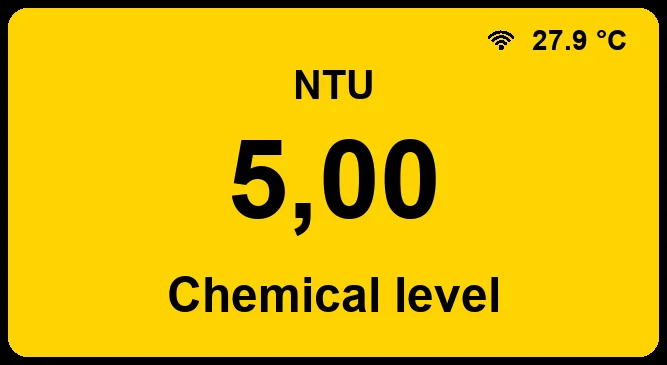
Warning signal, for example the chemical level.
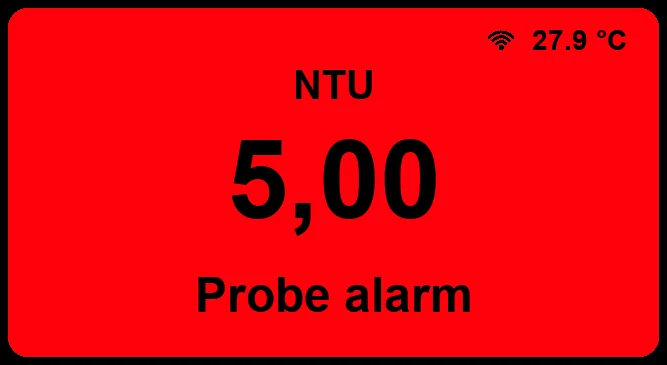
Alarm signal, for example from the probe.
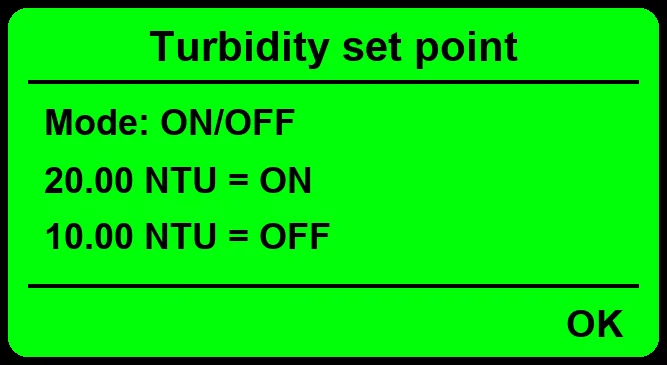
Inputs, outputs, control modes and alarms of the controller.
The controllers can be remotely controlled bidirectionally (read and write) from the web portal, from PC, tablet and smartphone: viewing of measurements, modification of set points, dosing and alarms, receipt of alarms and download of logs. Alternatively, integration into your PLC via Modbus is possible.
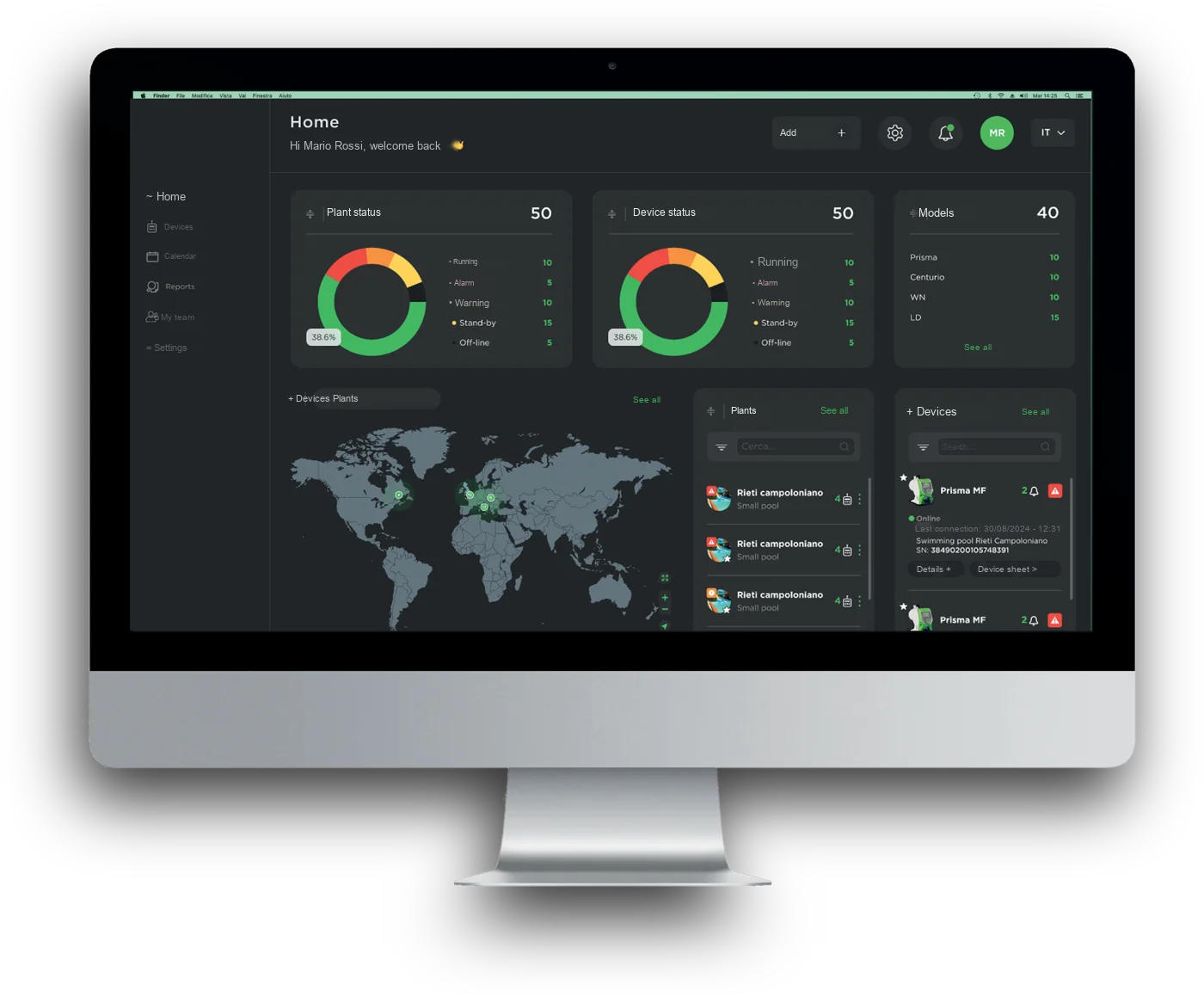
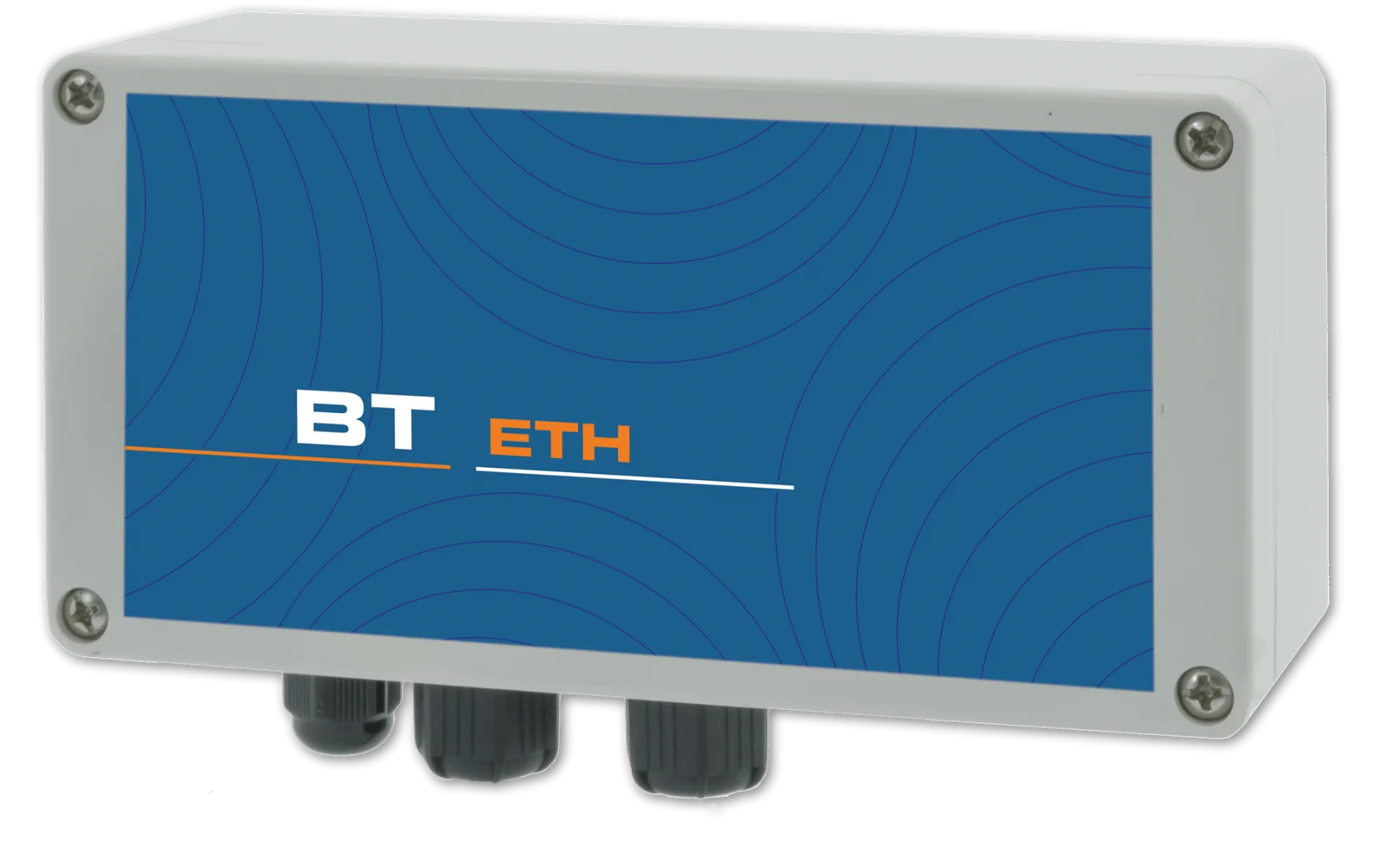
Connection to the web portal via network cable: measurements, set points, dosing and alarms accessible from PC, tablet and smartphone.
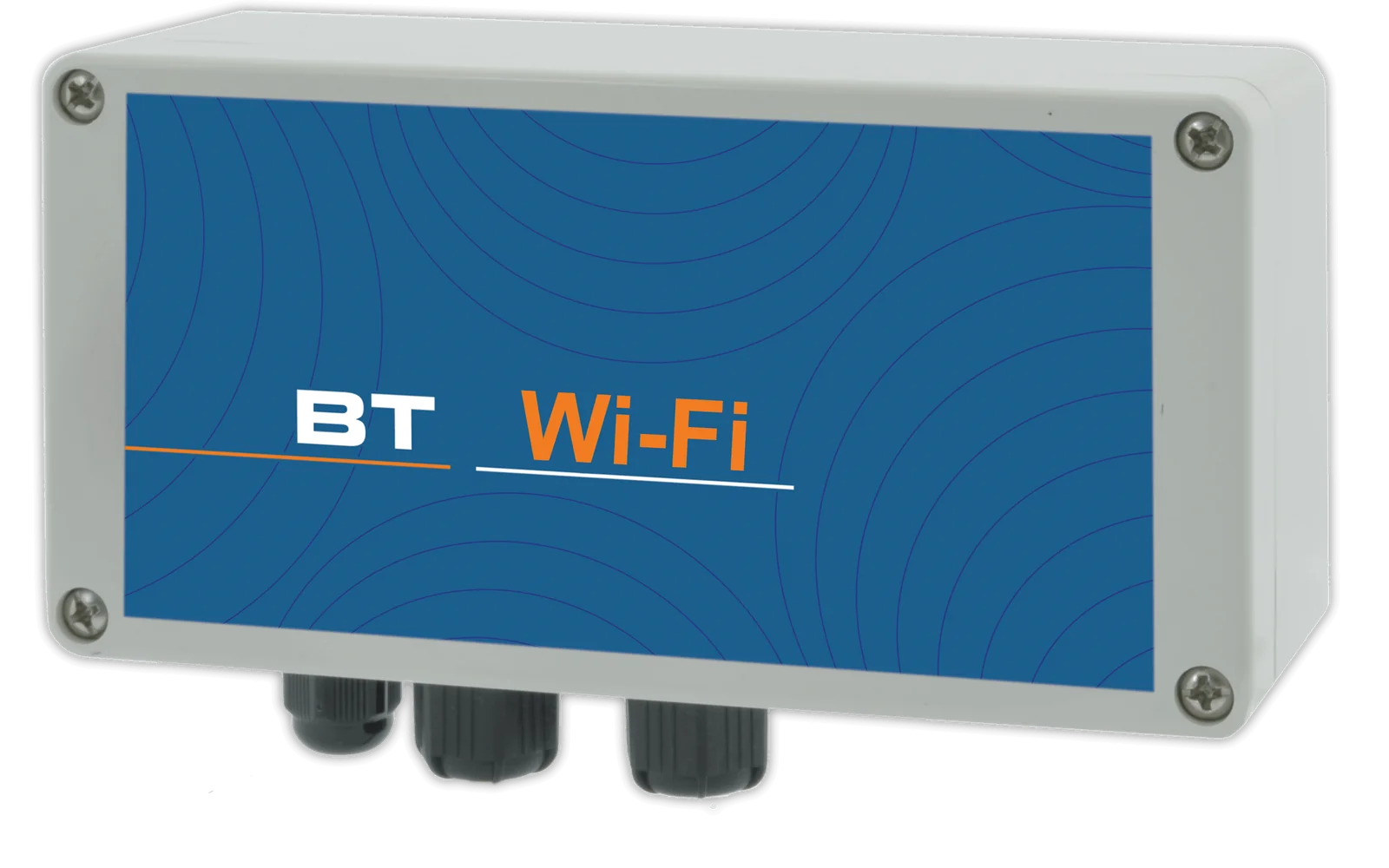
Wireless connection to the web portal, with the same functions as the cable connection.
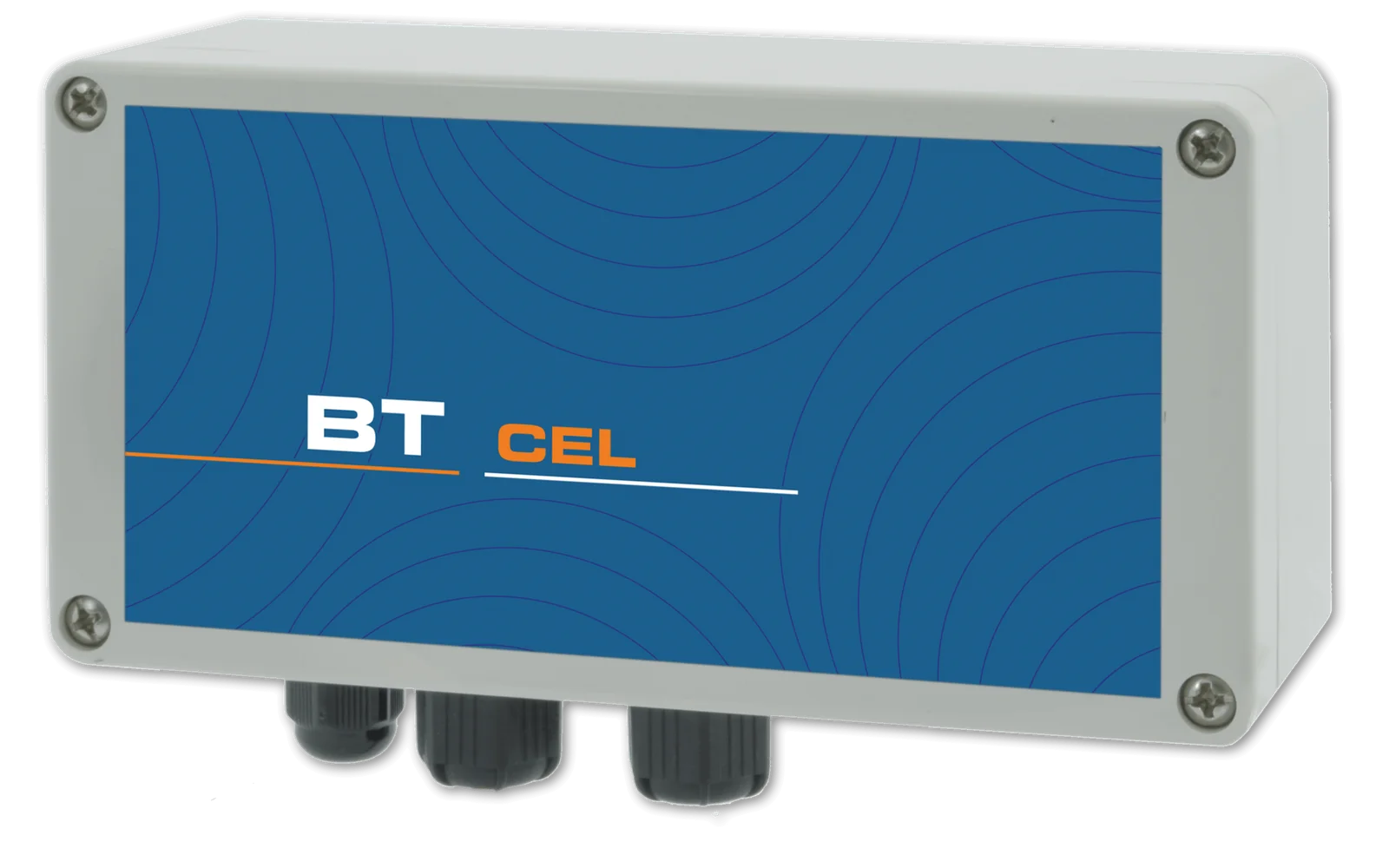
Connection via the cellular network for installations without a local network, with alarm notification by SMS or e-mail.
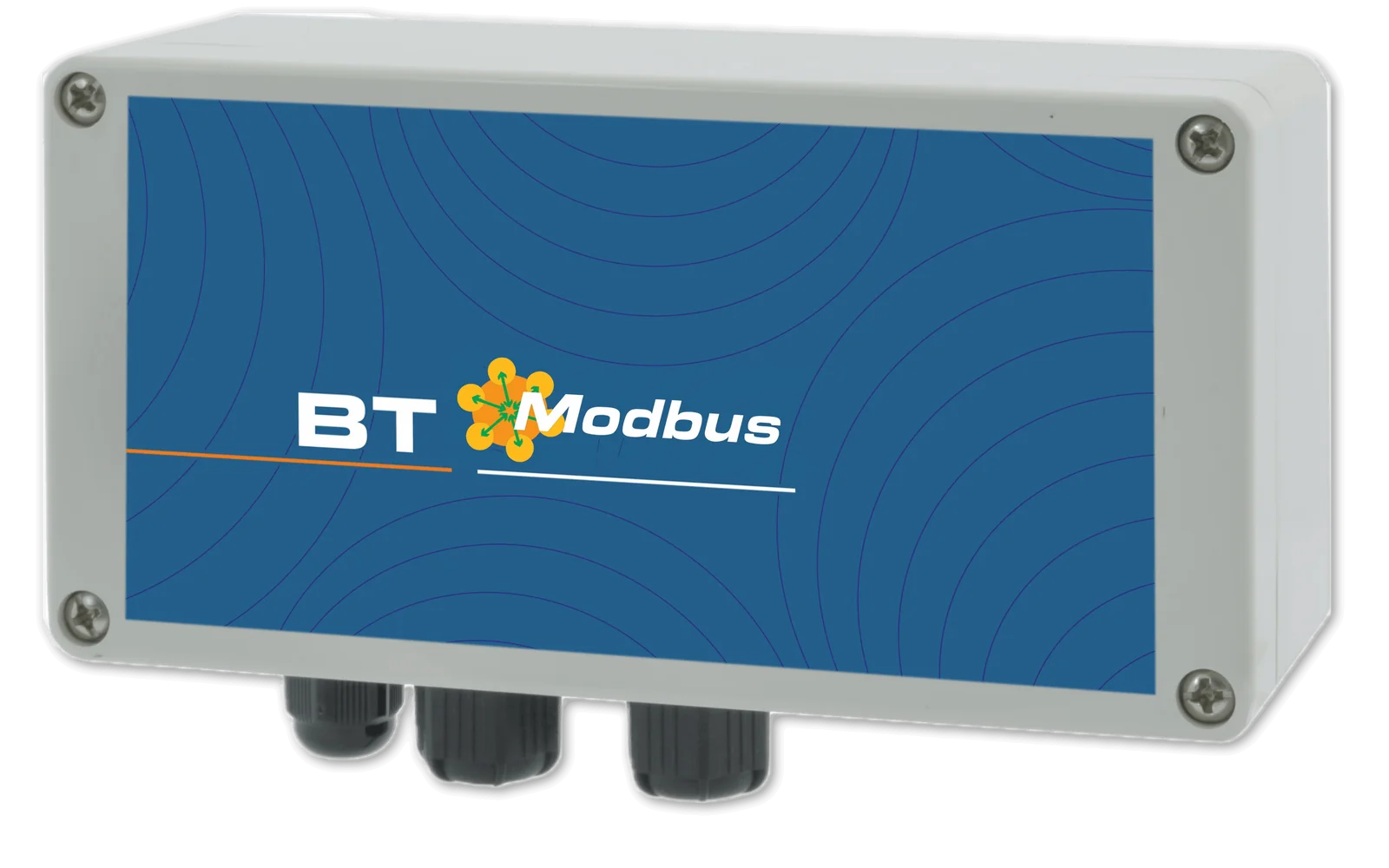
Integration into your PLC via serial port.

Current signal proportional to the measured value, for remote monitoring or for controlling pumps and other instrumentation.
One communication type at a time: Ethernet, Wi-Fi, 4G or Modbus RTU (built into the standard versions, optional on the PLUS versions). 4/20 mA outputs and meter input standard on the PLUS versions, optional on the standard versions.
A single account brings together all registered installations, each with its own devices: the web portal, free of charge and with no subscription, can be accessed from PC, Mac, tablet and smartphone and allows every parameter to be both viewed and changed, with an encrypted connection and protected access.
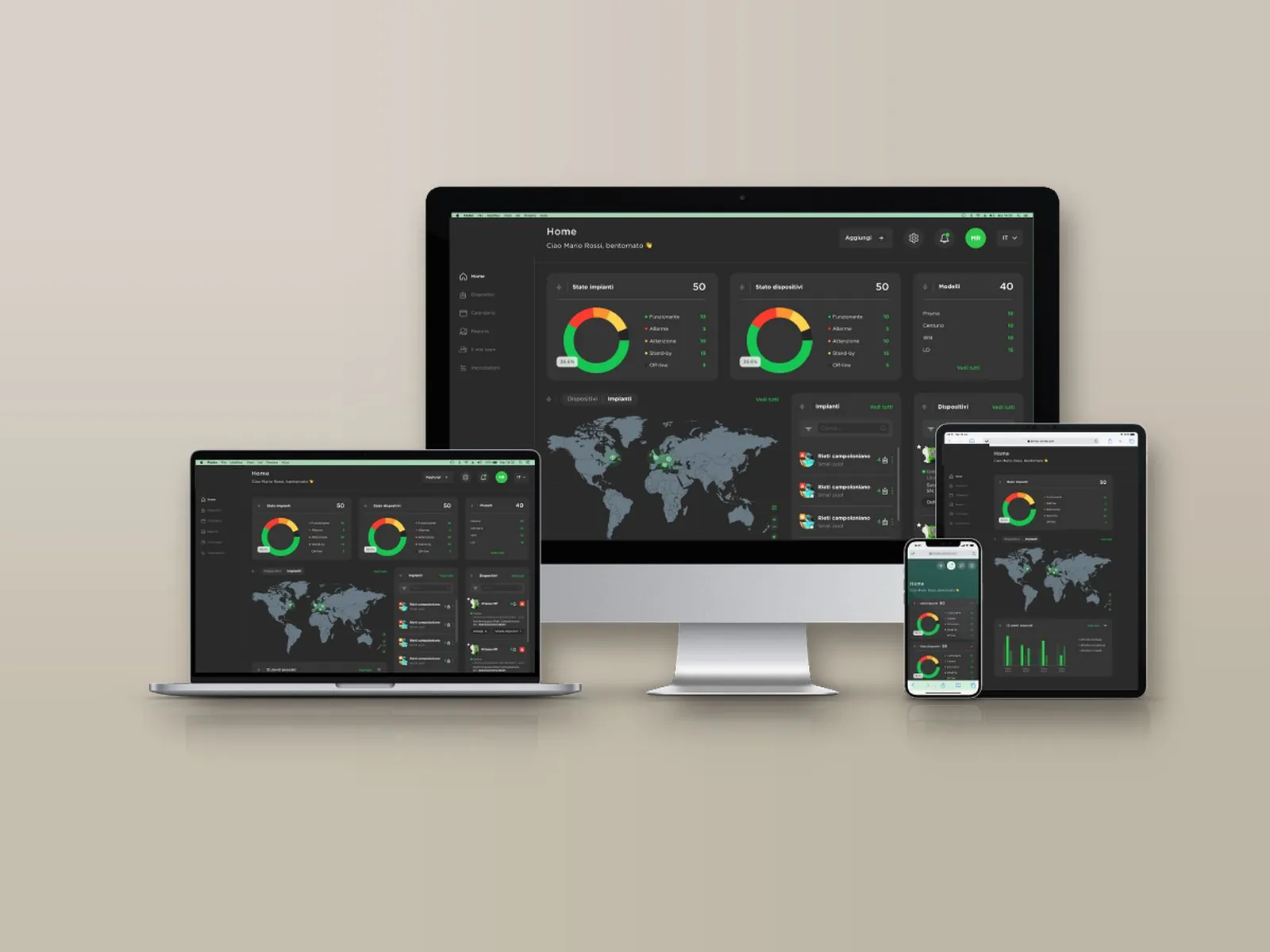
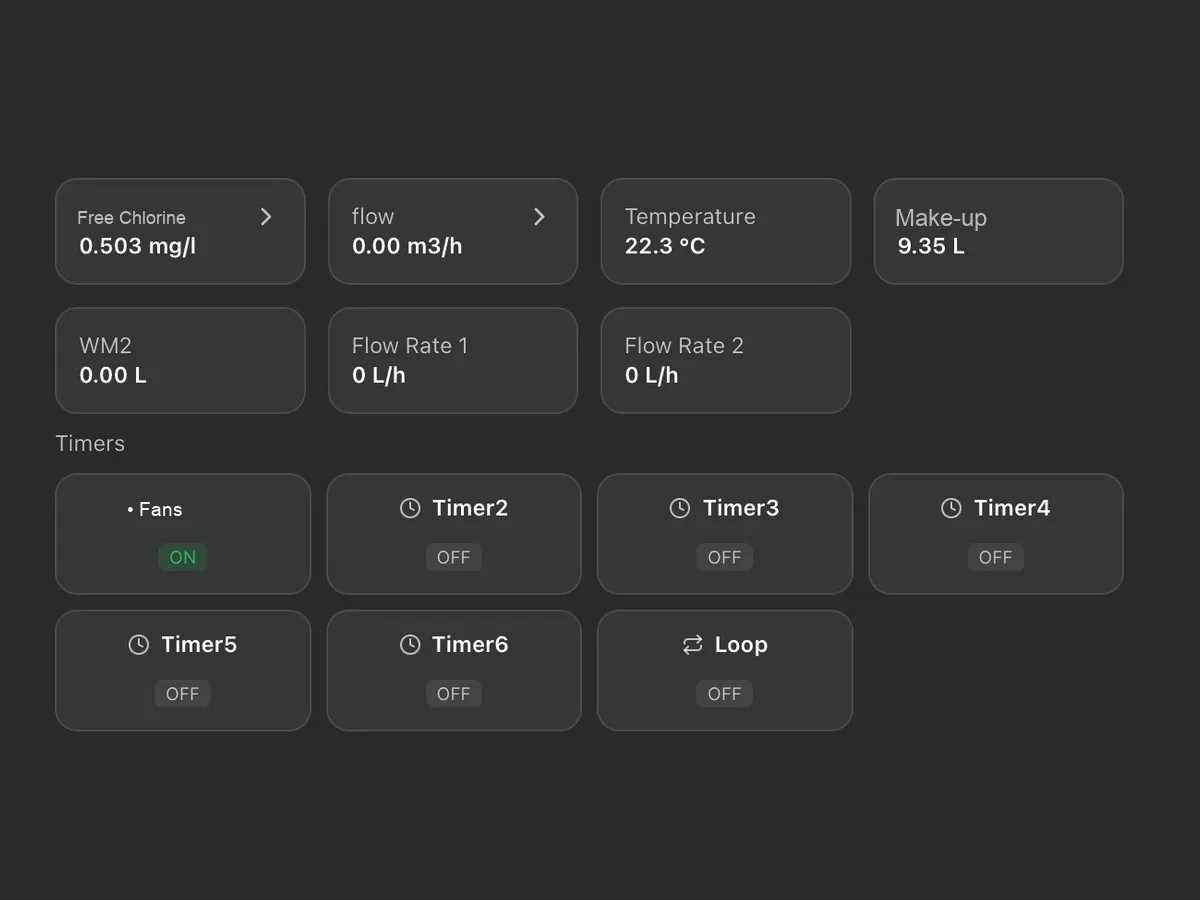
On a single screen: probe readings, chemical levels, pump activation thresholds and active alarms, with the status of installations and devices (normal, warning, alarm, standby, not connected).
Installations appear on an interactive map with their status and open with a click; for each one, the local weather conditions and temperature are also shown.
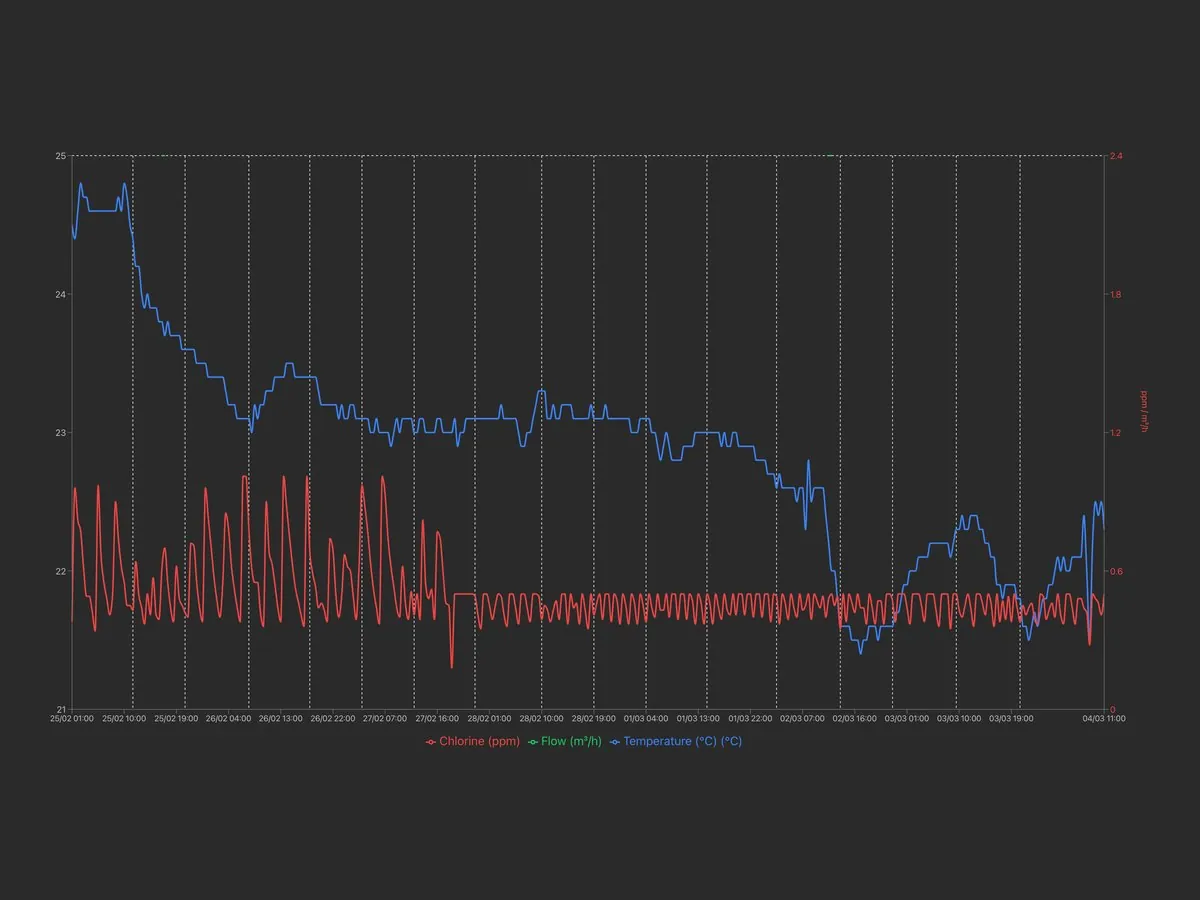
Archive of measurements and alarms, available for consultation at any time with charts and numerical reports exportable in Excel format.
Alarm thresholds for readings, dosing, faulty probe and out-of-range readings, with notification by e-mail or SMS depending on the communication system; a warning is also issued when an installation remains disconnected beyond the set time.
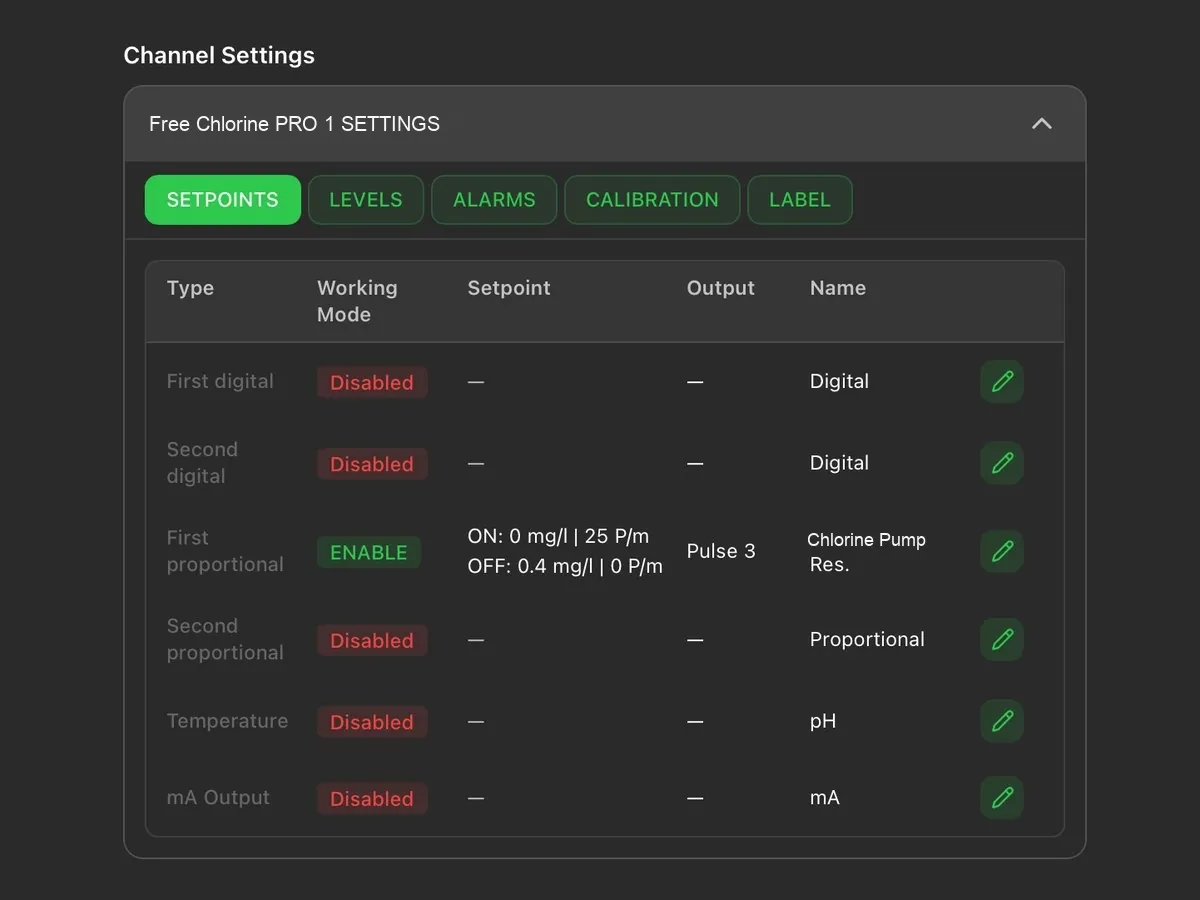
Remote modification of the set points, of the dosing pump activation thresholds and of the corresponding hourly flow rate.
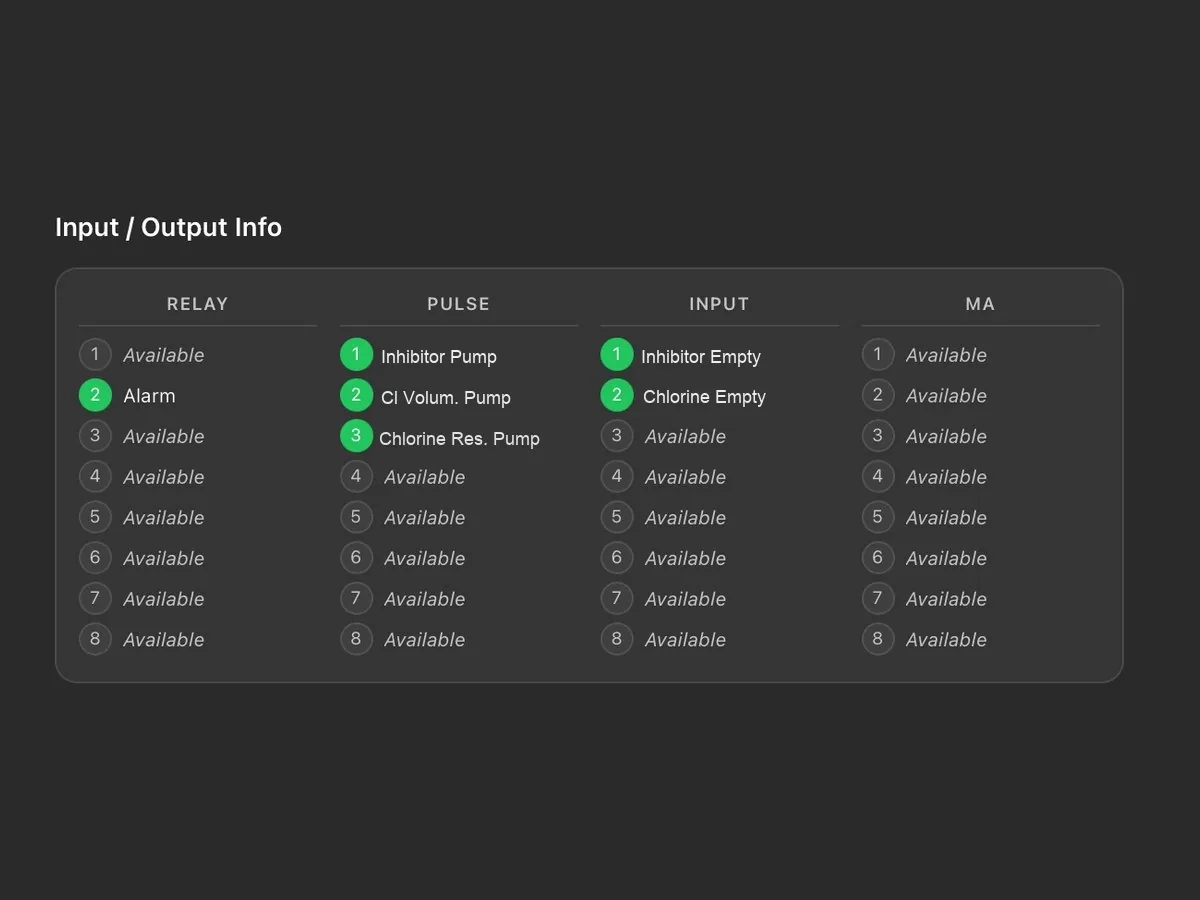
Status of relays, pulse outputs, digital inputs and current outputs, with the name assigned to each connection.
Tasks are scheduled by installation or by device and assigned to technicians; a reminder is sent by e-mail two days before the due date. Each task is shown as scheduled, due, overdue or completed.
The main account has full access and creates the technicians’ accounts, each enabled only for the assigned installations and devices; the last login and activity of each technician are visible.
Reports on devices, tasks and technicians, downloadable in PDF or CSV with the customer’s logo; the log keeps the history of operations and disconnections.
Logo, main colour and light or dark theme; the tiles on the main screen can be rearranged by dragging them. Two installations can be displayed side by side for comparison.
Each device is added through a guided procedure: the model is recognised automatically and associated with the installation, together with the technician to be contacted.
As an alternative to the portal, the Modbus RTU or TCP/IP port allows integration into the plant supervision system.
Tell us the type of water to be treated and the devices to be controlled: we will propose the most suitable installation, pumps and accessories.
Call or write to us: a technician will reply with a tailored proposal of controllers, pumps, probes and accessories.